


PluginLicenseRef-Attribution-NonCommercial-NoDerivatives-4.0-International
zEssentials
Ultimate Essentials Plugin to Revolutionize Your Minecraft Server!
6.3K
Downloads
24
Followers
1 months ago
Updated
📦
21
Versions
📖About zEssentials

Attention, this is a free version of zEssentials, you can use it but you must buy the paid version to get help!





Plugin Required:
- zMenu: zMenu Ultra Complete Menu Plugin
- PlaceholdersAPI: PlaceholderAPI
Download the latest zMenu DEV version on my Discord: Discord Link
Convert from other plugins:
- CMI /zess convert CMI
Features:
✅ Economies
✅ Teleportation
✅ Confirmation Inventories (for /pay and /tpa)
✅ Join and Quit messages
✅ JSON and MYSQL storage
✅ Open Source
✅ Support for multiple languages: French, English, and Italian
✅ All messages are configurable
✅ Folia Support
✅ MiniMessage Support
✅ Module system
✅ Warp (with GUI)
✅ Spawn
✅ Ability to disable each command
✅ Random Tp
✅ Home (4 display types)
✅ Sanction (ban, mute, kick, kickall)
✅ More than 130 commands
✅ Redis
✅ Chat Format
✅ Chat Histories
✅ Kits
✅ Holograms
✅ Scoreboard
✅ Mailbox for items
✅ Rules
✅ More than 35 placeholders
✅ Alignment placeholder (like MCC Island)
✅ Replace placeholder (replaces the result of a placeholder with another thanks to various conditions)
✅ Ultra complete documentation and default configuration, everything is explained correctly!
✅ Baltop
✅ Developer API
✅ Offline EnderSee and InvSee
✅ Create custom items
✅ Multiple message types: ACTION, CHAT, TITLE, CENTER, NONE, CHAT_AND_ACTION, WITHOUT_PREFIX
Chat Module
✅ Different rules of chat protection (alphanumeric, links, ItemsAdder font, same message, etc.)
✅ Dynamic cooldown: The faster the player writes, the longer the cooldown
✅ Clear and Toggle chat commands
✅ Chat format by permission
✅ Permission for mini message or color in chat
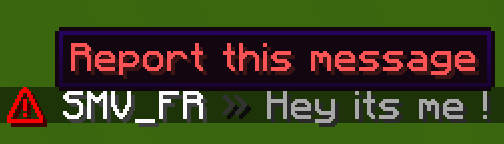
✅ Moderator actions on messages
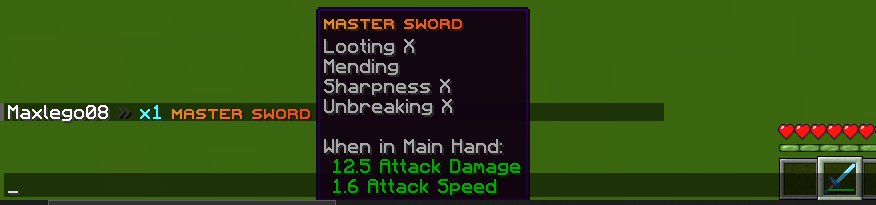
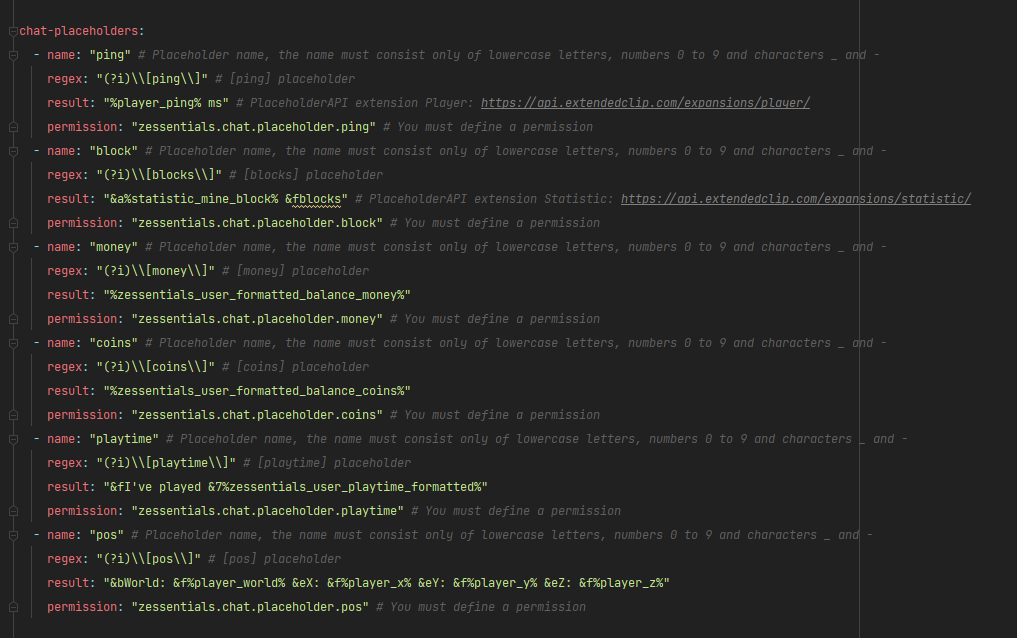
✅ Chat placeholders: [pos], [item], [playtime], and custom placeholders!
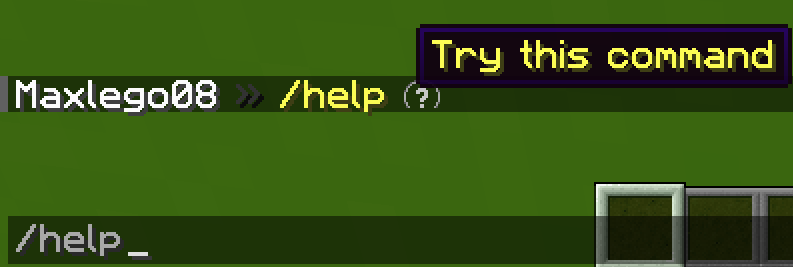
✅ Command placeholders: Replace ./ with a clickable command!
Images



Discord Module
✅ Chat Message
✅ Join Message
✅ Quit Message
✅ First Join Message
Images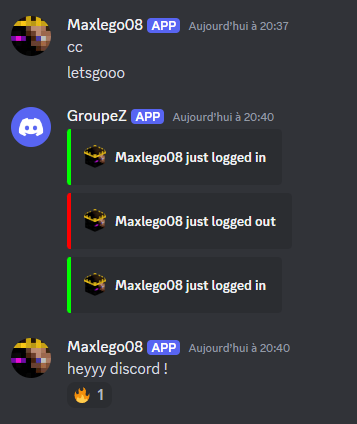
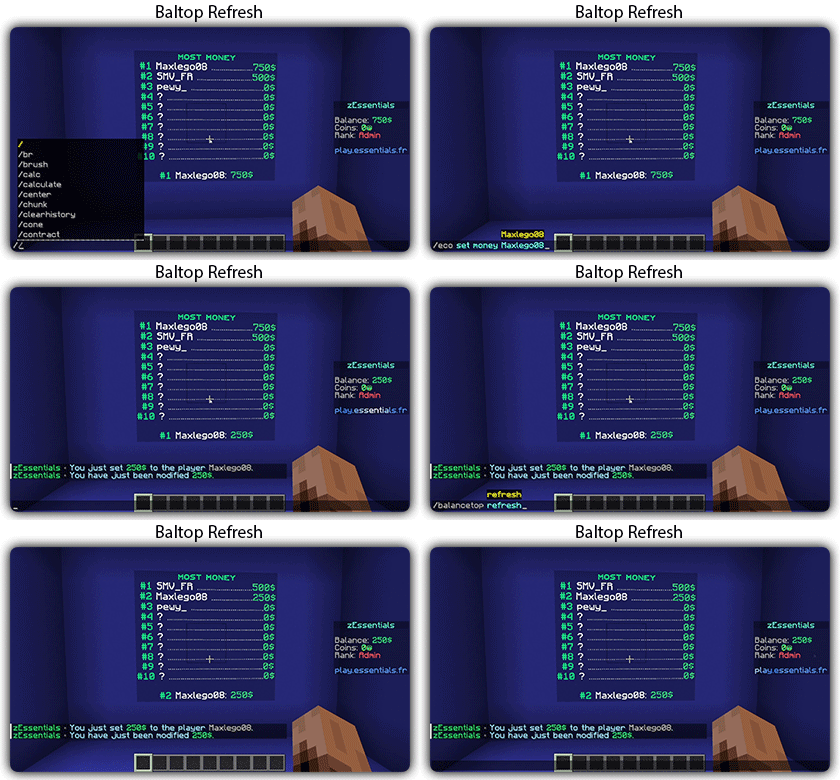
Economy Module
✅ Create multiple virtual economies
✅ Vault support
✅ Baltop (inventory and message)
✅ Several ways to display numbers
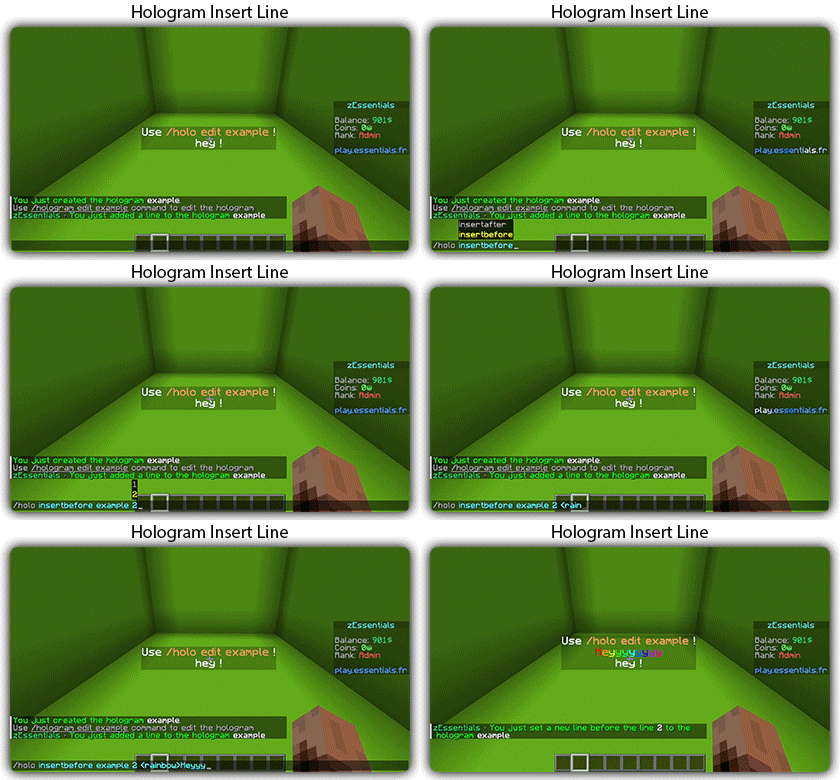
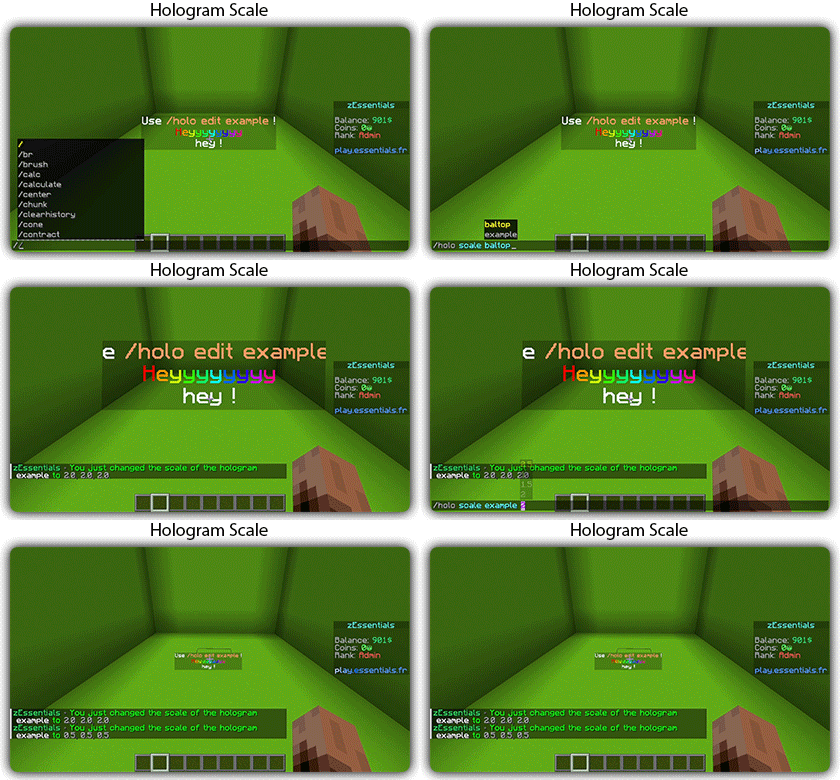
Hologram Module
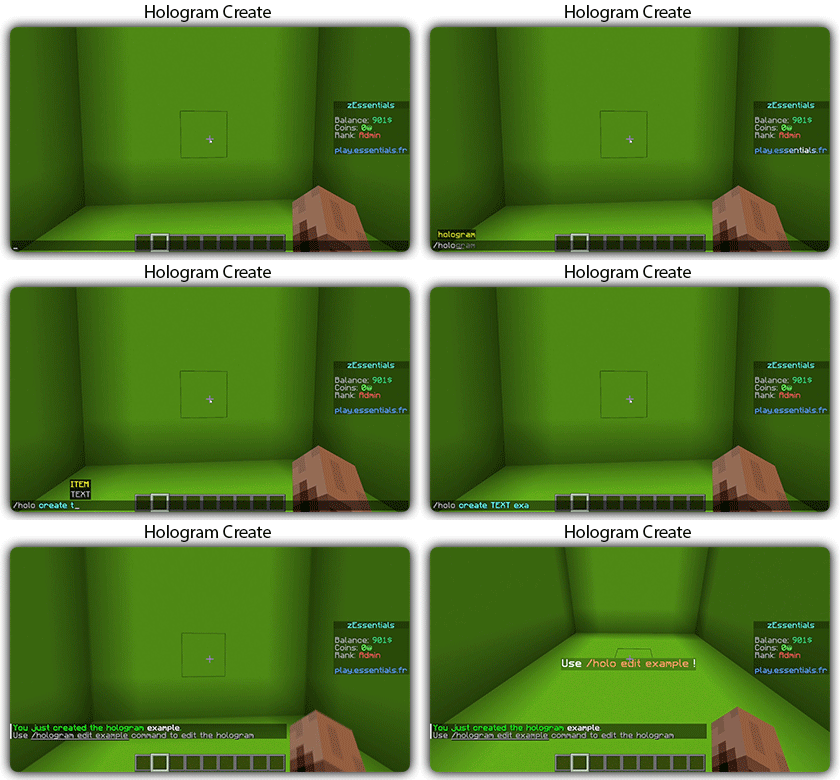
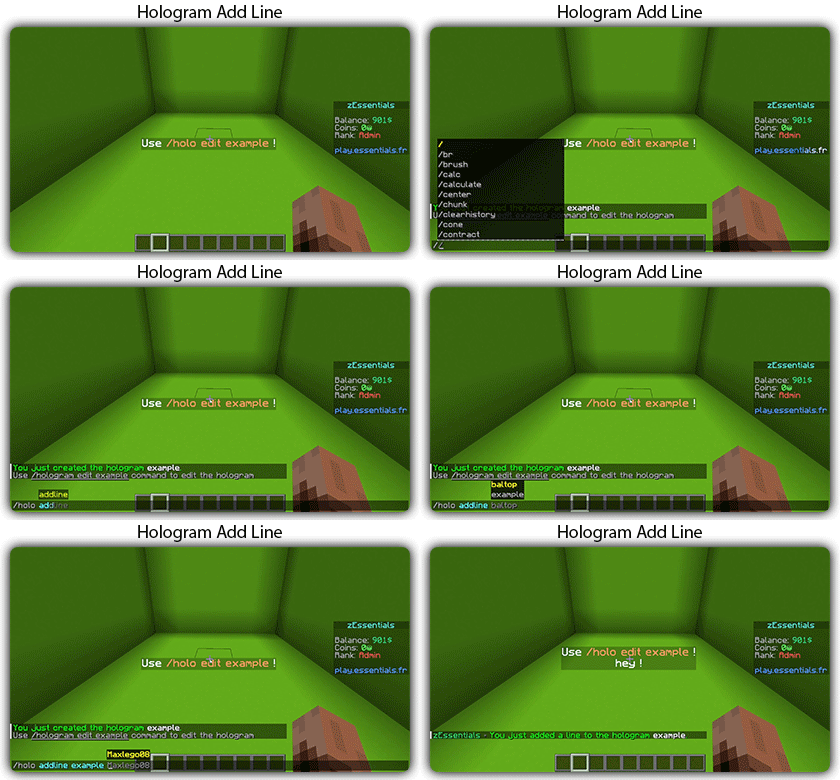
✅ Display Entities, Text, Item, and Block
✅ Packet-Based: All holograms are client-side (zEssentials takes care of everything, no other plugins needed)
✅ In-game editor: +20 commands to modify each element of your holograms
✅ Event System: Updates your holograms with events, no more lagging tasks
✅ PlaceholderAPI Support
✅ Damage Indicator
Homes Module
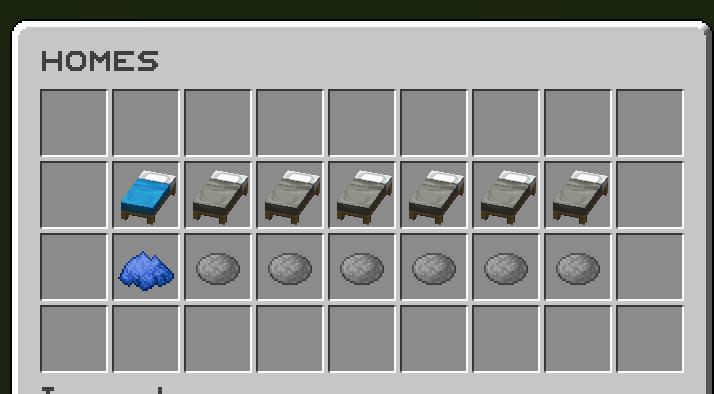
✅ 4 ways to display homes: inventory, like donutsmp inventory, inline message, multiline message
✅ Offline Support
✅ Homes Per Rank: Set the number of homes by permission
Images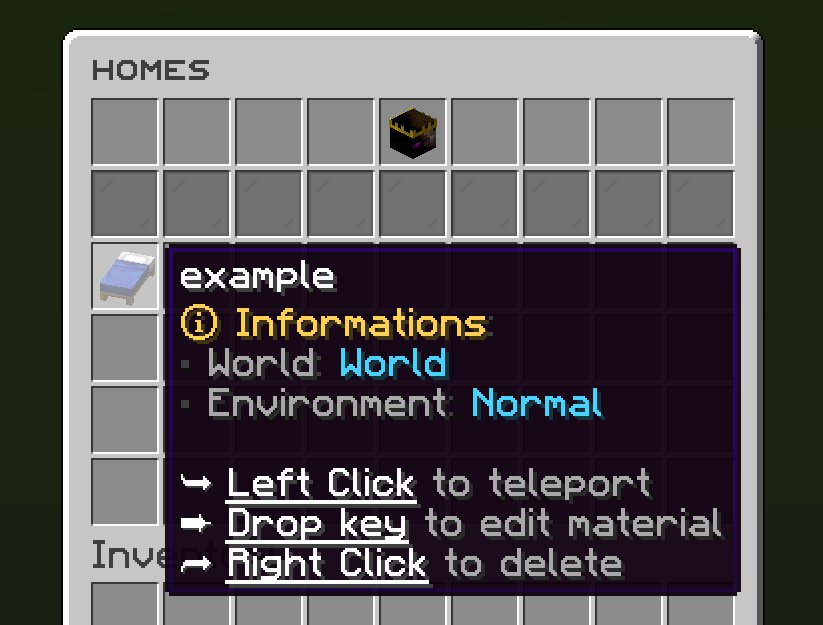



Items Module
✅ Create custom items: Use the /give or /giveall command for accessions
Images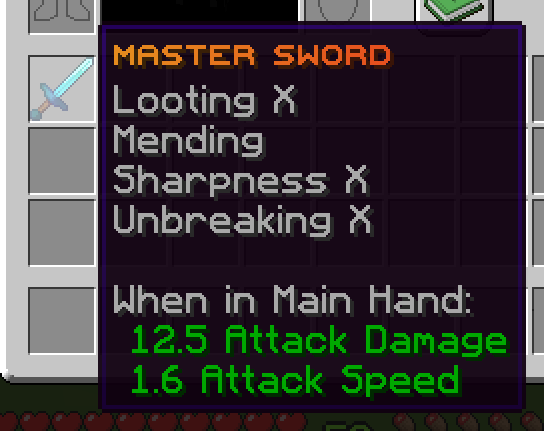

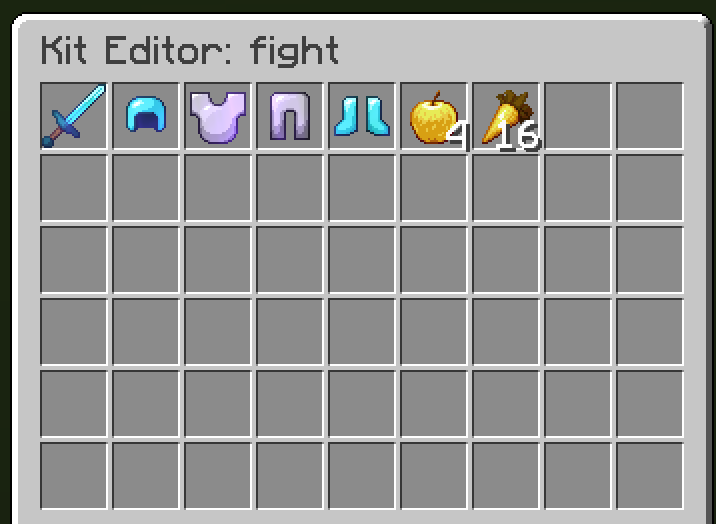
Kit Module
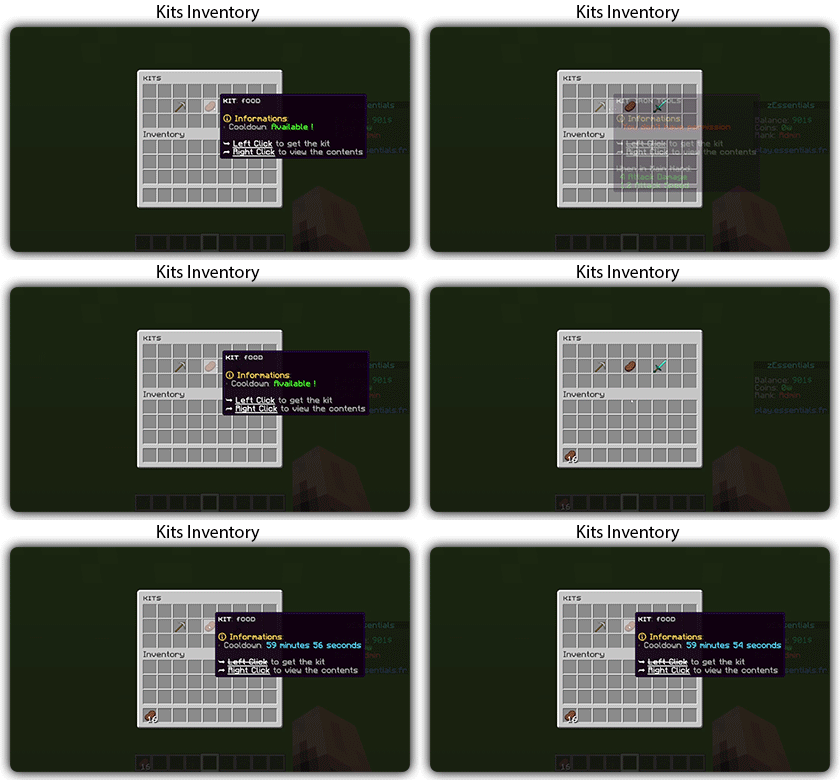
✅ Cooldowns: Set a time between each kit recovery
✅ Execute actions: Perform actions when a player gets the kit (commands, message, sound, etc.)
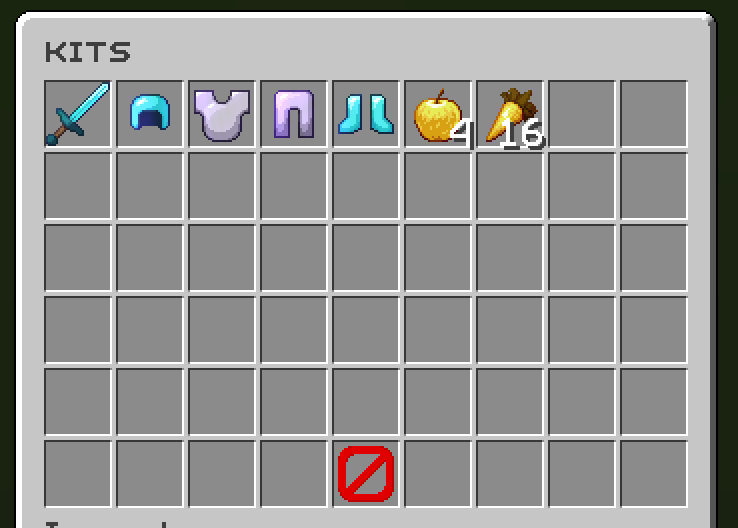
✅ GUI Driven: Edit, preview, and obtain kits via customizable inventories
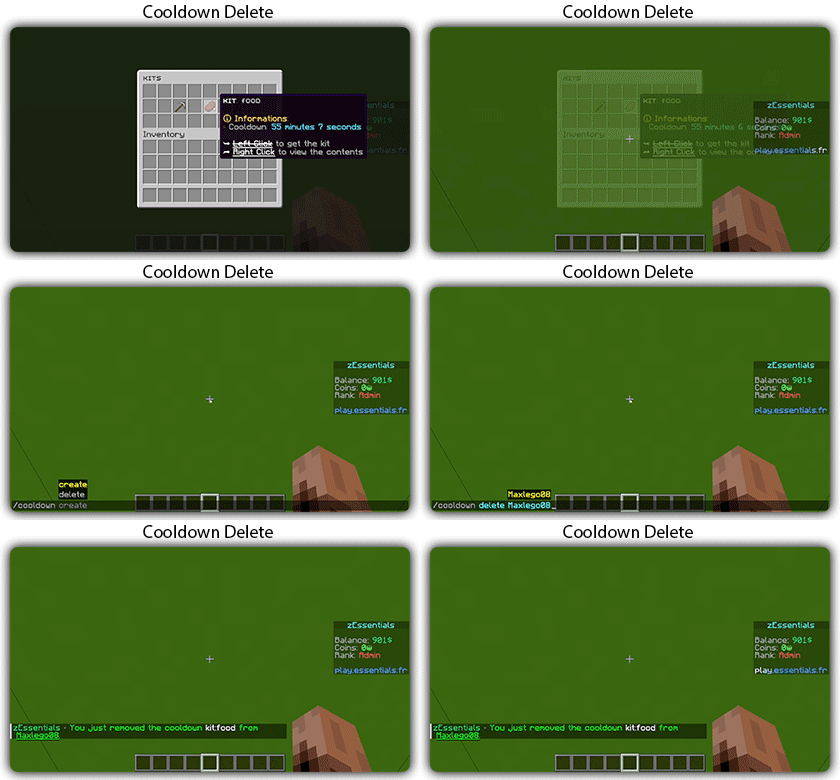
✅ Cooldown management: Use commands to manually add or remove cooldowns (not just for kits)
Mailbox Module
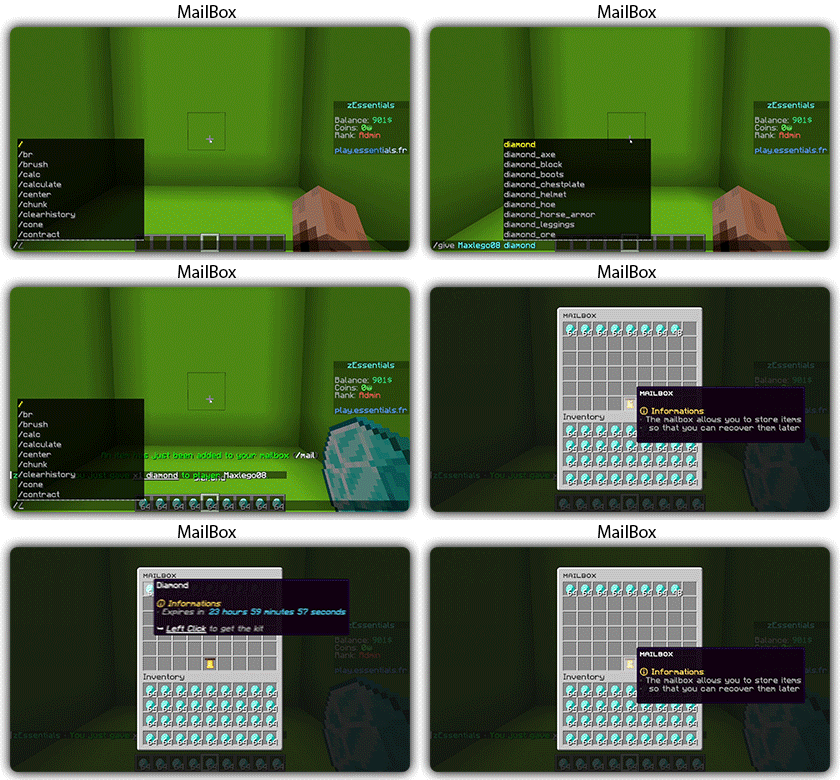
✅ Allows to store items; the player cannot add items to it, they can only remove them
✅ If the player's inventory is full, the items will end up in the mailbox
✅ A complete API for anyone to add items to the mailbox
Messages
✅ 7 message types: chat, action, without_prefix, none, center, bossbar, title
✅ Translated into multiple languages: English, French, Italian, German
✅ Send multiple messages at the same time
✅ MiniMessage support
✅ Custom placeholders: Define a placeholder list for your messages, such as <success> and <error>
Rules Module
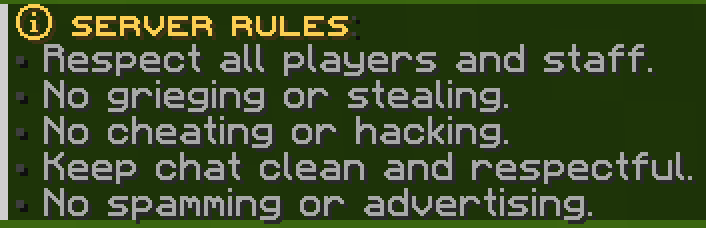
✅ Displays server rules either by message or in an inventory
Images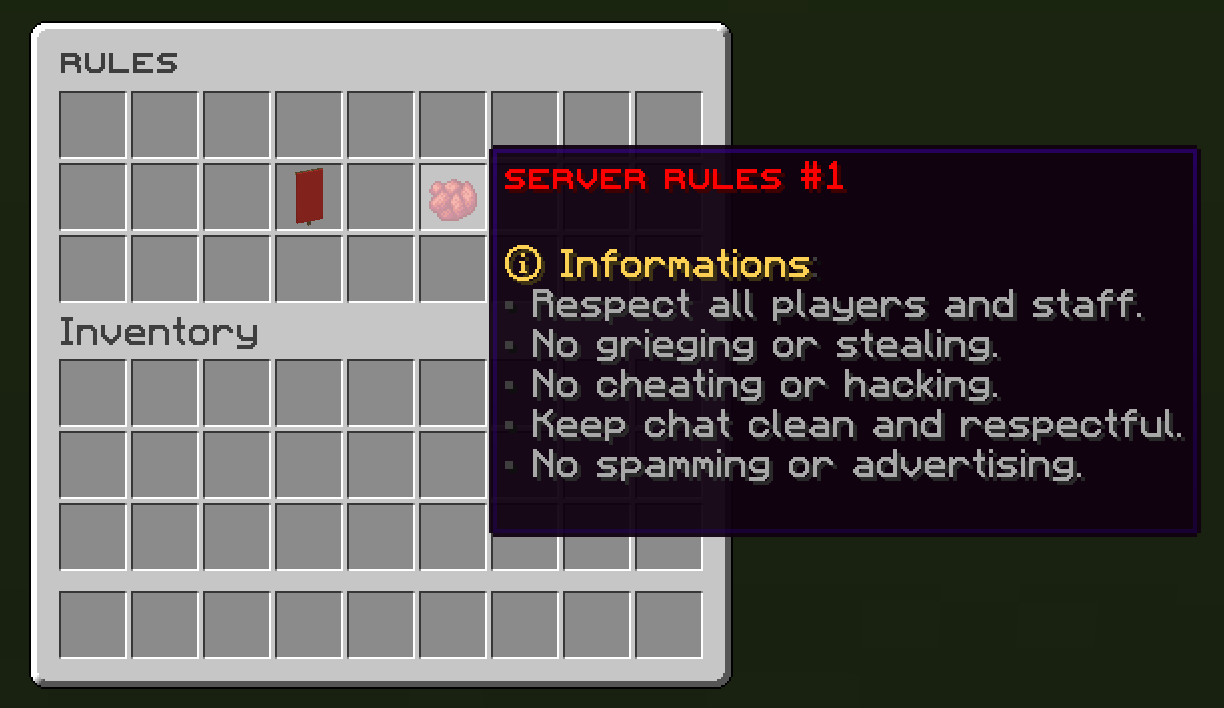
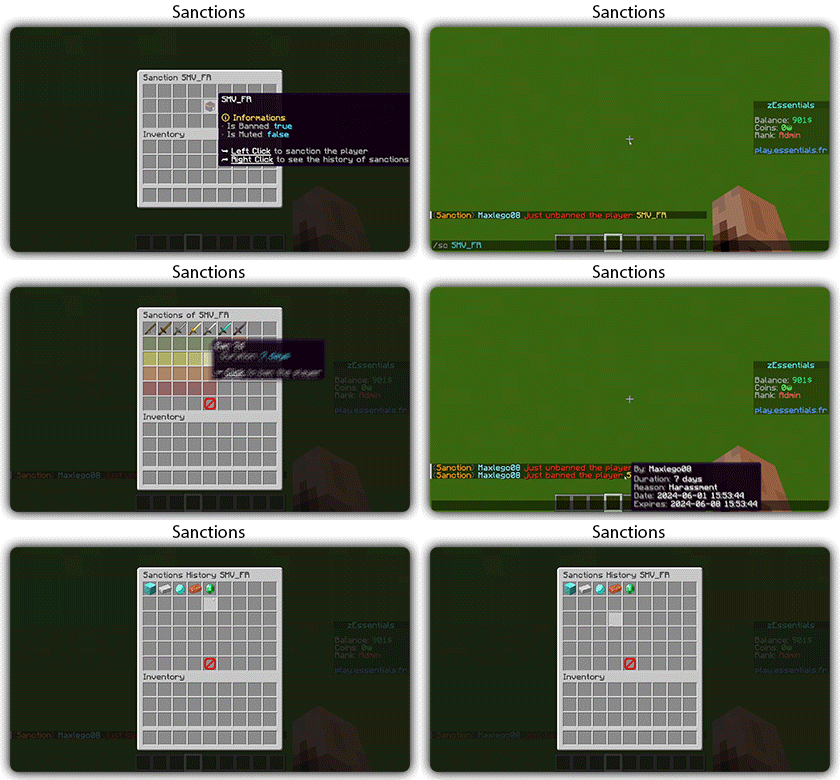
Sanction Module
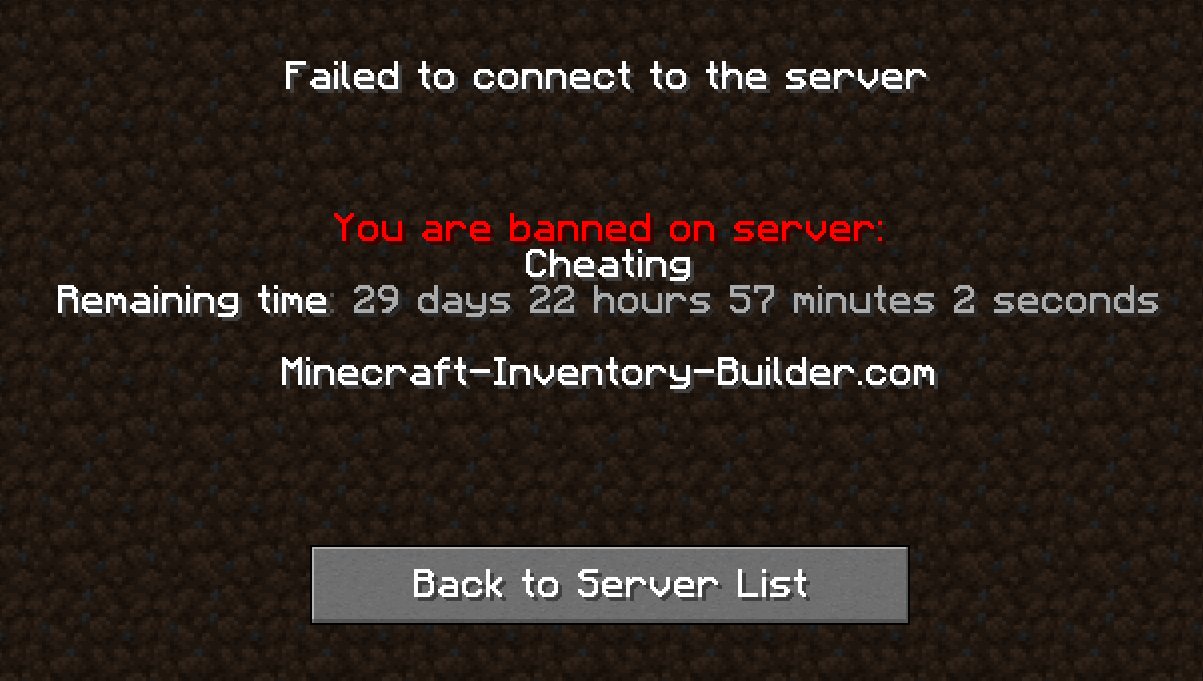
✅ 3 Punishment Types: Ban, Mute, and Kick
✅ Immune: A list of players immune to sanctions!
✅ Sanctions history
✅ Inventories: An inventory to display the player’s profile with active sanctions, an inventory to display the player’s sanctions history, and an inventory to apply a predefined sanction to the player

Scoreboard Module
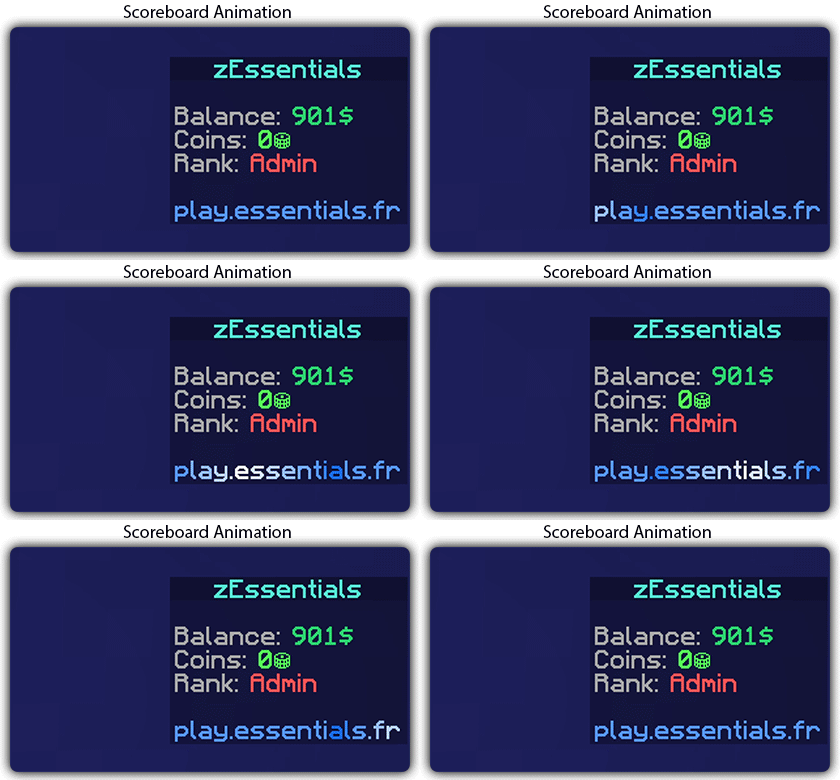
✅ Packet-Based: All scoreboards are client-side (no other plugins required, zEssentials handles everything)
✅ Event System: Updates your scoreboard with events, no more lagging tasks
✅ Animation: Create animations for your scoreboard
✅ Unlimited Length: Use as many characters per line as you want
✅ MiniMessage Support: Works perfectly with mini message formats
✅ Scoreboard Commands: Player command to toggle scoreboard display
✅ Custom board: Create unlimited scoreboards using zMenu requirements (permission, placeholder, regex, LuckPerms, etc.)
✅ PlaceholderAPI Support
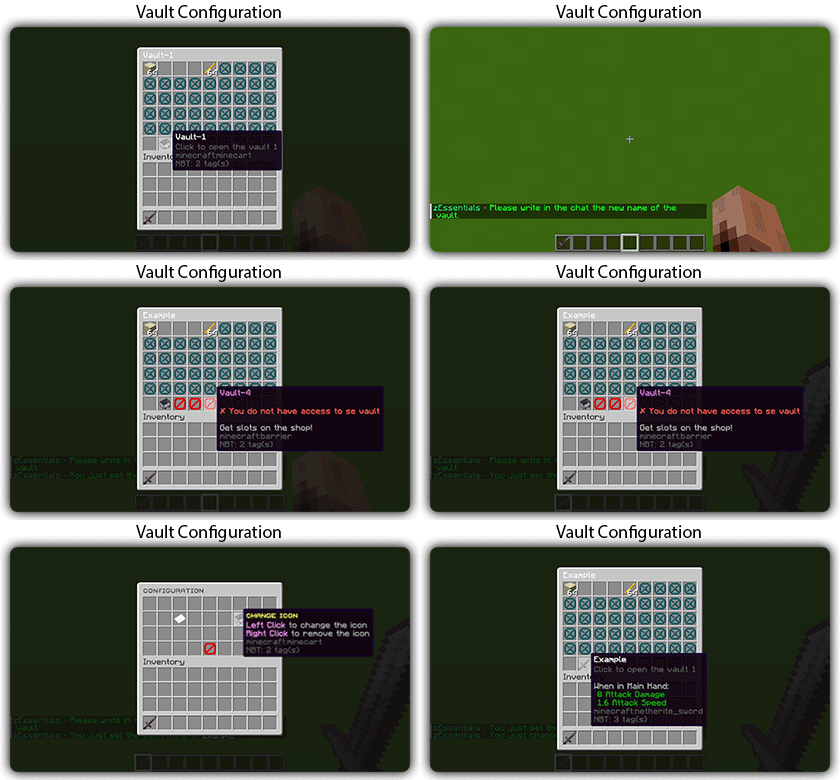
Player Vault Module
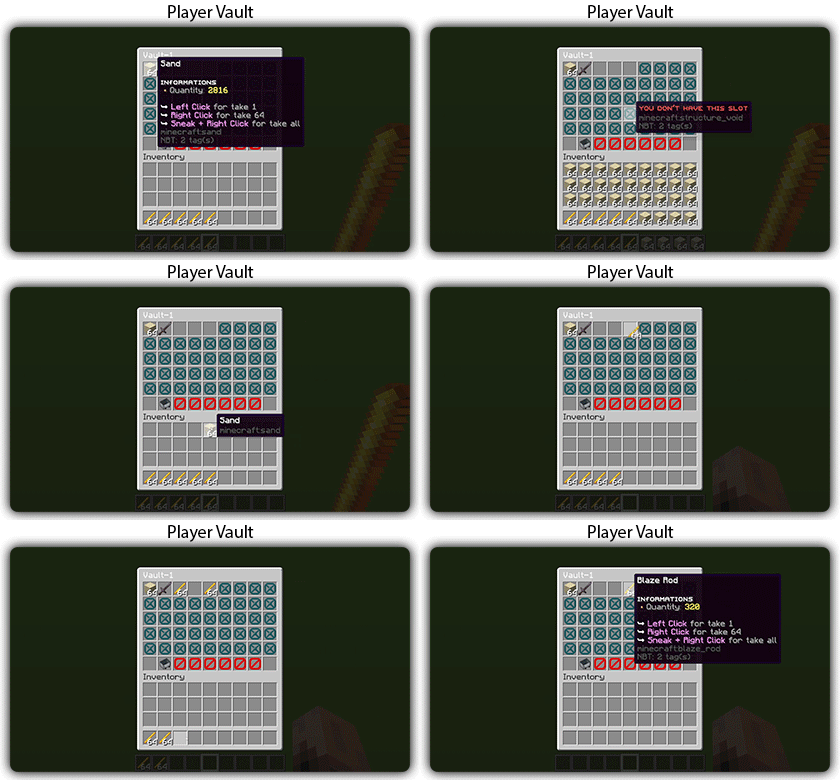
✅ Unlimited player vaults
✅ Set the number of slots for each player
✅ Rename and custom icon
Vote Module
✅ (I'm too lazy for the vote description now, sorry, but it's a very good module, I swear!)
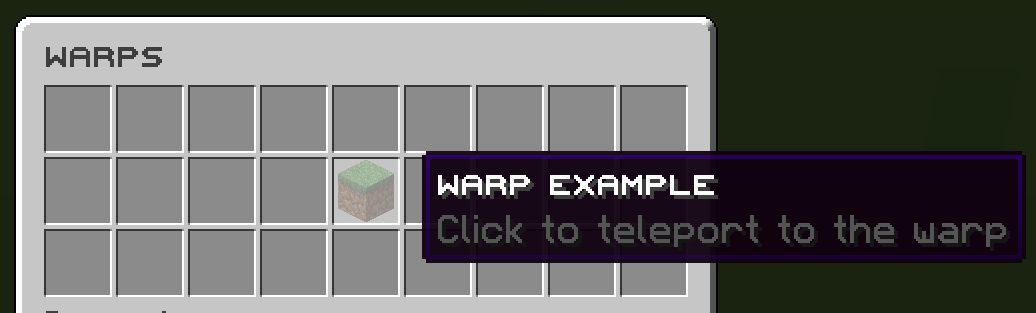
Warp Module
✅ Displays warps in an inventory or message
✅ Permission per warps
Images
Documentation: https://zessentials.groupez.dev/