Logo
MINECRAFTBIBLE
Items
Items

All game items

Blocks
Blocks

Building blocks

Mobs
Mobs

Creatures & monsters

Biomes
Biomes

World biomes

Structures
Structures

Generated structures

Recipes
Recipes

Crafting guides

Advancements
Advancements

Achievements

Loot Tables
Loot Tables

Drop rates

Tags
Tags

Item groupings

All Versions
View all data →
Capes
Cape ArchiveNEW

Browse rare Minecon capes, OptiFine capes, and custom capes from players worldwide

Browse

Player Database
Player DatabasePopular

Search any player

Skin Browser
Skin Browser

Browse & download skins

Cape Gallery
Cape GalleryNEW

Minecon & OptiFine capes

Seed Vault
Seed Vault

Curated seeds

Learn

Guides
GuidesNew

Tutorials & tips

Blog
Blog

News & updates

Community

Community Hub
Community HubHub

Posts, discussions & more

All Versions
View community →
Seed Analyzer
Seed Analyzer

World seed analysis

Loot Explorer
Loot Explorer

Drop rates

Crafting Calculator
Crafting Calculator

Material planning

Enchant Calculator
Enchant Calculator

Probability math

Redstone Lab
Redstone Lab

Signal timing

Trading Profit
Trading Profit

Villager ROI

All Versions
View all tools →
Mods
Mods

Browse all mods

Plugins
Plugins

Server plugins

Resource Packs
Resource Packs

Textures & sounds

Shaders
Shaders

Visual enhancements

Datapacks
Datapacks

World logic

Scanner
Mod Intelligence

Scan & analyze any mod

All Versions
View all mods →
Loading...
IntroductionIntroductionVersion HistoryVersion HistoryGuidesGuidesBlog & NewsBlog & News
ItemsItemsBlocksBlocksMobsMobsRecipesRecipesBiomesBiomesStructuresStructuresAdvancementsAdvancementsLoot TablesLoot TablesTagsTags
ModsModsPluginsPluginsResource PacksResource PacksShadersShadersDatapacksDatapacks

MinecraftBible

The Ultimate Wiki

Logo
MINECRAFTBIBLE

The ultimate Minecraft reference. Every item, block, mob, and recipe documented with precision.

Community

  • Skin Browser
  • Cape Gallery
  • Seed Vault
  • Blog
  • Guides

Database

  • Items
  • Blocks
  • Mobs
  • Recipes
  • Biomes
  • Structures

Tools

  • Seed Analyzer
  • Mod Intelligence
  • Crafting Calculator
  • Enchant Calculator

Mods & Packs

  • Mods
  • Plugins
  • Resource Packs
  • Shaders
  • Datapacks

Site & Legal

  • About
  • Authors
  • Editorial Policy
  • Corrections
  • Contact
  • Privacy Policy
  • Terms of Service
  • DMCA
  • Sitemap

© 2026 MinecraftBible. Not affiliated with Mojang or Microsoft.

PrivacyTermsContact
oldgenerator
PluginMIT

oldgenerator

Generate beta 1.7.3 worlds for spigot/paper: overworld, nether, and skylands

108
Downloads
4
Followers
9 months ago
Updated
📦
1
Versions
worldgenbukkitfoliapaperspigot
Download Latestv1.2.0View on Modrinth

📖About oldgenerator

OldGenerator

Spigot/Paper/Folia plugin for adding Beta 1.7.3 generation to modern versions of
Minecraft. This plugin can replace
173generator for modern versions (please
see the How to Use section for proper configuration).

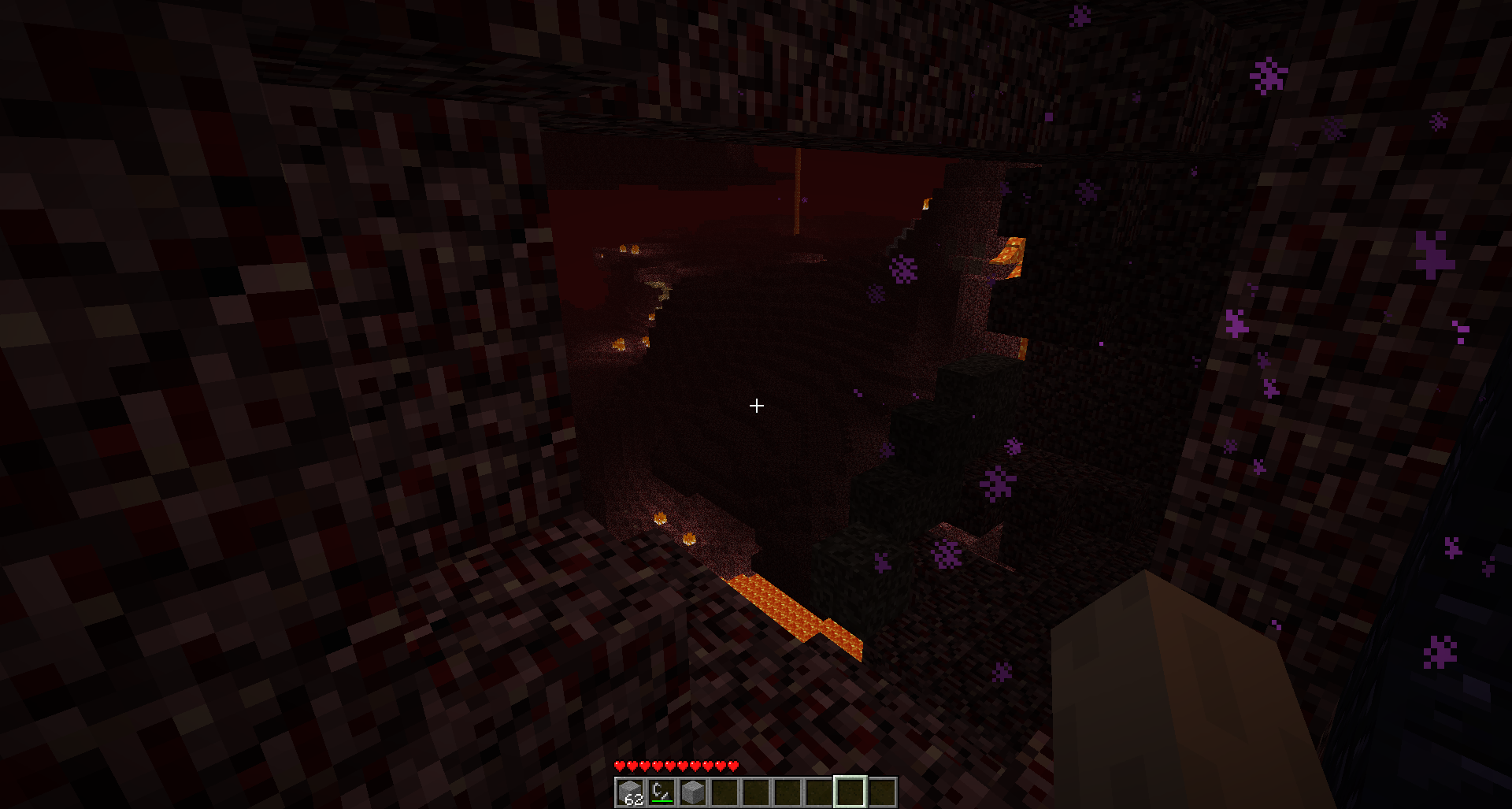
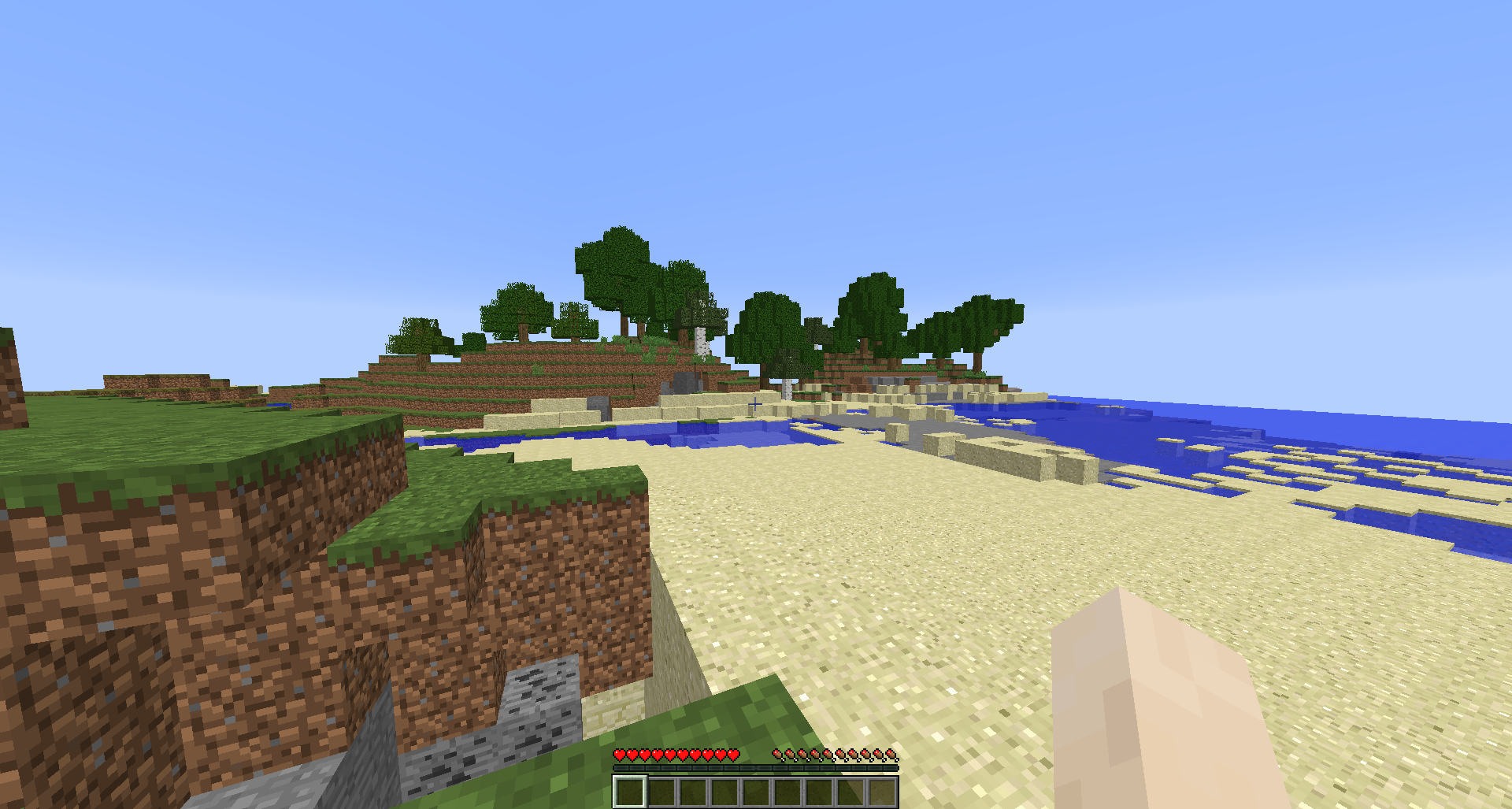
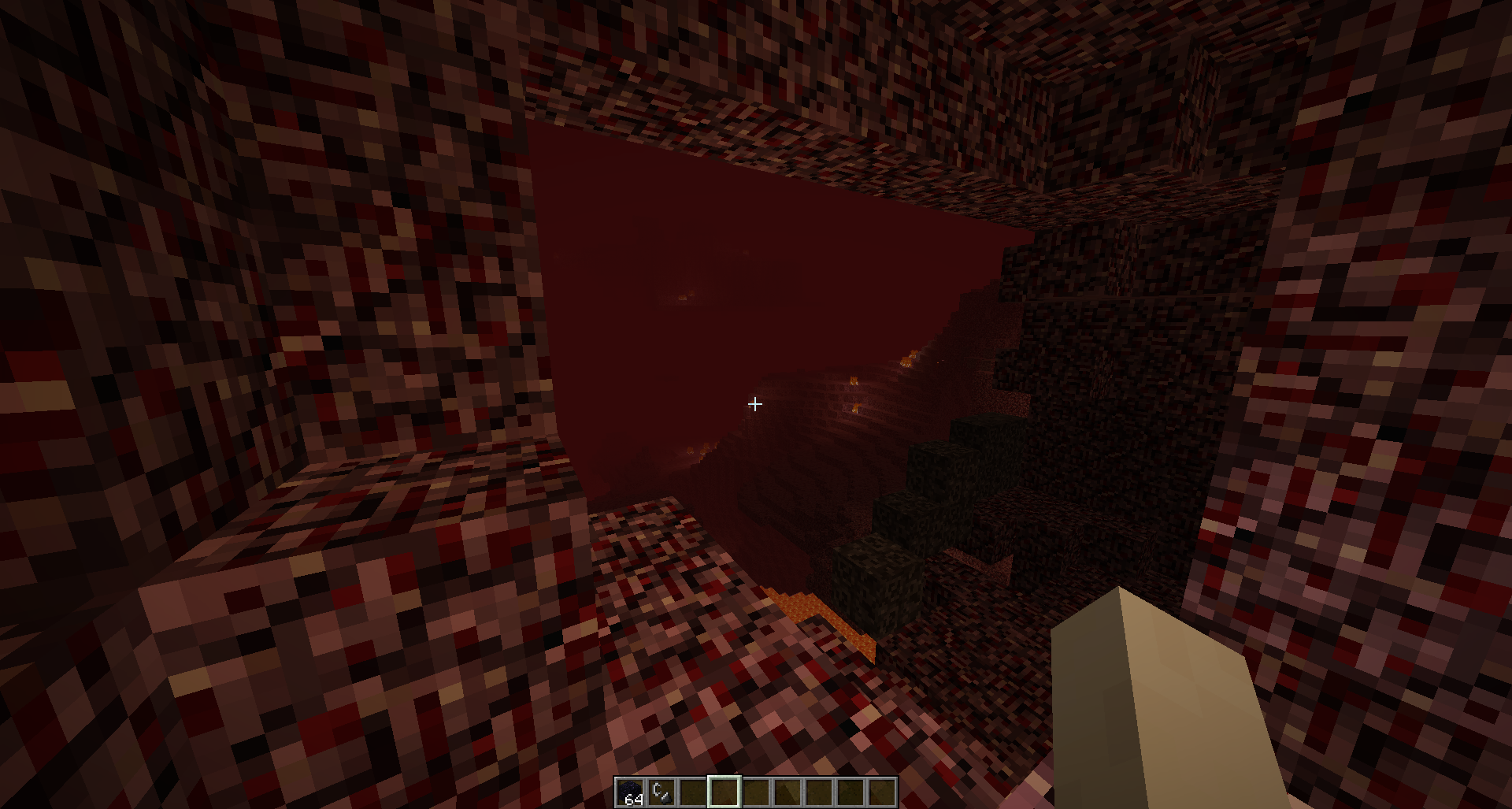
Showcase

Seed worstseedever

Beta 1.7.3
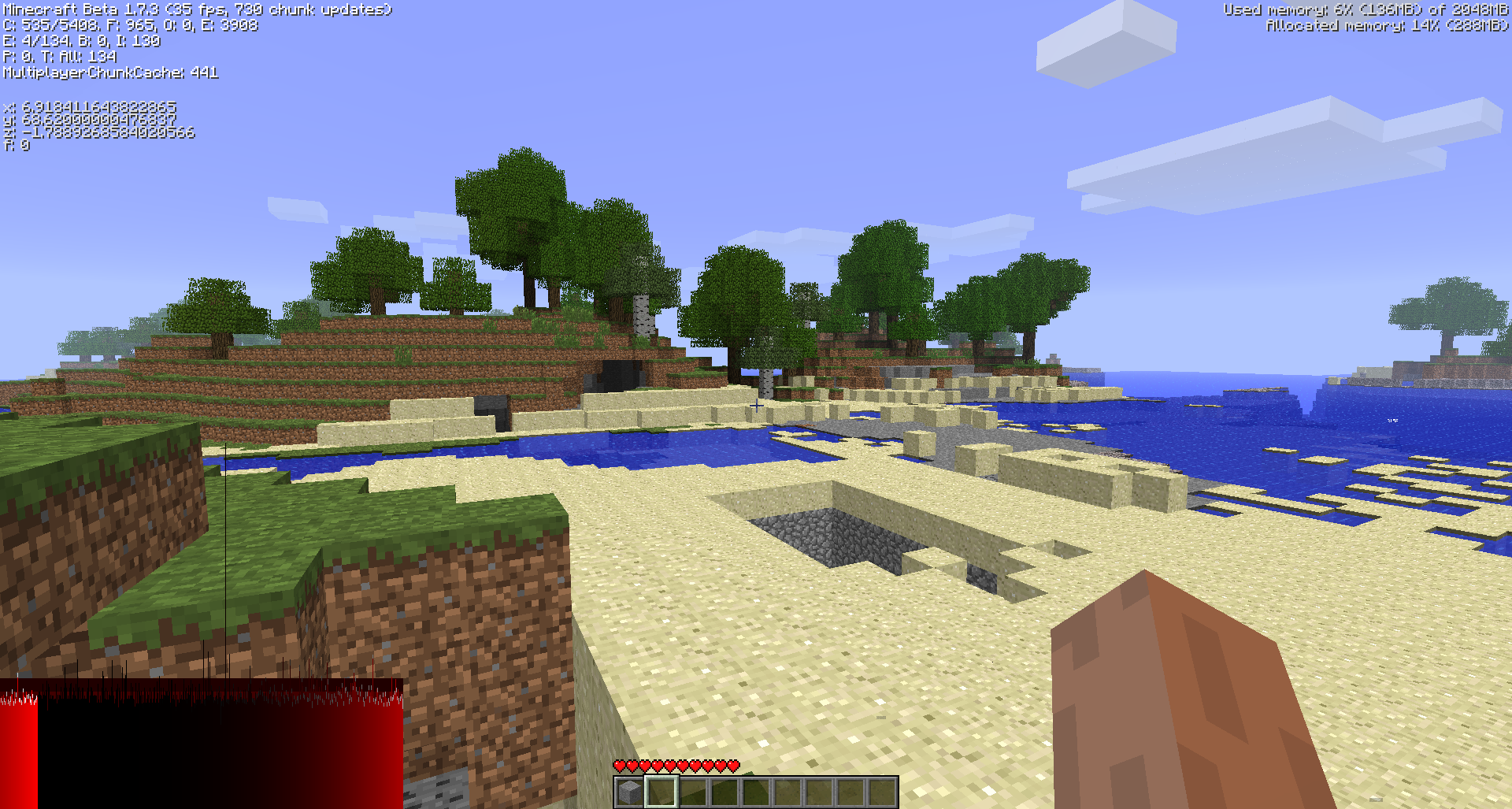
Overworld Generation
Nether Generation

OldGenerator on Minecraft 1.16.4

Overworld Generation
Nether Generation

Differences

Overworld

Block physics are not applied to gravel OR sand when placing. So, the dungeon sand will
not immediately cave in upon logging in, but the dungeon is still there .
Most chunks will look the exact same, but due to chunk generation order differences
the populators might fire differently and you'll get different results (however the general
terrain will remain the same).

Nether

Fire, glowstone, and even lava placement (excluding the lava oceans) will generally not mirror Beta 1.7.3. However, the terrain
will remain the same.

Why aren't fire/glowstone/lava correct? This is due to a technical bug in the old
beta populator code: The chunk seed is not setup when populating chunks! So the
placement is entirely dependent on chunk generation order (and a few other really technical details),
which is completely different in modern Minecraft.

There's nothing I can do to match the old populator behavior, however I have modified the
populator code for nether to correctly setup a chunk seed per chunk - this means the results
should be consistent across world generations when using OldGenerator, but they still will not
match Vanilla Beta 1.7.3.

How do I use?

If you do NOT have a world management plugin

Add this to your bukkit.yml

worlds:
  worldname1:
    generator: OldGenerator:b173
  worldname2:
    generator: OldGenerator:b173

This will setup worldname1 and worldname2 to run OldGenerator as their generator. For example,
you can set worldname1 to world and worldname2 to world_nether to do exactly what you expect.
b173 can be replaced with sb173 to get a skylands world.

If you have a world management plugin

Follow the guide that world management plugin to setup custom generators. I don't
use any world management plugins, so I can't help you!

I want different old generators!

If enough people request other old generators, I can add them to this plugin.

License

All of the world generation code is directly copied from decompiled sources
of the minecraft server jar (specifically, the beta 1.7.3 dedicated server jar),
and then modified further. The original decompiled sources can be found here:
https://github.com/Bukkit/mc-dev

As such, the world generation code is copyrighted by Mojang AB.

Everything else is licensed under the MIT License, see the LICENSE.md file for license text.

👥 Team & Contributors

spottedleaf
spottedleafOwner

⚙️ Compatibility

Environment
🖥️ Server-side
Loaders
bukkitfoliapaperspigot
Minecraft Versions
1.20.41.20.51.20.61.211.21.11.21.21.21.31.21.4+4 more

🔗 Links

Modrinth Page