


Keep Illegal Blocks
Prevent illegal blocks from breaking or being updated when a player interacts with an adjacent block
📖About Keep Illegal Blocks
Keep Illegal Blocks
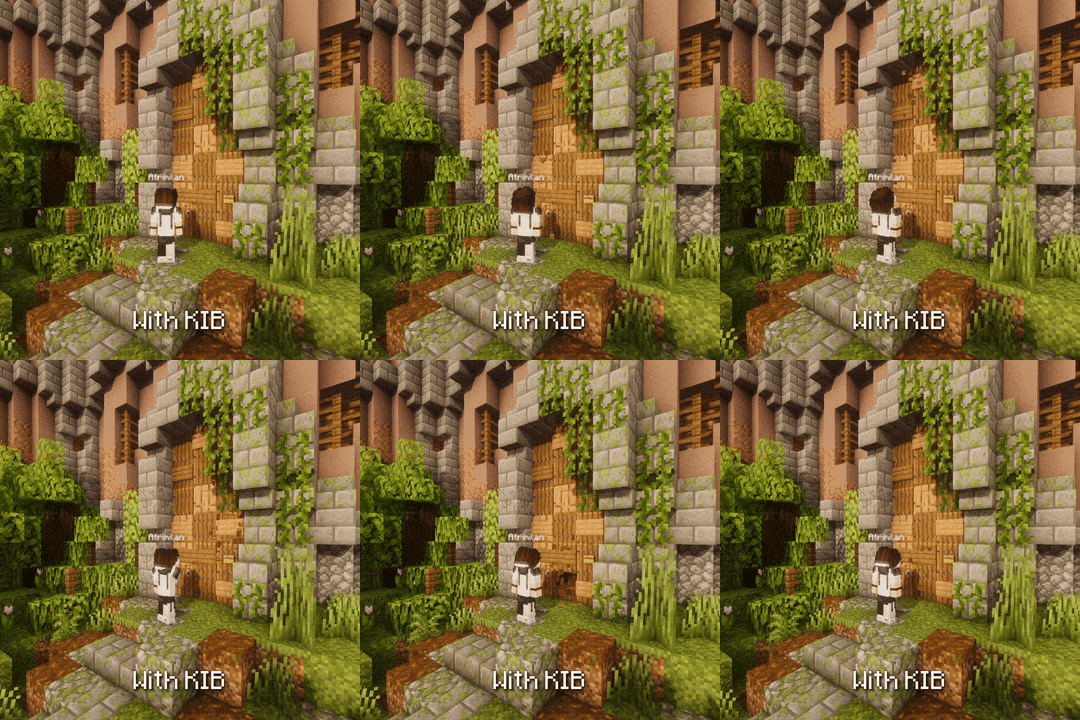
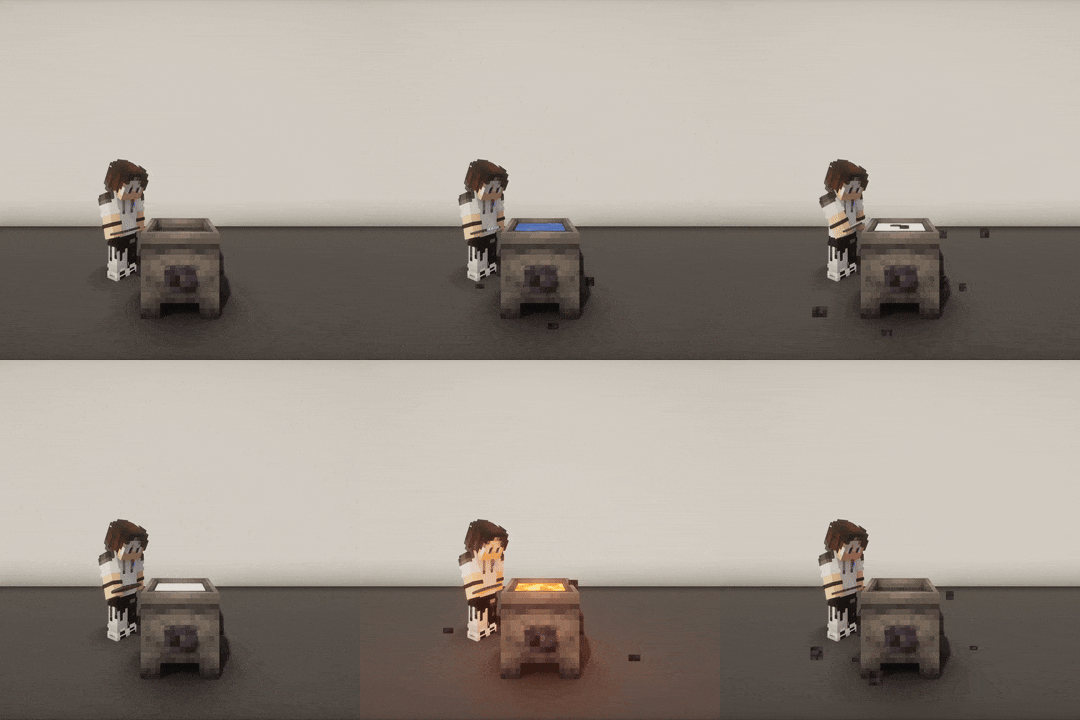
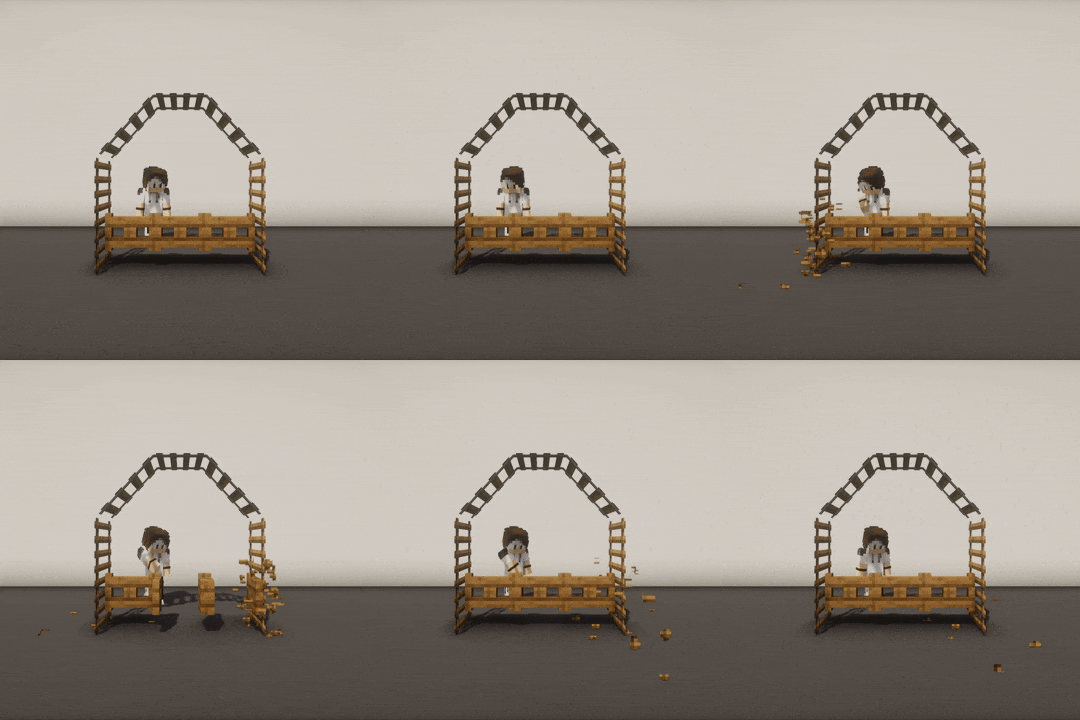
KIB is a Paper plugin that prevents illegal blocks from breaking when a player interacts with an adjacent block.
 |
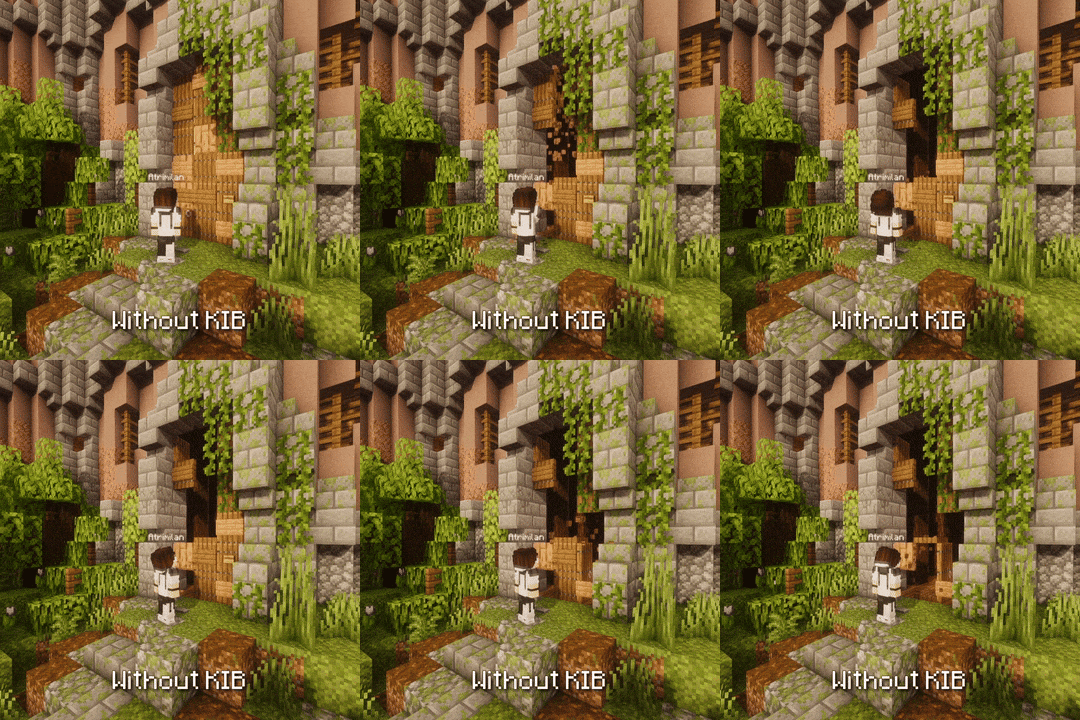 |
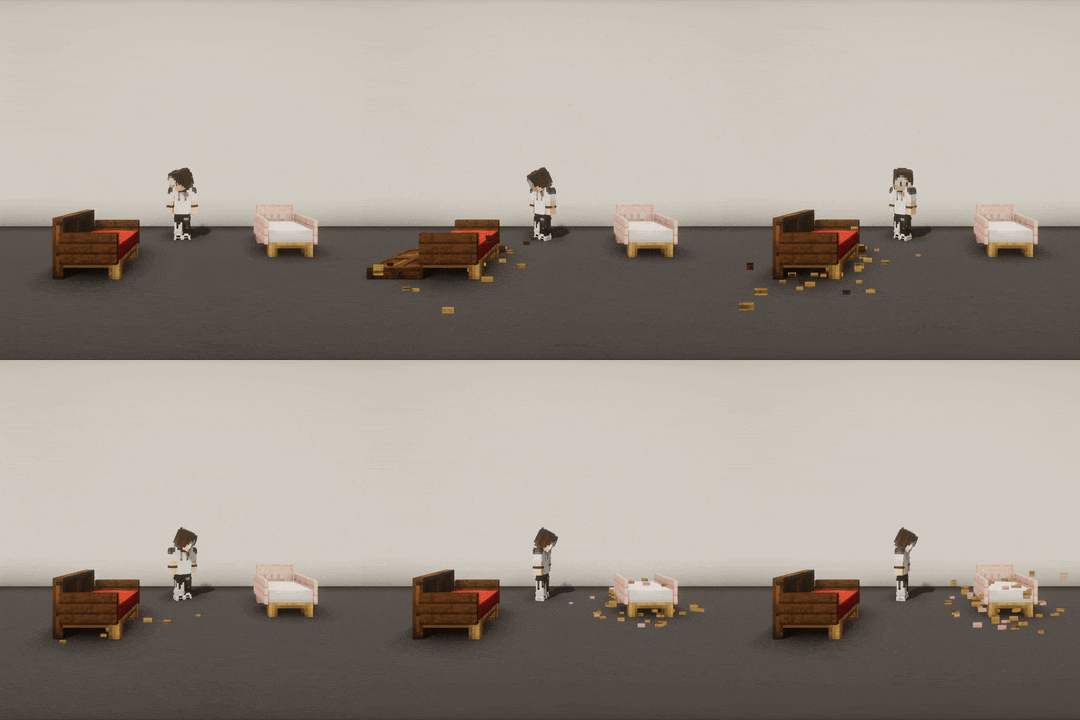
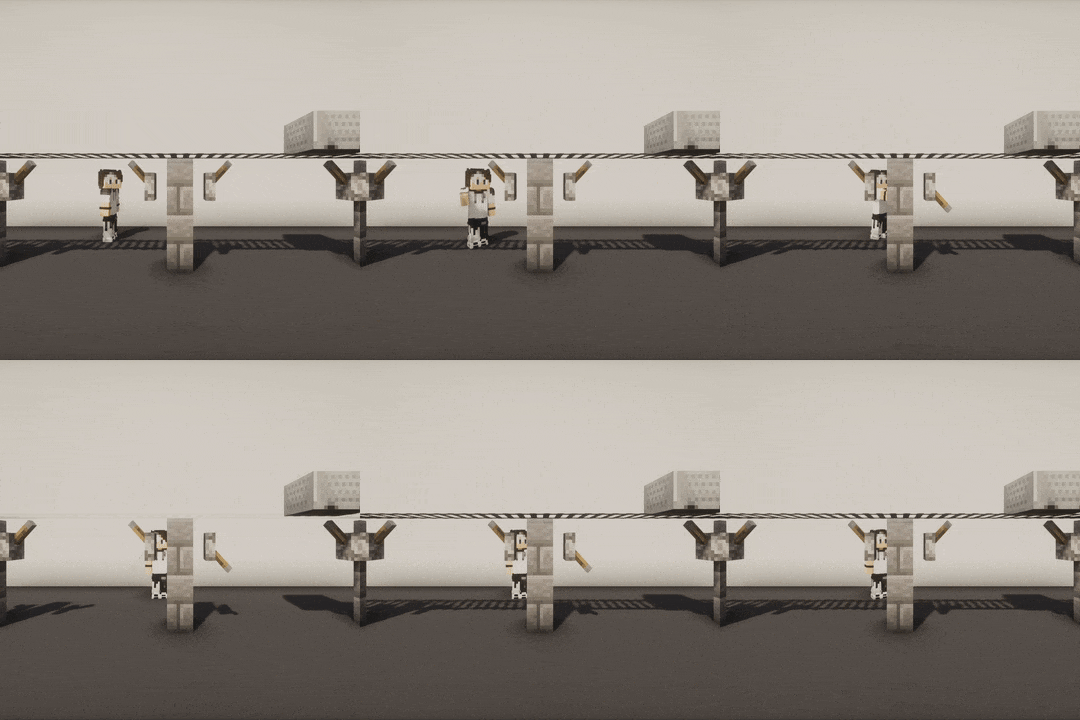
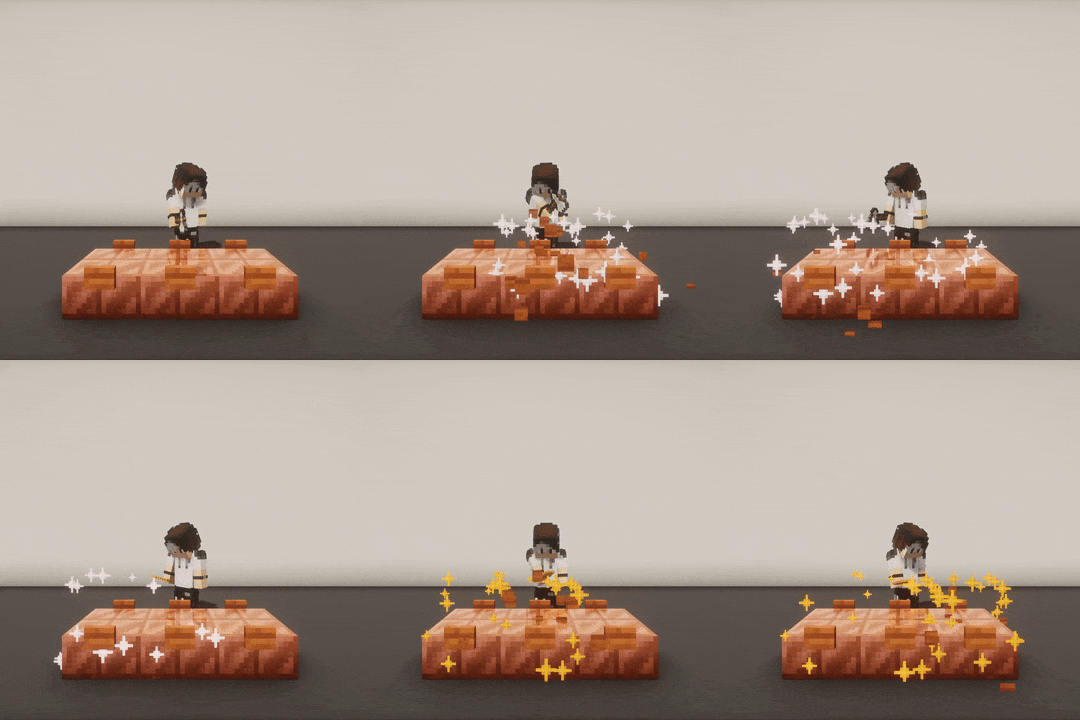
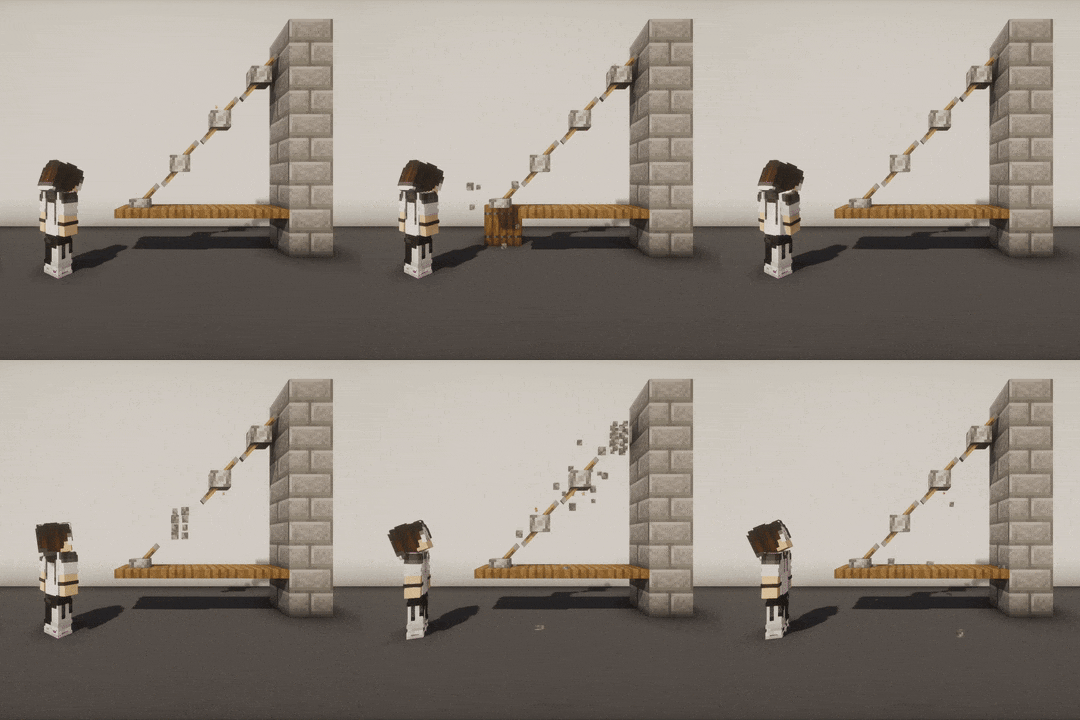
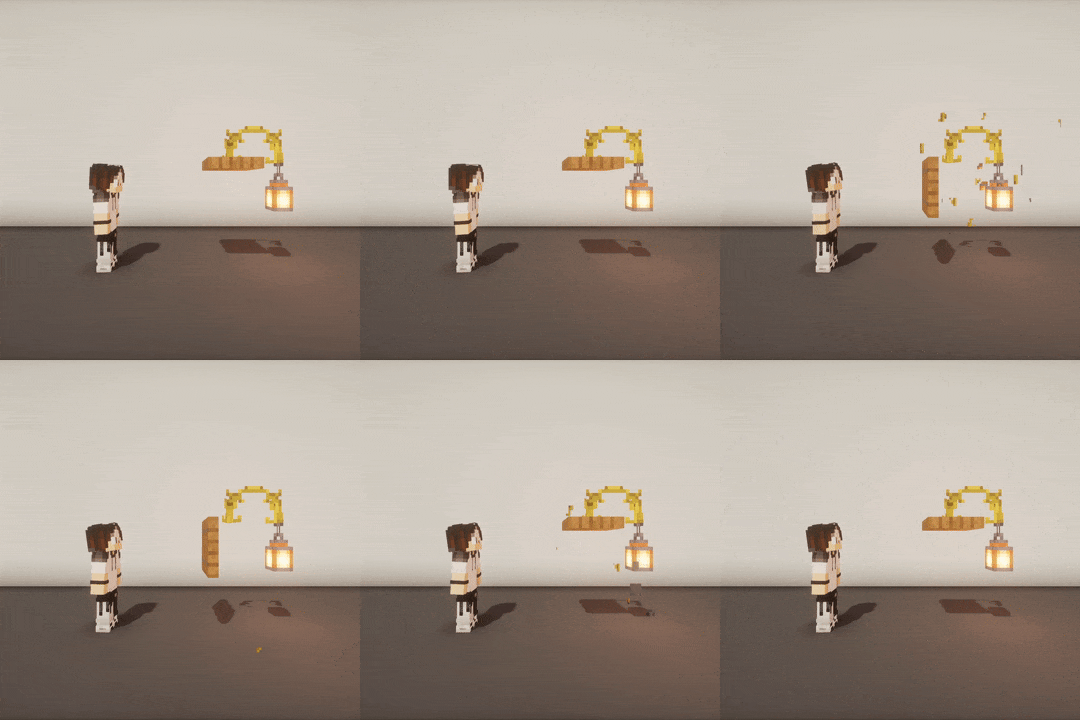
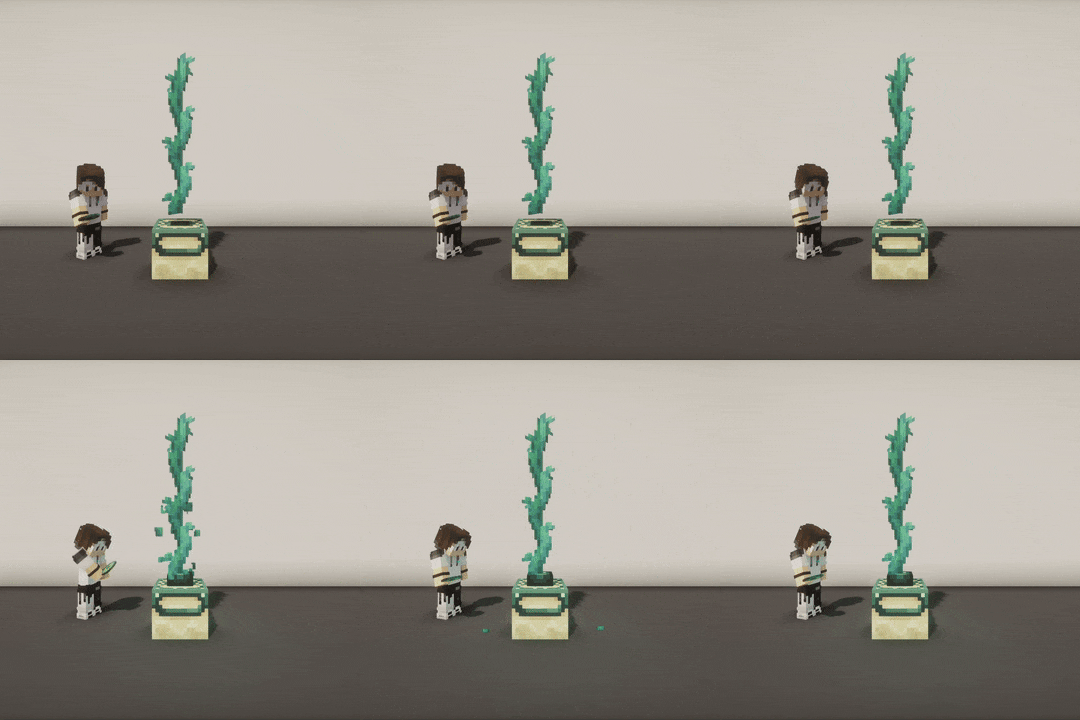
There you go 😎:
 |
 |
 |
 |
 |
 |
 |
 |
 |
So what's the point?
A "reactive block" is a block that naturally updates or breaks due to Minecraft physics when an adjacent block is
modified. When using tools like a Debug Stick or plugins such as WorldEdit or Axiom, you can place a reactive block in a
way the game's physics would not normally allow. However, if an adjacent block is updated, the reactive block will
either break or reset to its natural state.
An "interactable block" is a block that a player can directly interact with by right-clicking. If reactive blocks
are adjacent to an interactable block, they may break or update when the interactable is used.
When a reactive block breaks or updates, adjacent reactive blocks can be affected too, causing a chain reaction.
→ This plugin fixes this behavior by restoring broken or updated reactive blocks.
🔵 List of reactive material categories
List of reactive material categories that are automatically restored by KIB when broken or updated:
amethyst-clustersbamboosbannersbedsbellscactuscakescarpetscave-vineschorus-plants(except chorus flowers, which are not supported yet)cocoacomparatorscorals(does not apply to waterlogged corals)cropsdead-bushesdoorsdripleavesfences(fences, iron bars and copper bars)fernsflowersfrogspawnfungusglass-panesglow-lichensgrasshanging-rootshanging-signsladderslanternsleaf-litterslily-padsmangrove-propagulesmushroomsnether-rootsnether-sproutsnether-wartspointed-dripstonespressure-platesrailsredstone-wiresrepeaterssaplingsscaffoldingsculk-veinssea-picklessignssnowsugar-canessweet-berry-bushesswitches(levers and buttons)torchestripwire-hookstwisting-vinesvineswallsweeping-vines
List of interactable material categories recorded by KIB:
campfirescandlescauldronscave-vines(taking their berries)comparatorscomposterscopper-blocks(non-plain copper blocks that can be waxed or scraped)daylight-detectorsdoorsend-portal-framesgateslecterns(putting a book on them)leversrepeatersstone-buttonssweet-berry-bushes(taking their berries)trap-doorswooden-buttons
- Place a torch on a door. When you open the door, the torch breaks.
→ The torch is "reactive", the door is "interactable". - Stack multiple doors vertically and open the bottom one. All doors above break.
→ All doors are "reactive", the bottom door is the "interactable" one. - Place a row of walls, then use a Debug Stick to create crenels, and use Axiom to add a button on each. When you press
one button, all buttons break and all wall connections reset to their normal state.
→ Walls and buttons are "reactive", the pressed button is also "interactable".
NOTE - KIB does not support underwater restorations. This is why
seagrassandkelpare not included in the
reactive material list.
WARNING - Even after being restored by KIB, some reactive blocks will still update naturally, such as cactus
breaking as they grow, or coral dying when not waterlogged. This is the default behavior of the game, KIB will NOT
prevent this, even if they were initially placed using plugins like WorldEdit or Axiom (which rely on advanced chunk
management systems).
Why would I need it?
This may seem niche, but it can be very useful for specific builds made using plugins like WorldEdit or Axiom,
especially when using custom resource packs that significantly change block textures and models.
This may also interest you if other players come onto your map and are likely to interact with your builds and break
everything accidentally... 😅
How do I configure?
In your server directory, you can edit ./plugins/KeepIllegalBlocks/config.yml to:
- Blacklist some reactive or interactable materials (everything is enabled by default)
- Change the maximum number of reactive blocks to restore (default: 500)
- Only allow KIB in creative mode (default: true)
- Use PacketEvents if it is detected (default: true)
To reload your configuration, use the /kib reload command (it requires the kib.reload permission for a non-op
player).
Can the restoration be any smoother?
Yes, PacketEvents is highly recommended to improve client-side rendering
and performance.
It is automatically detected by KIB, and it is used to tweak network packets and make restorations completely
transparent by canceling reactive block break sounds and particles, as well as hiding flickering during restoration.
To find out which version of PacketEvents is recommended, check the “Dependencies” section for the version of KIB you
want to install.