ImageFrame
Put images on maps and walls!
📖About ImageFrame
Speak a language that is not supported by ImageFrame yet? We would appreciate it if you contribute on Crowdin!
About
Want to display information on your server in a fancy way?
Or maybe you want to display a nice animated TV screen in your home base?
Then this is the plugin for you!
Want HD and Full-color Images?
Check out ImageFrame Client, the complimentary mod for ImageFrame!
Videos
Want video demonstrations? Here are some videos made by some awesome people!
Video by ServerMiner in English:
Video by KasaiSora in English:
Features
1. Load Images onto Maps and Item Frames
- Load images from URLs!
- PNG, JPEG, WEBP & GIFs are supported!
- Get them in Map form or directly on Item Frames! (Select your Item Frames with the smart selection tool!)
- Automatic image fitting means your images won't be stretched!
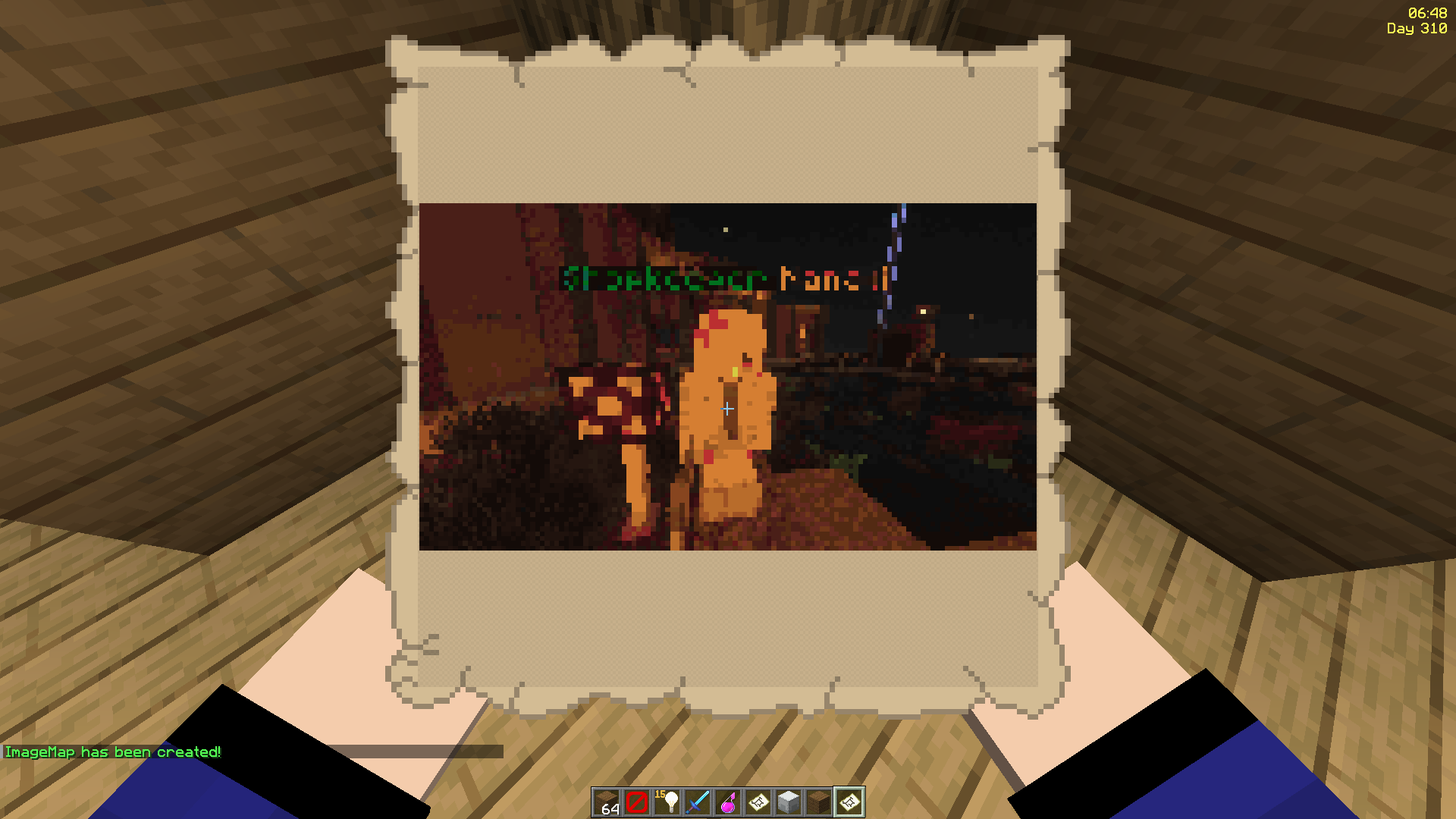
2. Even Works with Animated GIFs!
- Images will be animated if they are GIFs!
- Animated up to 1/20 of a second!
- Animation tasks run asynchronously
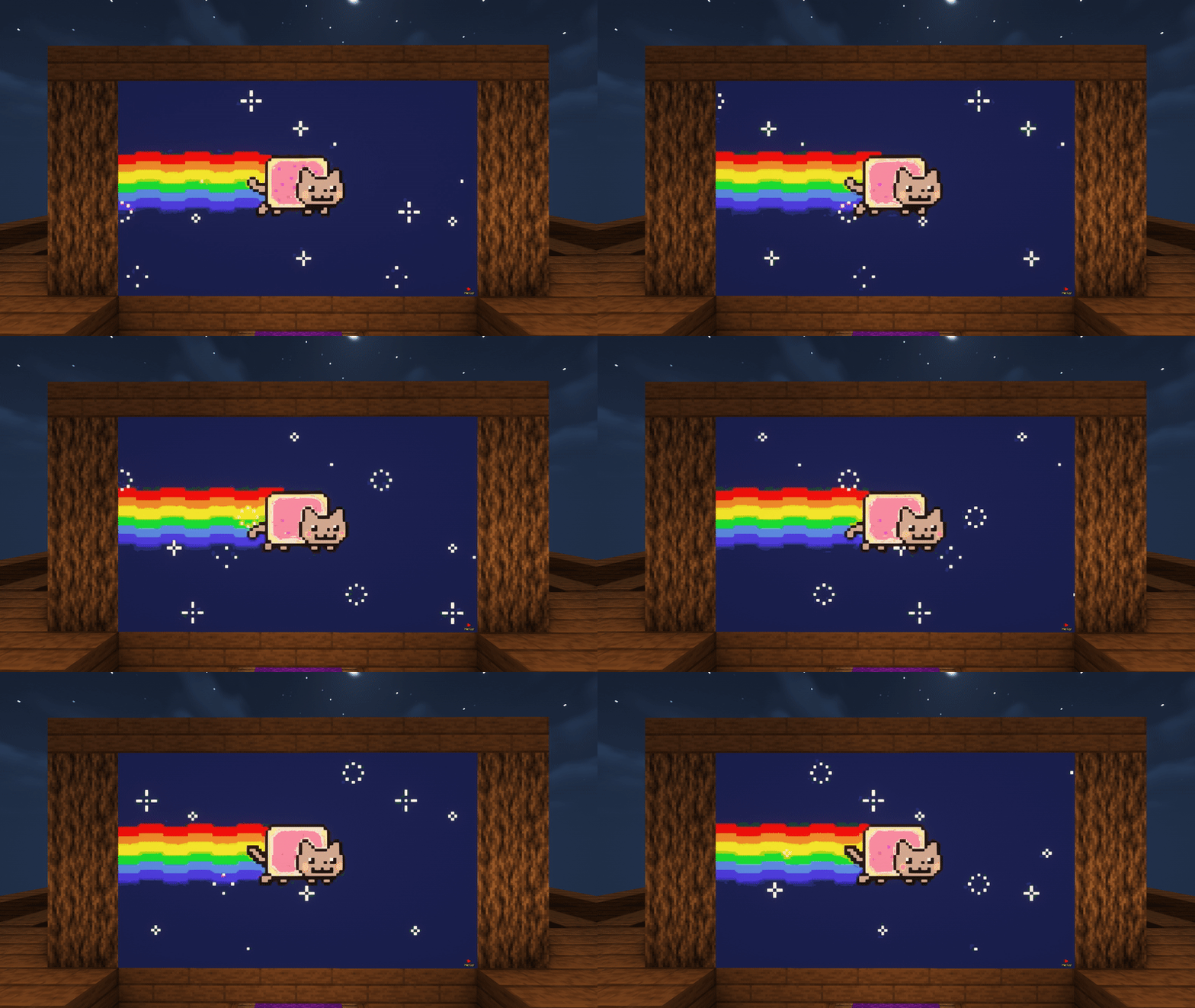
3. Define Custom Width and Height
- Have your image span across multiple maps
- Automatic image fitting works across all sizes too!
- Ideal for displaying on Item Frames!

^ These metro platform signs look awesome, don't they? Put together with ImageFrame and invisible glowing item frames!
4. Add Overlays to Regular Vanilla Maps!
- Create an image map with a regular vanilla map in your hand
- Or across multiple maps via selecting them in item frames!
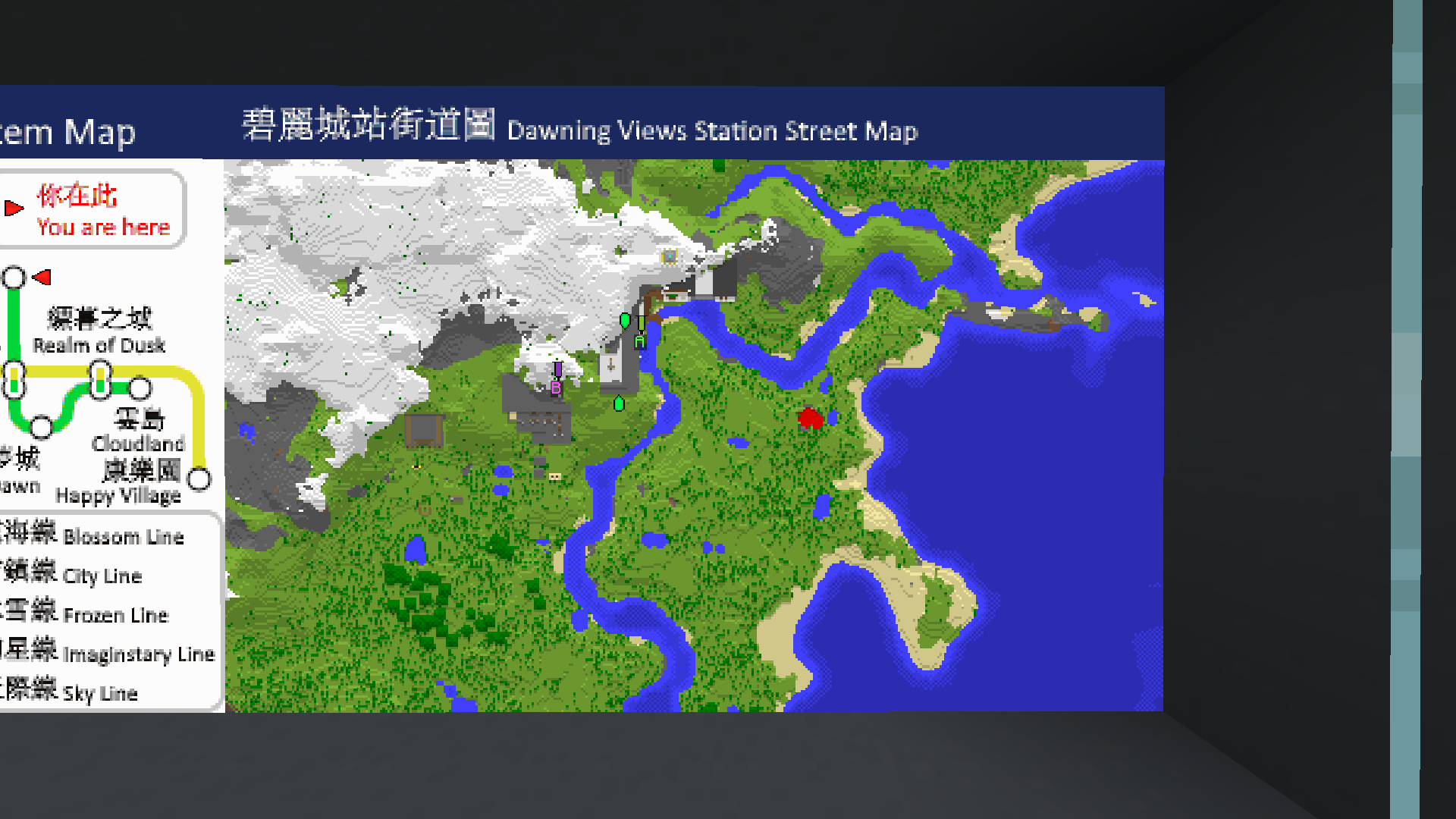
^ Notice the extra text with a blue background at the top of the map?
5. Combined ImageMap for Easy Placement!
- Get an entire multi-part ImageMap as one combined item!
- Automatically searches for space to place the ImageMap on an Item Frame wall (or floor/ceiling)
- The clicked Item Frame is treated as top-left if there is enough space
- When broken, the whole combined map is removed with a single combined map returned!
- Respect Item Frame protections on other plugins! (via calling Bukkit events)
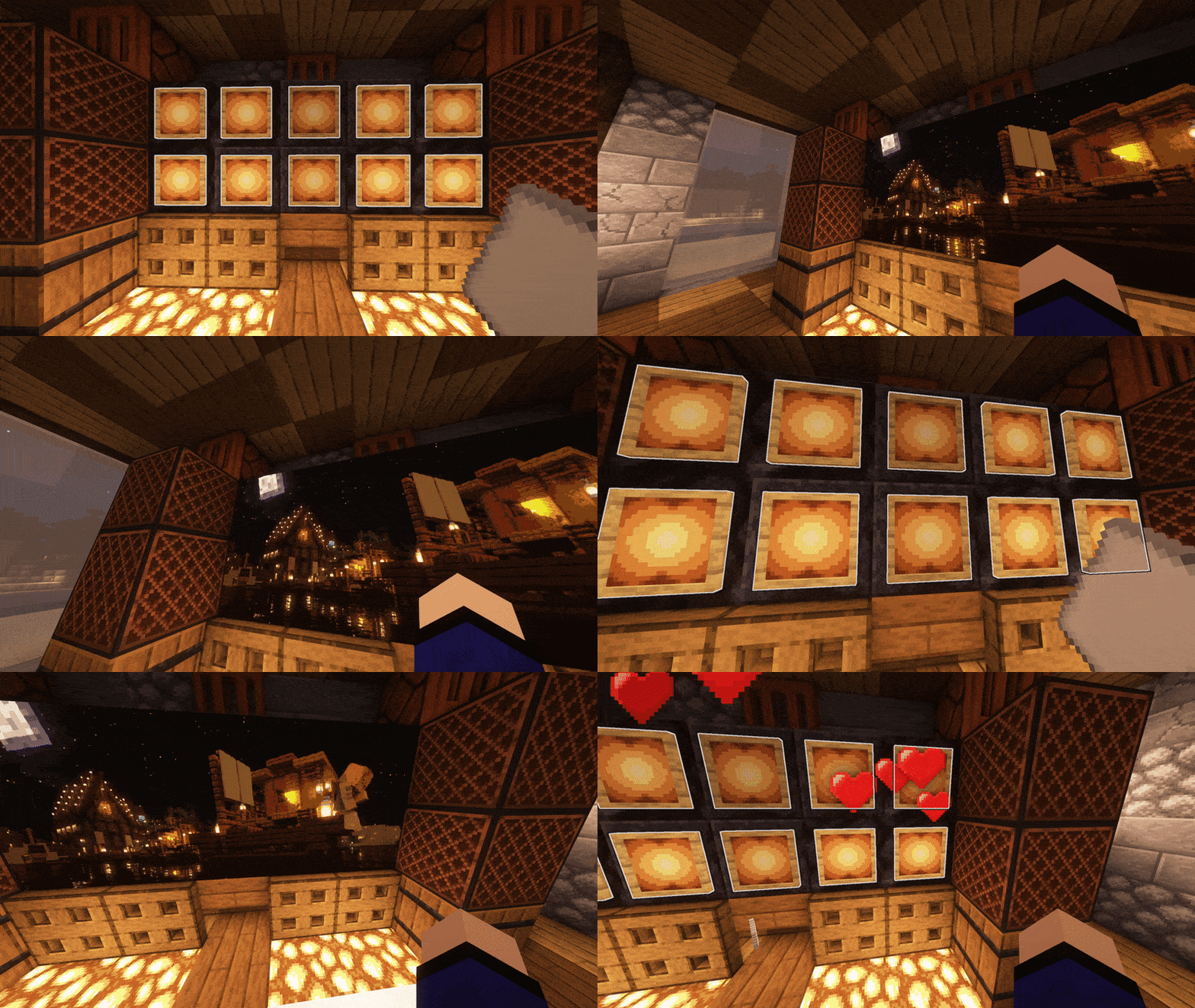
^ The hearts particle is from another plugin which listens to the EntityDamageEvent
^ Built-in Invisible Item Frames System
6. Refresh Maps Easily!
- Refresh all copies of the same image map from the URL source in one simple command!
- Ideal for displaying information that you'll have to update across your server every once a while, without having to go and replace every single one
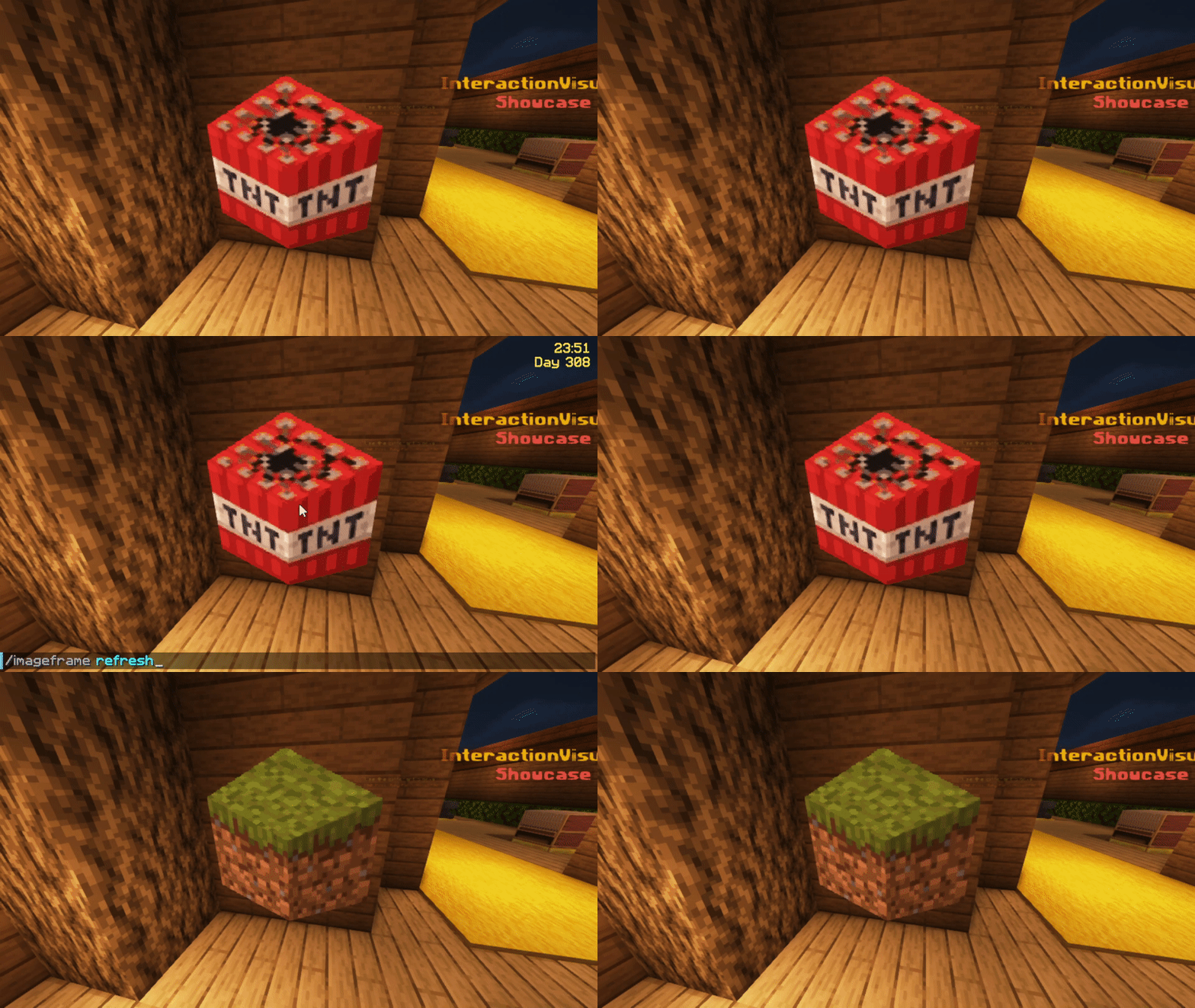
^ I've uploaded and replaced the TNT block with the grass block at the source URL, and I am holding 1 of the 4 maps in my hand
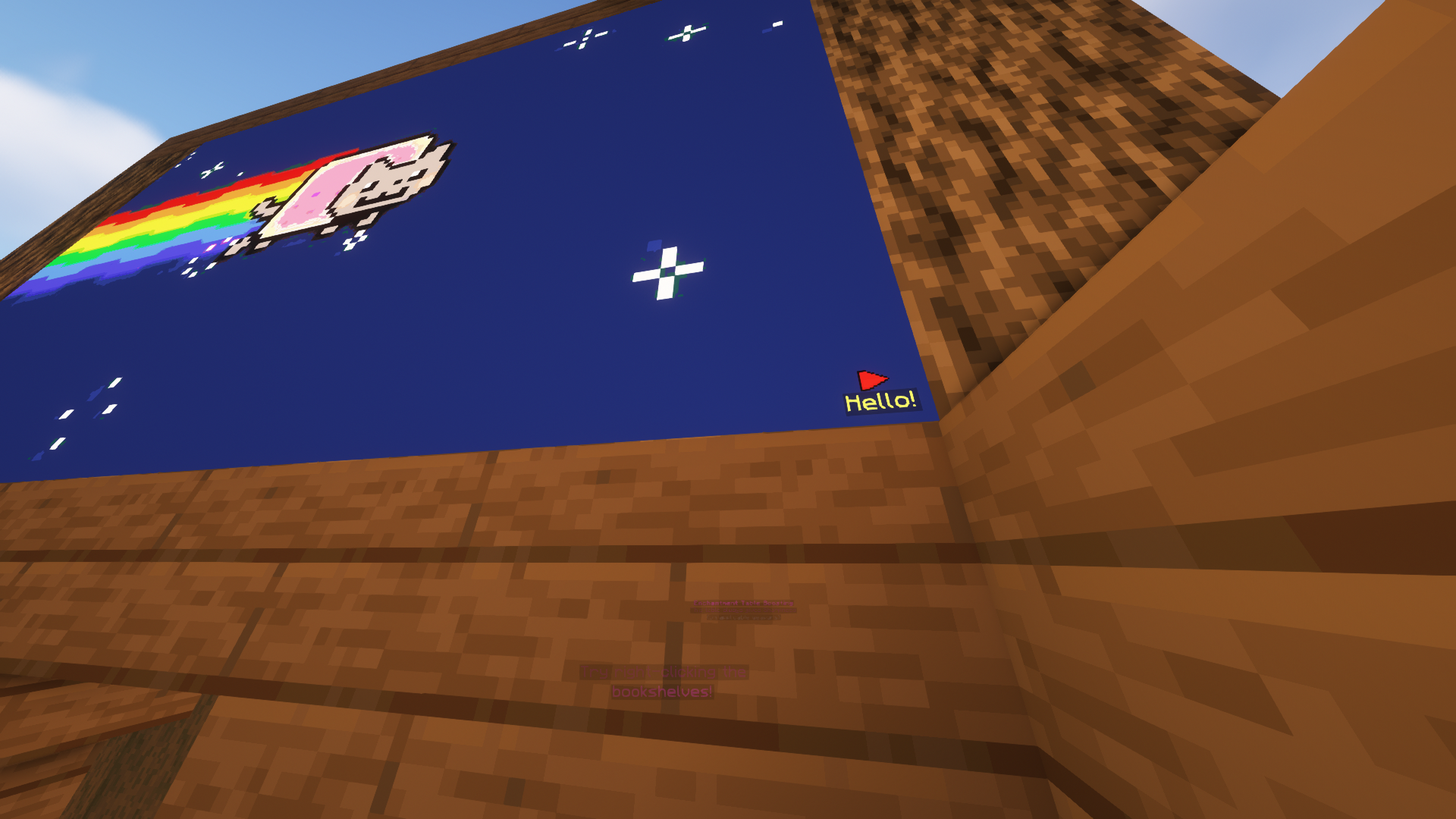
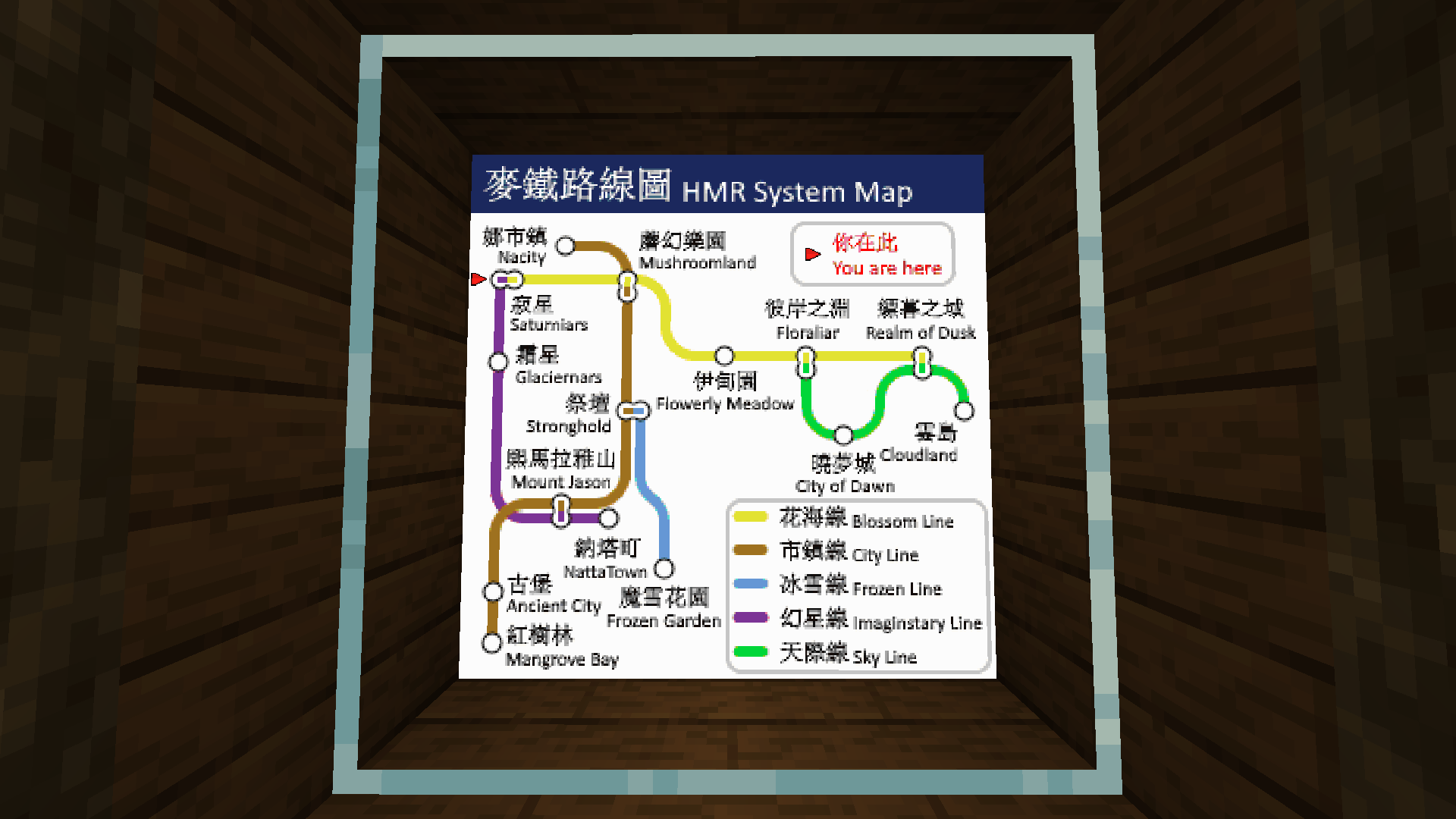
7. Add Map Markers To Your Images!
- Any map icon can be used! Such as the mansion and temple icons on Vanilla cartographer maps!
- They can also have an optional line of text below them
- Configurable max markers per map
- Ideal for marking locations on custom image maps!
8. Survival Friendly
- Require players in survival to have empty maps in their inventory to be able to create image maps (using player commands)
- Even works when directly creating images on Item Frames or getting the Combined ImageMap item!
- Configurable in the config
9. Easy to Keep Track and Manage
- Commands available to help you (both as players and admins) manage your (or everybody's) created image maps
- Ability to give access to ImageMaps to other players!
- Different permission levels for different players you decided to share maps with.
- Such as listing all maps of a player, renaming etc.
- Option to set an image creation limit per player (Can be different for each player!)
- Option to set a maximum size for a single image frame! (Customizable as always)
- Migration available for ImageMap, ImageOnMap and DrMap (Message me for more plugin support requests)
10. Invisible Item Frames
- Built-in support for survival-friendly invisible item frames!
- Splash item frame items with invisibility potions to obtain.
- Can adjusted in the config.
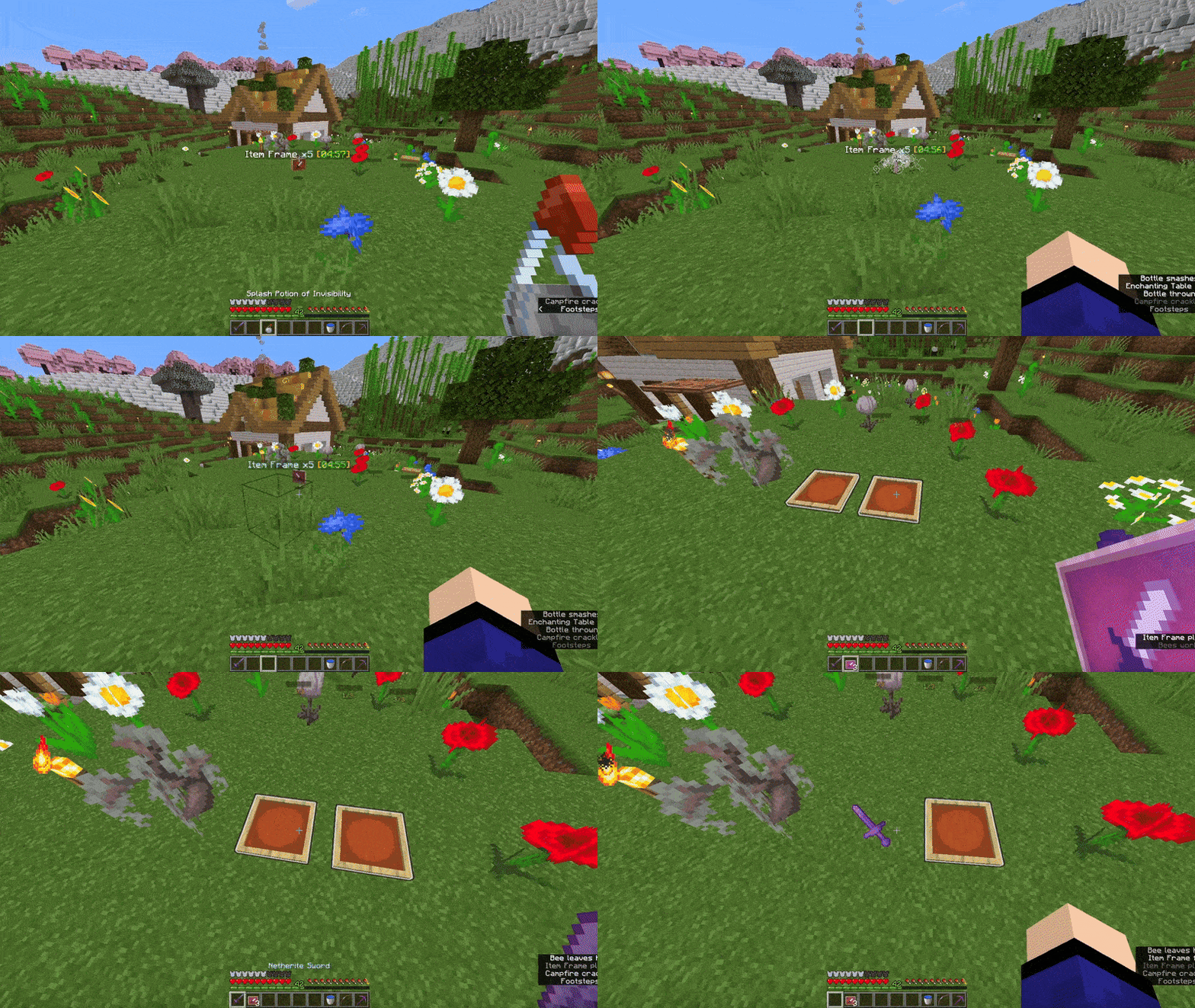
11. Languages
- All player-facing messages are translated to different languages depending on the player's client language.
- If the language you speak is not yet supported, please contribute on Crowdin so we can build a better plugin for everyone together!
12. Complementary Mod
- Check out this complementary mod, which lets you see images in HD, full colours, and more!
13. Multi-Server Support
- With MySQL storage support, you can have the same maps across multiple servers in your server network! (Plugin does not need to be installed on the Bungeecord/Velocity proxy)
Dependencies
- None!
Installation
- Put ImageFrame.jar into the plugins folder along with the required dependencies
- Start the server
- Edit the config (if you need to)
- Restart the server (if you changed something in the config in step 3)
Development Builds
Showcase Server
Want to see the plugin in action?
IP: mc.loohpjames.com

Commands
Legend:
For command ""/"" arguments,
You can access another players map if you have permission
through this syntax:
":"
For example: /if get LOOHP:map combined
Administration:
/imageframe reload - Reloads the plugin
/imageframe update - Check for updates
/imageframe storagemigrate - Storage type migration
Player:
/imageframe select - Select item frames to put image maps on
/imageframe create <name> <url> <width> <height> - Create a new image map
/imageframe create <name> <url> selection - Create a new image map and put it directly in your selected item frames
/imageframe create <name> <url> <width> <height> combined - Create a new image map and get its Combined ImageMap item
/imageframe overlay <name> <url> - Create a new image map that adds an overlay on a Minecraft Vanilla map you are holding
/imageframe overlay <name> <url> selection - Create a new image map that adds an overlay on a Minecraft Vanilla map in your selected item frames
/imageframe clone <name> <new_name> - Create a new image map with the same properties as the old one
/imageframe clone <name> <new_name> selection - Create a new image map with the same properties as the old one and put it directly in your selected item frames
/imageframe clone <name> <new_name> combined - Create a new image map with the same properties as the old one and get its Combined ImageMap item
/imageframe playback <name> pause - Toggle pause for an animated image map
/imageframe playback <name> jumpto <seconds> - Jump to a specific second for an animated image map
/imageframe refresh [optional:image_name] [optional:new_url] - Refresh a map you've created from source url
/imageframe info - Get info related to the image map you are holding
/imageframe get <name> - Get a self-created pre-existing image map
/imageframe get <name> selection - Put a self-created pre-existing image map directly on your selected item frames
/imageframe get <name> combined - Get a self-created pre-existing image map in its Combined ImageMap form
/imageframe delete <name> - Delete a self-created pre-existing image map
/imageframe rename <name> <new_name> - Rename a self-created pre-existing image map
/imageframe list - List all self-created pre-existing image maps
/imageframe marker add <image_name> <marker_name> <direction:0-15> <marker_type> [optional:caption] - Add a marker to your map
/imageframe marker remove <image_name> <marker_name> - Remove a marker from your map
/imageframe marker clear <image_name> - Clear all markers from your map
/imageframe setaccess <name> <player> <permission> - Set access permission of other players for your map
Moderation:
/imageframe list <player> - List a player's pre-existing image maps
/imageframe giveinvisibleframe <glowing/regular> [amount] [player] - Give invisible item frame items
/imageframe adminsetcreator <image_id> <player> - Change the creator of an image map
/imageframe adminmigrate <ImageMap/DrMap/ImageOnMap> - Migrate data from the selected and supported third-party plugin
Permissions
permissions:
  imageframe.create:
    default: op
    description: Allow players to create new image maps
  imageframe.create.animated:
    default: op
    description: Allow players to create new animated image maps
  imageframe.create.others:
    default: op
    description: Allow players to create image maps for other players, applies to overlay and clone, bypasses owning limit
  imageframe.overlay:
    default: op
    description: Allow players to overlay images on Vanilla maps
  imageframe.clone:
    default: op
    description: Allow players to make deep copies of their own image maps
  imageframe.playback:
    default: op
    description: Allow players to pause or set position of playback of their own animated image maps
  imageframe.select:
    default: op
    description: Allow players to select item frames
  imageframe.marker:
    default: op
    description: Allow players to add and remove markers on image maps
  imageframe.marker.unlimited:
    default: op
    description: Allow players to add unlimited markers on image maps
  imageframe.refresh:
    default: op
    description: Allow players to refresh image maps
  imageframe.rename:
    default: op
    description: Allow players to rename image maps
  imageframe.info:
    default: true
    description: Allow players to view image map data
  imageframe.list:
    default: true
    description: Allow players to list all image maps they've created
  imageframe.list.others:
    default: op
    description: Allow players to list all image maps a player have created
  imageframe.delete:
    default: op
    description: Allow players to delete an image map they've created
  imageframe.purge:
    default: false
    description: Allow players to purge all image maps created by a specific player
  imageframe.purge.all:
    default: false
    description: Allow players to purge all image maps at once
  imageframe.get:
    default: op
    description: Allow players to get an image map they've created
  imageframe.setaccess:
    default: op
    description: Allow players to change access permissions of their image maps
  imageframe.adminbypass:
    default: op
    description: Bypass all access restrictions and allow users to use and modify any image map
  imageframe.adminsetcreator:
    default: op
    description: Allow players to change the creator of any image map via the image map id
  imageframe.admindelete:
    default: op
    description: Allow players to delete any image map via the image map id
  imageframe.adminmigrate:
    default: op
    description: Allow players to migrate maps from supported plugins to ImageFrame
  imageframe.preference:
    default: true
    description: Allow players to update their player preferences
  imageframe.preference.others:
    default: op
    description: Allow players to update other players' player preferences
  imageframe.giveinvisibleframe:
    default: op
    description: Allow players to give invisible item frames
  imageframe.reload:
    default: op
    description: Allows you reload the config file
  imageframe.resync:
    default: op
    description: Allows you force sync changes from storage
  imageframe.storagemigrate:
    default: op
    description: Allows you to send data to a different storage type
  imageframe.update:
    default: op
    description: Allows you receive update messages
Default Config
Latest Config with Descriptions
Data usage
Usage statistics at https://bstats.org/plugin/bukkit/ImageFrame will be visible to the public with your server included in the statistics. No private information of your server is sent.
Update checking is also done via https://api.loohpjames.com to notify you whenever a new version is released. No private information of your server is sent.