

PluginGPL-3.0-only
EnderDragon
An easy plugin that can customize your EnderDragon.
366
Downloads
6
Followers
2 years ago
Updated
📦
1
Versions
📖About EnderDragon
EnderDragon
An easy plugin that can customize your EnderDragon for Minecraft Servers, supports 1.12 and above.
SpigotMC post: https://www.spigotmc.org/resources/enderdragon.101583
Function
- Set multiple types of dragon and customize them respectively
- Broadcast when ender dragon spawned or died
- Customize all remind message including the prefix of plugin
- Customize the chance of which dragon to spawn
- Cusiomize the amount of drop-exp of different ender_dragons
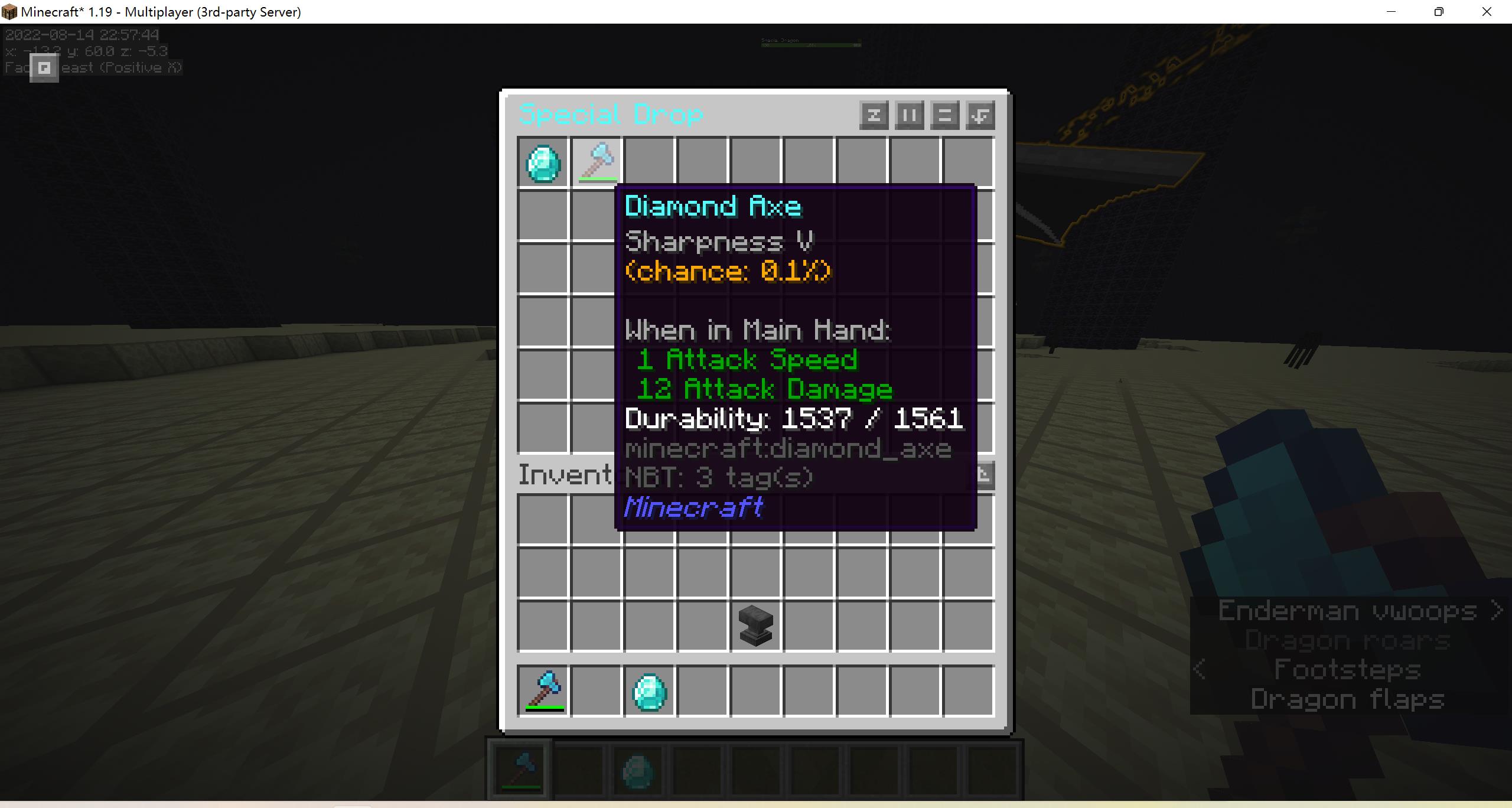
- Cusiomize rewards to drop when dragons was killed by player and the drop-chance
- Provide 6 ways to distribute the drop_item: all, drop, killer, pack, rank, termwise
- Customize the chance,position,delay of dragon-egg spawning after EnderDragon died
- Customize the ender dragon's spawn-health, max-health, attack damage and armor-value
- Customize each ender_dragon's name
- Customize the glowing-color of each ender_dragon
- Customize the potion_effects given to the player after been attacked by dragon
- Customize the message sent to the dragon's killer
- Customize the commands that be dispatched when dragon spawn or die
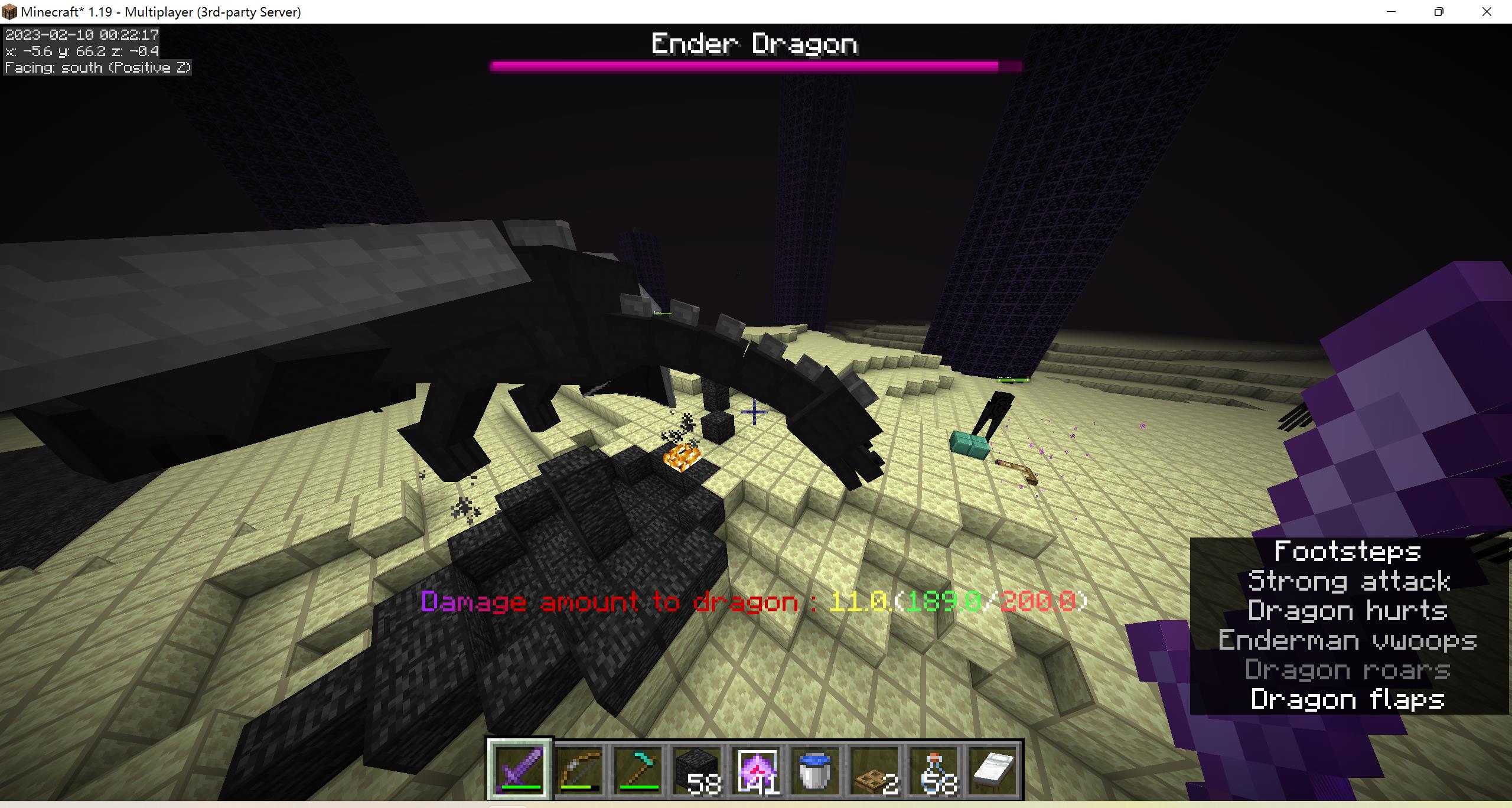
- Make the damage amount to dragon visible and customize the display format (including explosion damage)
- Customize the healing-speed of crystal to the ender_dragon
- Customize the suck-blood ability of the ender-dragon
- Supports Hex Color and Gradient(MC1.16.3+).For example: 򢰪, &[#AA22FF-#CC0000<Text>]
- Customize the format and color of EnderDragon bossbar.
- Compatible with MythicLib and MMOItems
- Provide some PAPI variable
- Customize auto_respawn time of next dragon
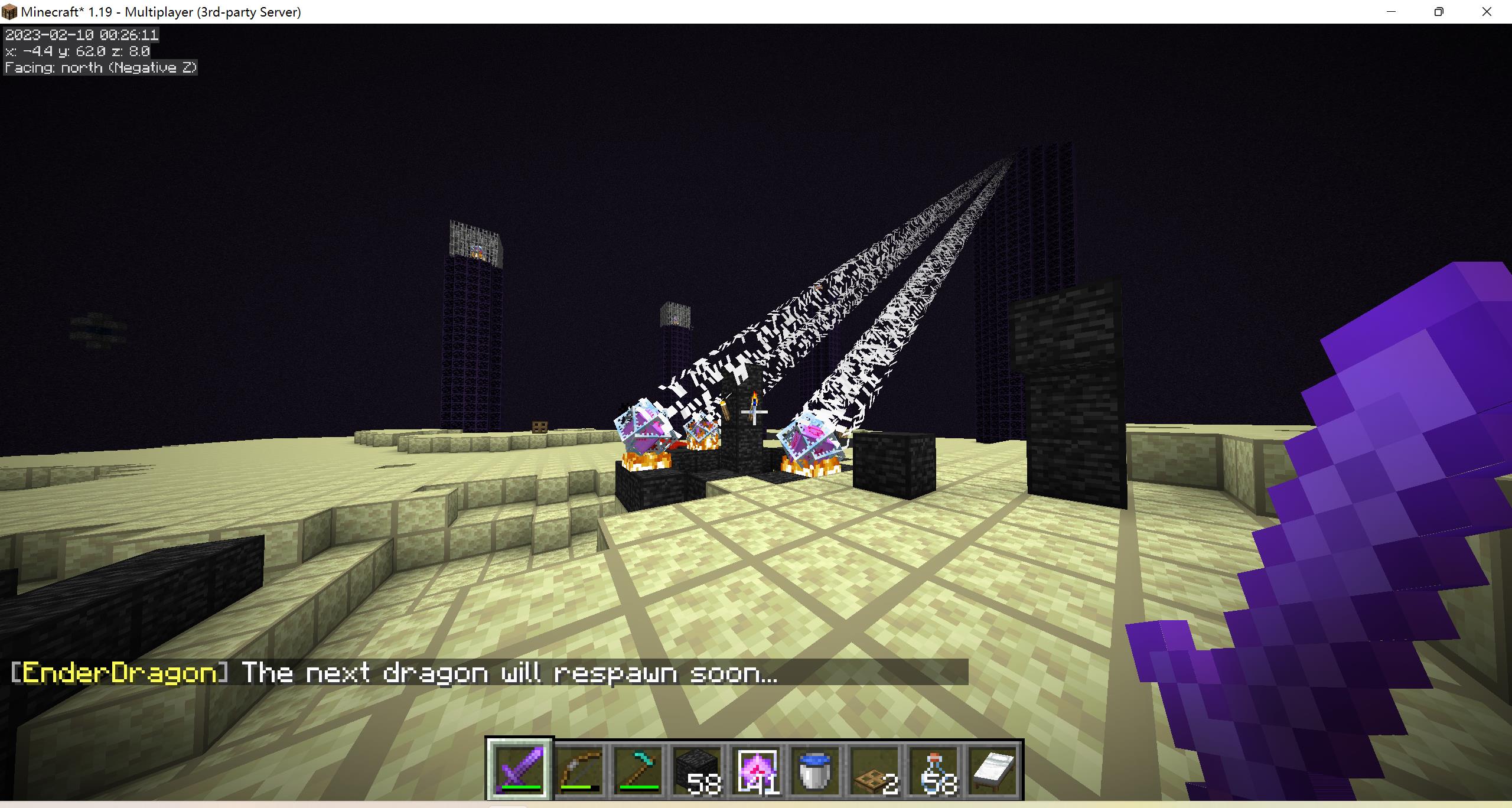
- You can also respawn a dragon with command '/ed respawn'(with the whole phase of respawn,including initializing the end_crystal)
- You can forbid players using end crystal to respawn dragons,but end_crystal can still be crafted or placed.
- Customize the color,radius,duration,expansion speed and potion of effect_cloud made by EnderDragon
- You can forbid players gathering dragon_breath with glass_bottle so that the effect_cloud made by EnderDragon will be troublesome for player.
- Customize the gui format completely
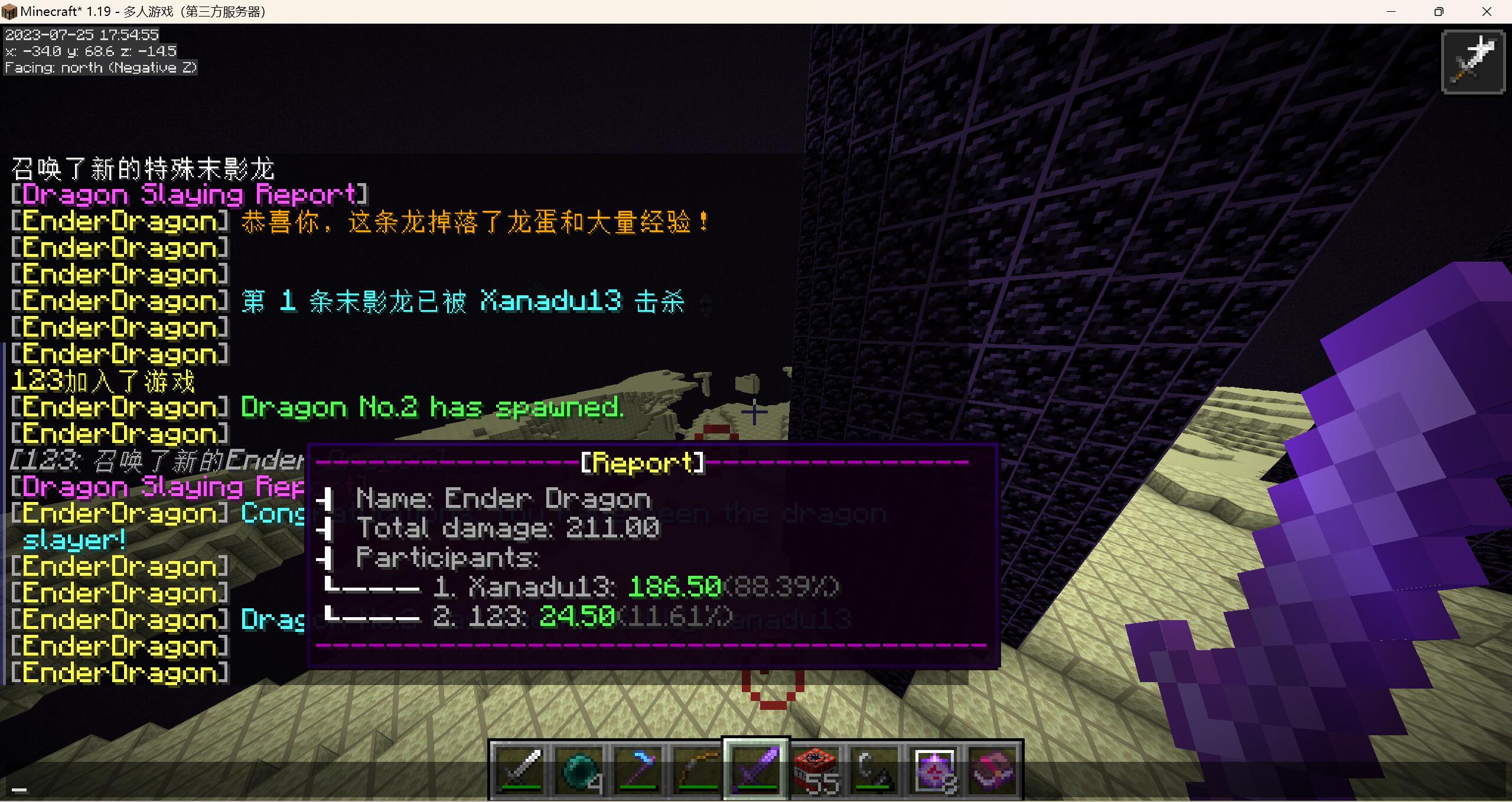
- Send a "Dragon Slaying Report" in your preferred format
- Add Groovy script engine, which provides more personalized features
Pictures
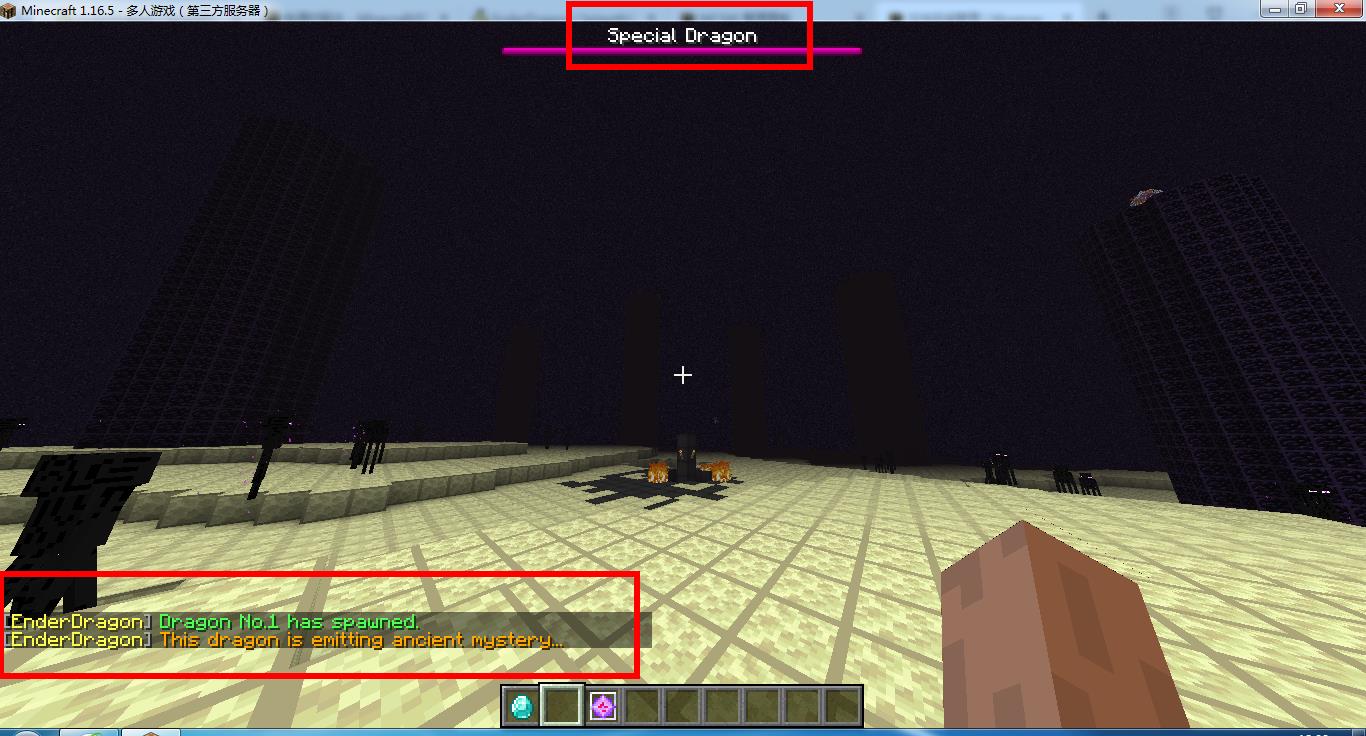
- a special ender dragon spawned
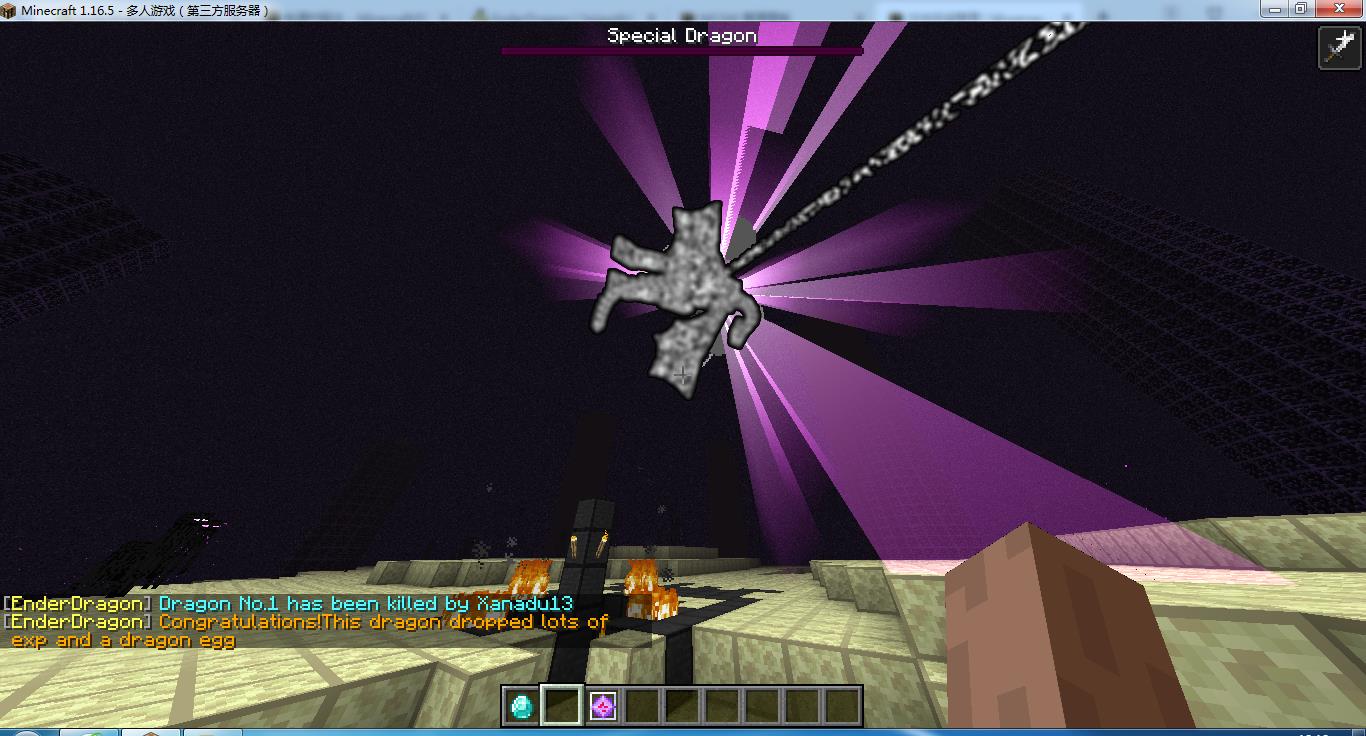
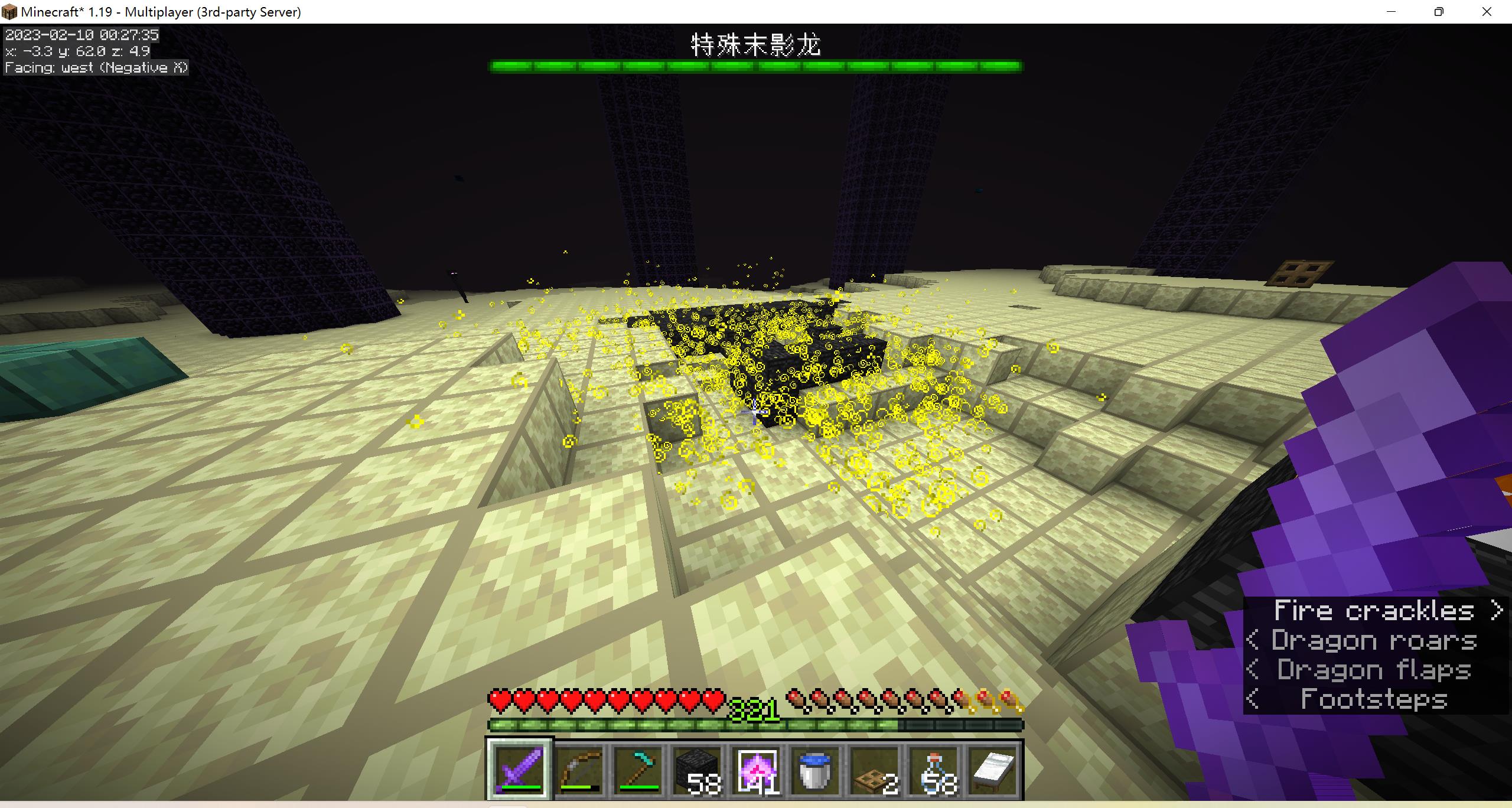
- killed a special ender dragon
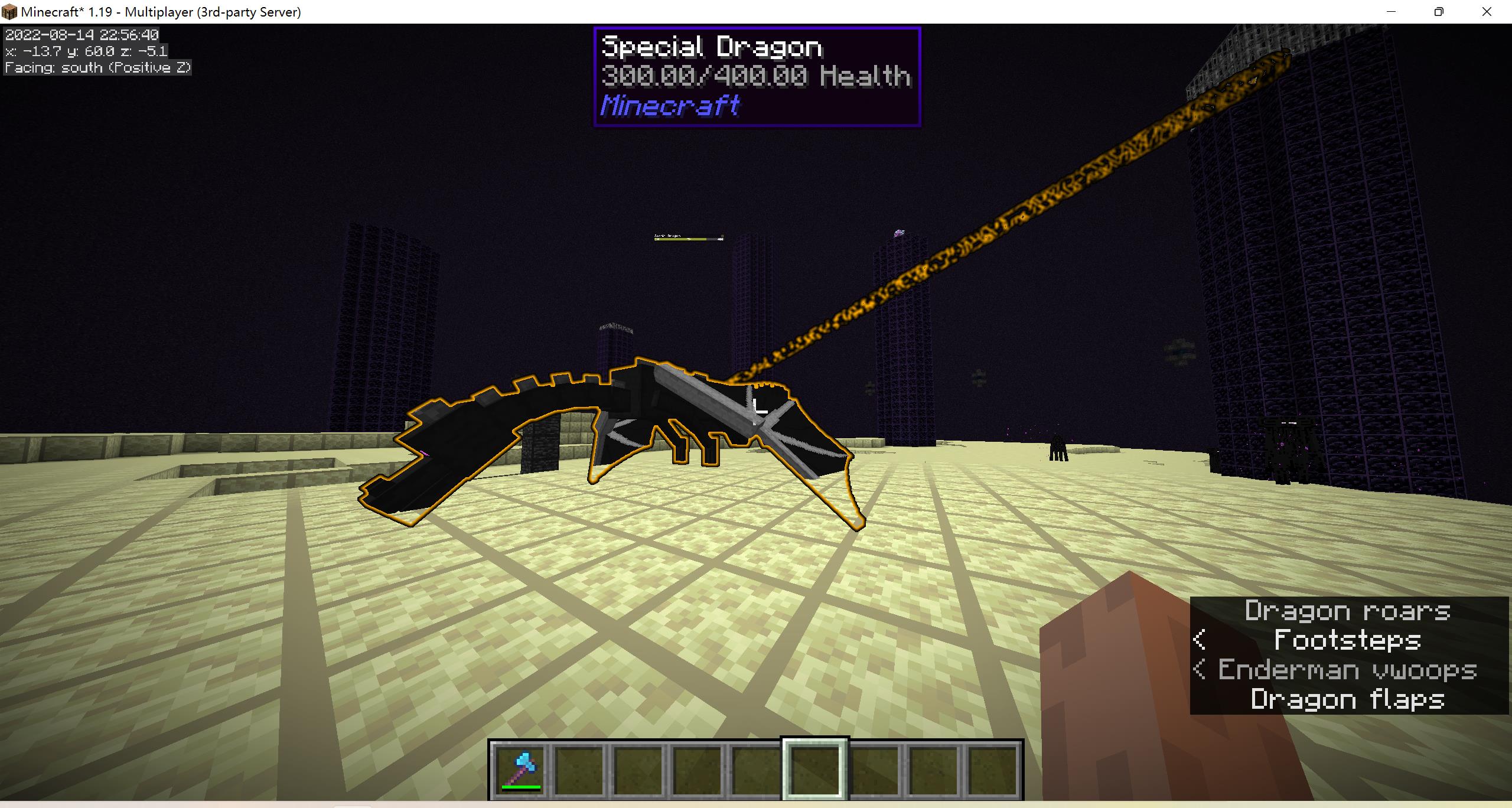
- glowing with gold color
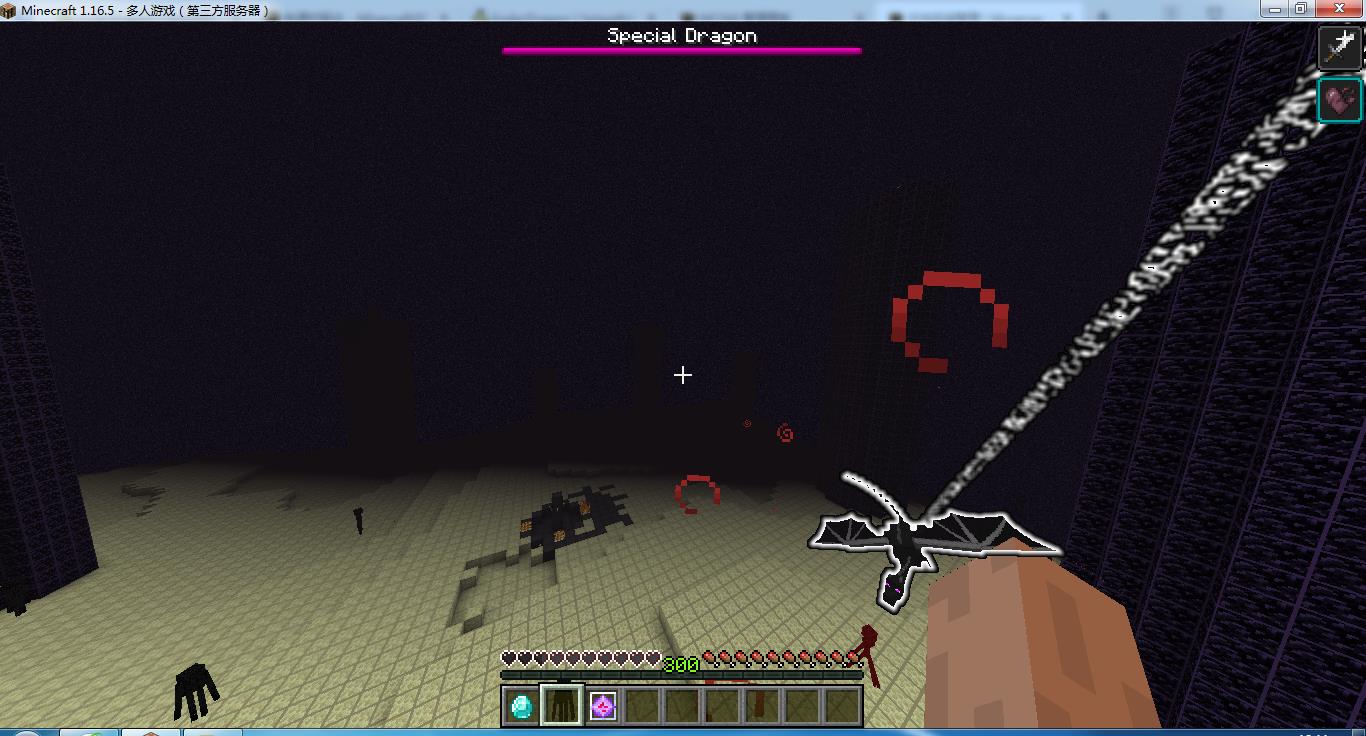
- dragon attack with buff
- damage vision
- drop-item setting gui
- special effect cloud
- respawn with /ed respawn
- Dragon Slaying Report
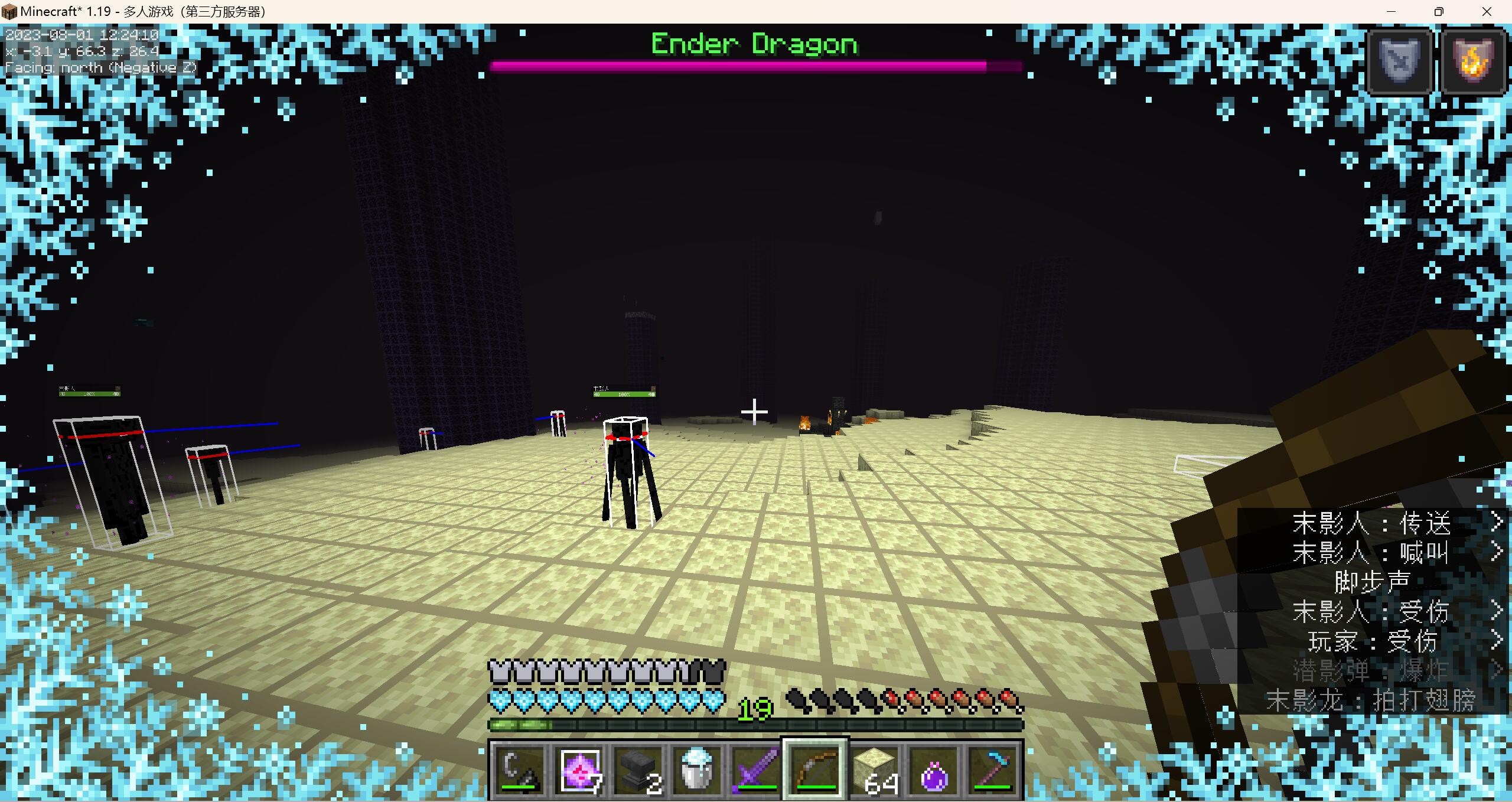
- Dragon Frozen Attack
Commands
- /ed reload -reload the config(permission: ed.reload)
- /ed respawn [world_name] -respawn a dragon and initialize the end_crystal(permission: ed.respawn)
- /ed respawn_cd -config the respawn countdown system(permission: ed.respawn)
- /ed update -update the config file(permission: ed.update)
- /ed drop add [unique_name] [amount] -add drop-item of given dragon(permission: ed.drop.edit)
- /ed drop clear [unique_name] -delete the present drop-item config of given dragon(permission: ed.drop.edit)
- /ed drop edit -edit the item in gui (permission: ed.edit)
- /ed drop gui -open the gui of dragons' drop-item(permission: ed.drop.gui)
- /ed action [player_name] [action] -execute actions (permission: op)
Permission
- ed.reload(default: op owns)
- ed.respawn(default: op owns)
- ed.update(default: op owns)
- ed.drop.edit(default: op owns)
- ed.update.notify(default: op owns)
- ed.drop.gui(default: all players own)