MINECRAFTBIBLE
Loading...


Lightweight, open-source alternative to Deluxemenus for Paper and Folia 1.21.1+
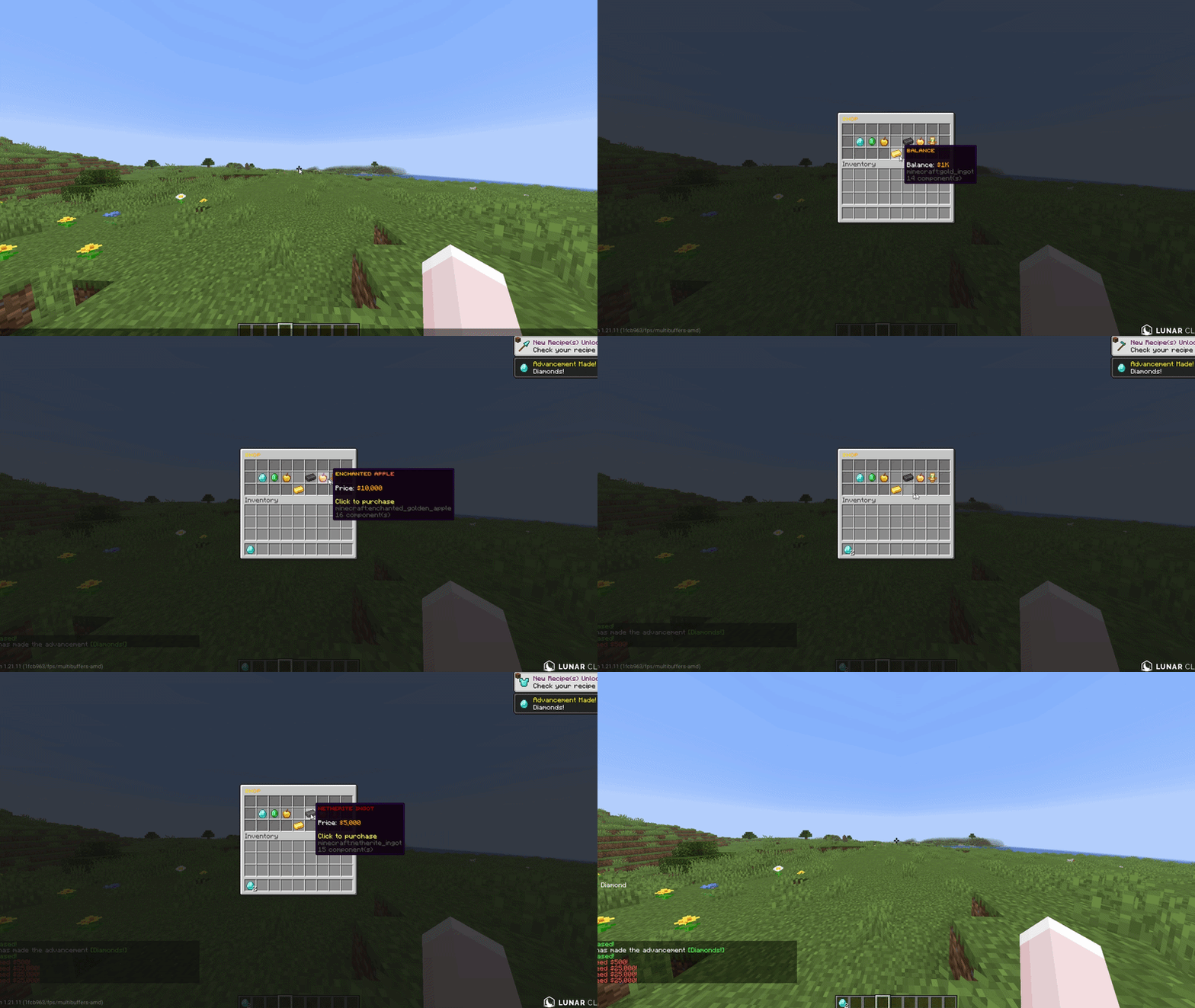
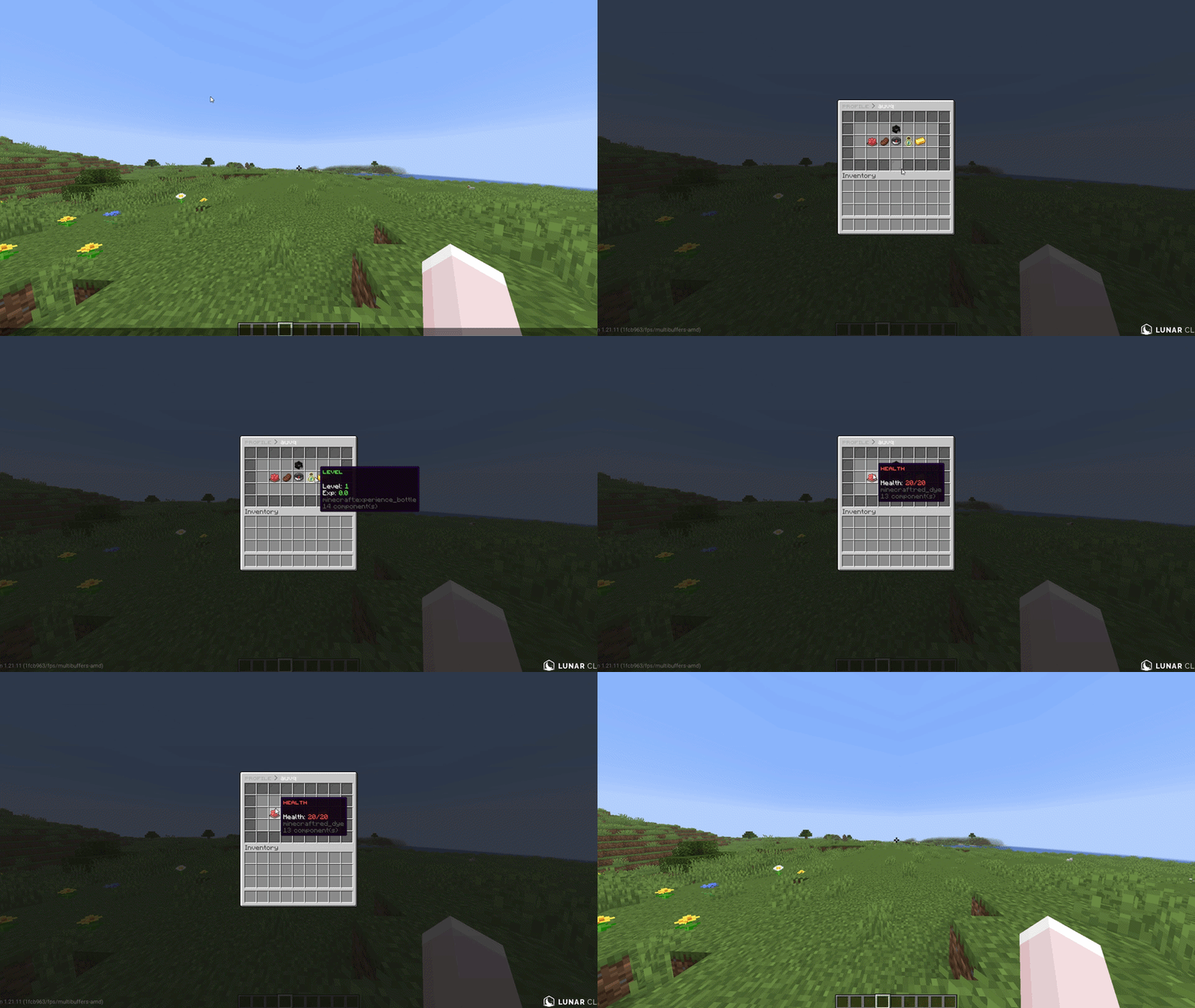
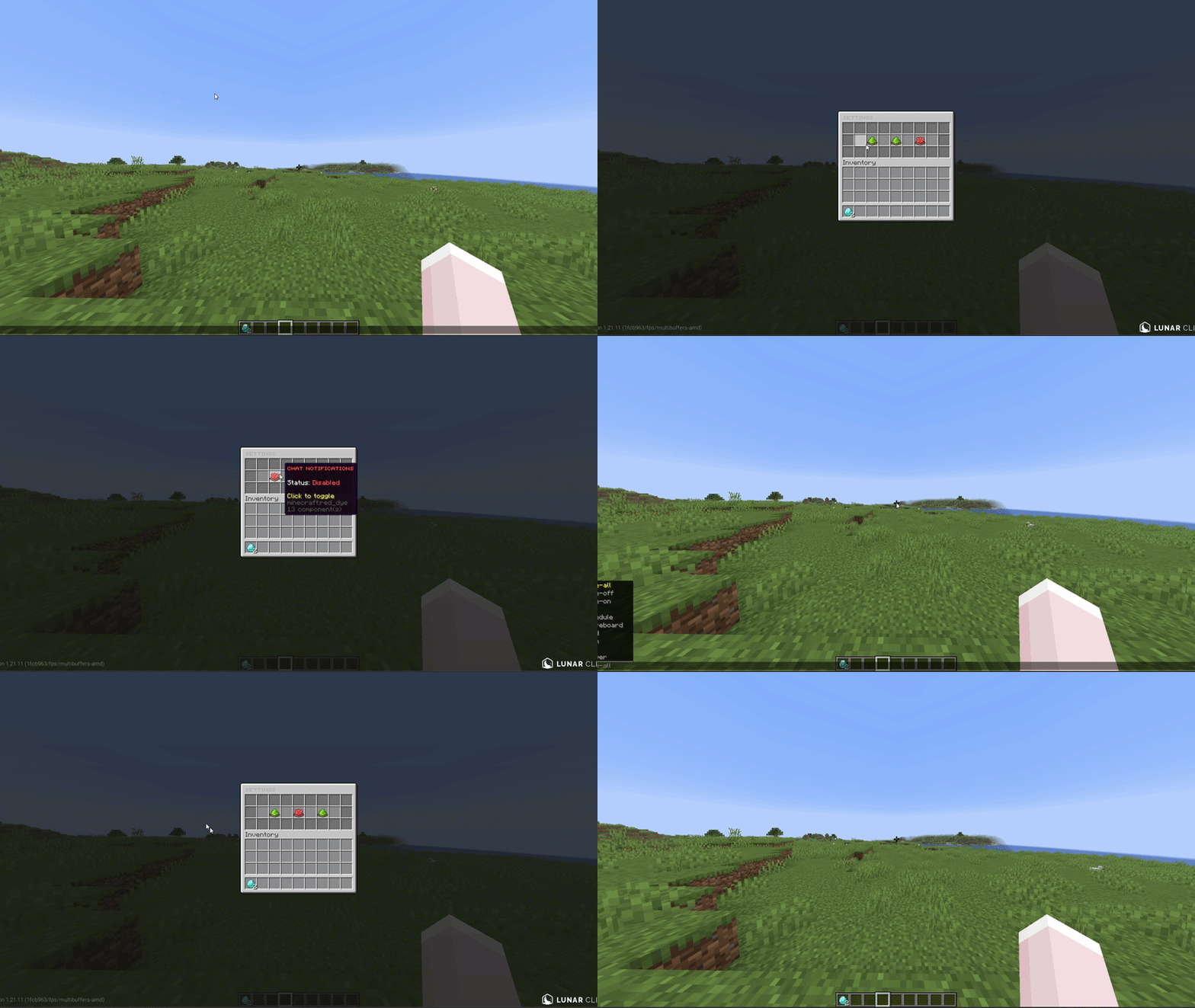
A lightweight, open-source GUI menu plugin for Paper & Folia 1.21.1+. The modern DeluxeMenus alternative with native Folia support, MiniMessage formatting, and zero required dependencies. One command migrates your existing DM configs.
01. Open source (MIT). Fork it, modify it, no restrictions. Most menu plugins are closed source or paid.
02. Native Folia & Paper support. Built on the region-threaded scheduler from day one. No compat layer, no external scheduler library.
03. Zero dependencies. Drop the jar in and it works. Vault and PlaceholderAPI are optional, not required.
04. Built-in DeluxeMenus migration tool. One command converts your existing configs.
05. Supports modern text formatting. Gradients, hover text, click events. MiniMessage native, not bolted on.
Modern text formatting with gradients, hover text, and click events. Legacy color codes still work for migration.
Conditions that control who can open menus, click items, and see items. Permissions, money, exp, items, metadata, regex, math expressions, location, and inverted checks. The expression engine handles &&, ||, parentheses, and string methods natively. DeluxeMenus needs a JavaScript engine for the same thing.
Drag and drop menu editing without touching config files. Move items around, add new ones, pick items up to clear slots. Closing the editor saves the YAML. DeluxeMenus does not have this.
Multi page menus for large item lists. Built-in prev_page and next_page actions, plus {page} and {max_page} placeholders that work in titles, item names, and lore.
Page changes and same-size menu opens (like shop categories spread across multiple YAMLs) reuse the existing window instead of closing and reopening it. No flicker, even when the title contains the page number. No other menu plugin does this. Toggleable in config.yml.
View another player's data through any menu by passing -p:playername to the command, or as the first argument with tab completion. Placeholders resolve against the target. Works online and (optionally) offline.
Store per player data (strings, numbers, booleans) that survives restarts. No database file, no extra storage. Backed by Minecraft's PersistentDataContainer, stored on the player object directly. Set, add, subtract, switch, or remove via menu actions or /am meta. Read it back with PlaceholderAPI or check it in requirements.
Collect free text from players. Anvil input opens an anvil GUI where the player types into the rename field. Chat input closes the menu and waits for the next chat message. Build search menus, naming systems, custom forms. DeluxeMenus does not have this.
Define a reusable item once in templates/, then use it across menus with variable substitution. Set material, name, lore, click actions, and requirements with {variable} placeholders, then fill in values per use. Write your shop entry once, reuse it for every item.
Lay out a menu with a character grid instead of counting slot numbers. Map characters to items and AuMenus places them automatically.
Frame cycling items with configurable interval, reverse, and one-time playback. Each frame can override material, name, lore, and enchantments. Built in, no extra plugin needed.
Fill a row of slots based on a current/max value from placeholders. Set the filled and empty visuals separately. Works for XP, quests, dungeon progress, anything with a ratio.
Update an inventory's title on a timer with live placeholders. Countdown timers, online player counts, balance displays, weather and time indicators. Updates ride the same flicker-free path as page changes.
Auto generate page items for every online player from a single template. Configure the head, name, and lore once. Click actions target the listed player. Build staff lists, friends menus, party invites, teleport menus.
Open different menus based on a requirement check. Configure a condition and two target menus, pass and fail. AuMenus routes the player to the right one.
Other plugins can register custom action and requirement types, listen to menu events, and open menus programmatically. Available on JitPack. The codebase is open source so you can read exactly how it works.
One command converts existing DeluxeMenus configs. Menu options, items, actions, requirements, placeholders, even JavaScript expressions. Original files left untouched.
{page}, {max_page}, {target}, {player}, plus %aumenus_current_menu% and %aumenus_previous_menu%