AnimalGuard
🐾 Protect, Track, and Manage! The essential Mob Protection plugin featuring Nametag claiming, SQL support, and a Visual Admin GUI. [1.20+]
📖About AnimalGuard
📢 Overview
Keep your pets safe. Manage them with precision.
AnimalGuard is a robust, lightweight protection plugin designed for modern Minecraft servers (Paper 1.20+). It transforms the simple act of using a Name Tag into a secure ownership claim.
Unlike complex land-claiming plugins that happen to include animals, AnimalGuard focuses purely on Entity Protection with enterprise-grade performance (HikariCP) and a sophisticated Admin GUI.
Why use this?
- "Players keep killing my horses!" 👉 Simply name them with a Name Tag to lock ownership.
- "I have too many protected mobs causing lag." 👉 Use the Admin GUI to sort by "Distance" or "Date" and prune old entities.
- "Where did that protected zombie go?" 👉 Enable Markup Mode to make specific mobs glow through walls.
✨ Key Features
- 🏷️ Nametag Protection: Players simply rename a Nametag and right-click a mob to claim it. The mob becomes invincible to other players.
- 🖥️ Visual Admin GUI: A powerful inventory interface for OPs to browse all protected mobs.
- Sortable: Sort by Name, Registration Date, or Distance from you.
- Teleport/Track: Easily locate entities relative to your position.
- 🔦 Markup Mode: A unique feature that applies the Glowing Effect to protected mobs via the GUI, making them instantly visible for management or debugging.
- 💾 Database Support: Built on HikariCP for high-performance connections.
- SQLite: Zero-setup local file storage (Default).
- MySQL: Full support for large networks and external databases.
- ⚡ Performance First: Written in Kotlin with asynchronous database I/O to ensure your server TPS never drops.
🎮 How to Use
For Players
- Obtain a Name Tag.
- Rename it in an Anvil.
- Right-click any mob (Cow, Horse, Villager, etc.).
- 🎉 Success! The mob is now yours. Only you can damage or interact with it.
For Admins
- Run
/agto open the Management GUI. - Click the Compass to change sorting (e.g., find the nearest protected mobs).
- Right-Click a mob head to toggle Glowing (Markup) to find it in the world.
- Left-Click a mob head to Delete Protection (Permanently remove owner data).
📜 Commands & Permissions
| Command | Description | Permission |
|---|---|---|
/ag |
Opens the Admin Management GUI. | animalguard.admin |
/ag reload |
Reloads config.yml and messages.yml. | animalguard.admin |
(By default, animalguard.admin is granted to OPs)
⚙️ Configuration
You can customize the storage backend and every message displayed to players.
config.yml
# =============================================================================
#   AnimalGuard - Configuration
# =============================================================================

# [Storage] Database Settings
# Choose between SQLite (local file) or MySQL (external).
database:
  type: sqlite # Options: sqlite, mysql

  sqlite:
    file: "animalguard.db"

  mysql:
    host: "localhost"
    port: 3306
    database: "minecraft"
    username: "root"
    password: "password"
    ssl: false

  # Connection Pool Settings (HikariCP)
  pool-size: 10
  connection-timeout: 30000
📸 Gallery
Admin GUI
Manage all protected entities in a centralized interface. Sort by distance to clean up local areas.

Markup Mode
Targeted mobs glow, allowing Admins to easily distinguish protected entities from wild ones.

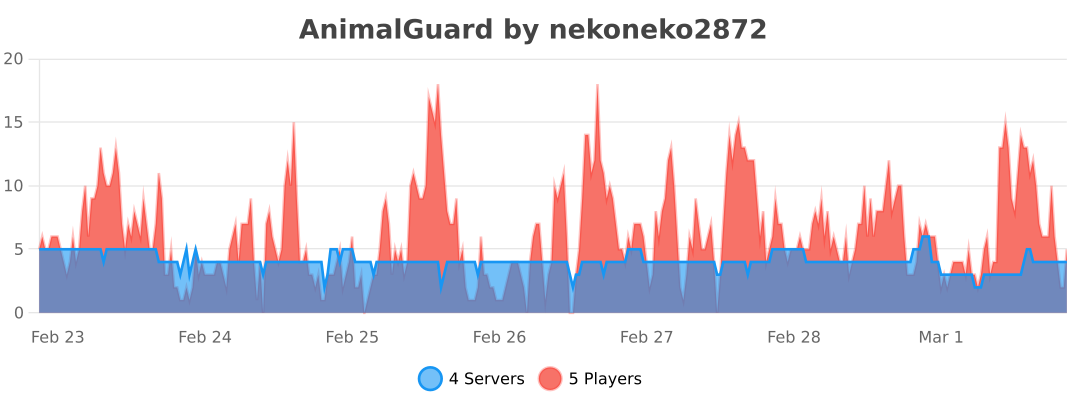
📈 bStats