


ModMIT
Zoma's SwordSkill Mod
Added sword skills that respect Sword Art Online. ソードアートオンラインをリスペクトしたソードスキルを追加します。
1.8K
Downloads
17
Followers
6 months ago
Updated
📦
14
Versions
📖About Zoma's SwordSkill Mod
SwordSkill
…is a Minecraft mod that allows you to use several unique sword techniques that appeared in the anime "Sword Art Online." This mod currently only works with Forge.
Also, this text may be difficult to read because it uses translations. Sorry!
It will look even better if you install a shader.
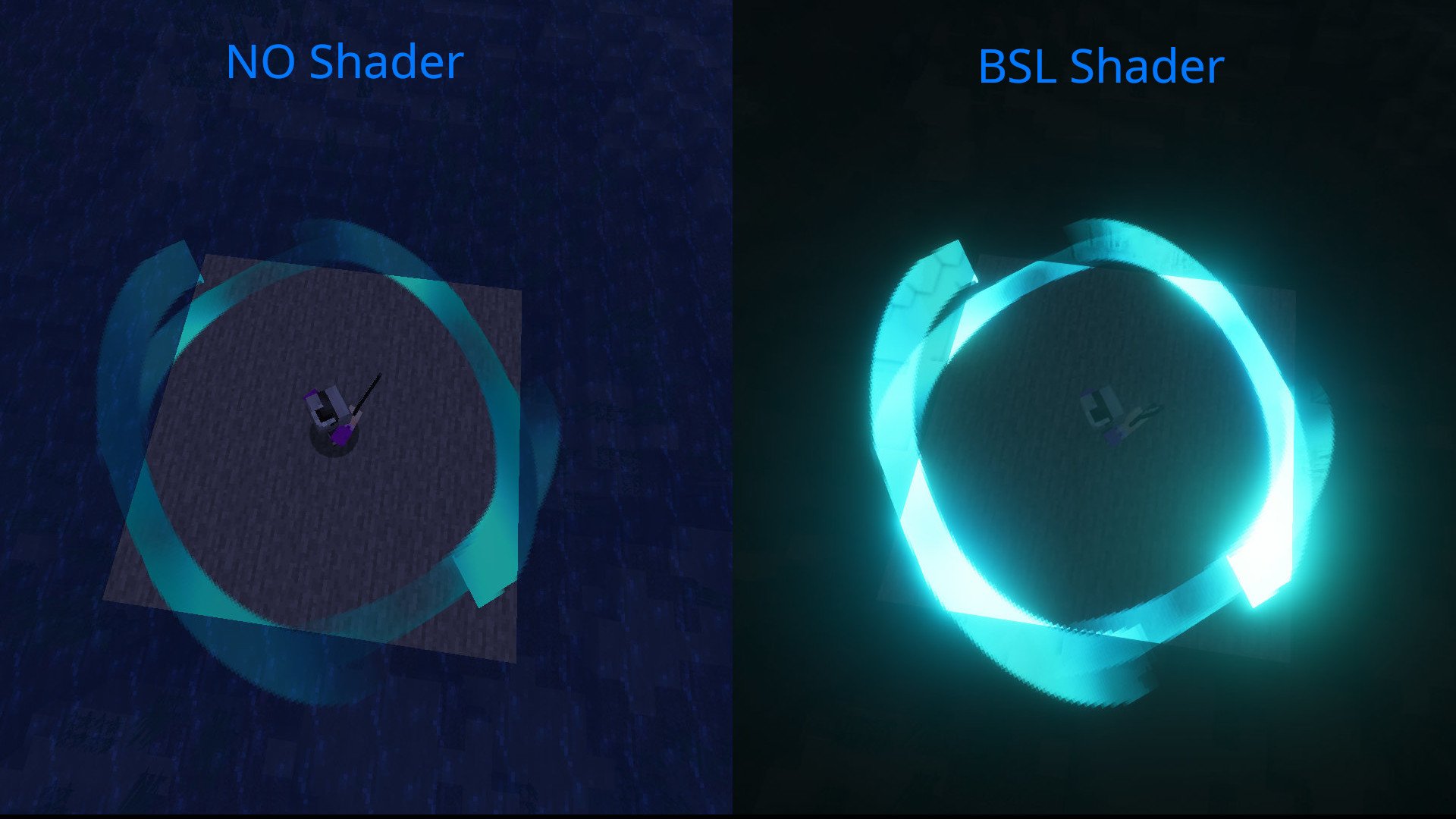
Features:
- Sword skills are available for weapon types including one-handed swords, axes, spears, dual-wielding, katanas, rapiers, Dagger, Scythe, Claw, and greatswords and Mace.
- There are currently about 80 types of sword skills.
- We have added derivative skills such as "Horizontal Square" and "Vertical Square."
How to Use:
- While holding a weapon, press the "Open Skill Select Screen" key.
- Select a sword skill with the A or D keys, confirm your selection, and save it to a slot.
- Alternatively, you can instantly save a skill to the corresponding slot using the "QuickUse Skill-0~4" keys.
- A HUD will appear at the top of the screen.
- While holding the "Quick Skill Select" key, move the mouse wheel to select a skill from the slots.
- Use the "UseSkill" key to activate the selected skill.
- You can also instantly activate the corresponding skill using the "QuickUse Skill-0~4" keys.
Version 1.2.0 and later:
Skill Orbs are now required to use Sword Skills.
Unlocking Sword Skills now requires Skill Orbs.
Skill Orbs can be obtained from chests in dungeons and villages.
Derivative Skills:
- Hold down the "UseSkill" or "QuickUse Skill-0~4" keys to activate derivative skills.
Config:
swordskill-client:
- The rendering method for Sword Skills can be changed.
- You can adjust the display position and size of the HUD.
- You can adjust the HUD position with the Adjust HUD Position Key.
swordskill-server:
- You can adjust the power of sword skills.
- You can adjust the cooldown of sword skills.
- You can allow PVP using sword skills.
- You can adjust whether sword skills target neutral mobs.
- You can allow automatic weapon type configuration.
- "Do you want to use the Sword Skill unlock system introduced in version 1.2.0 and later? (Skill Orbs will still generate even if you choose not to use it.)
Using DataPack
You can create data packs and make any weapon compatible.
Steps
- Create a data pack
- Create a weapon type json based on the guide
Please select weapon type from the list below.
DataPackName/data/swordskill/weapon_types/youritems.json
{
  "name" : "modname:youritems",
  "item" : ["modname:supersupersword",
    "modname:dark_repulsor",
    "modname:elucidator",
    "modname:aneal_blade",
    "modname2:god_sword",
    "modname3:yajuu_sword"
  ],
  "weapontype" : ["ONE_HANDED_SWORD","TWO_HANDED_SWORD",…]
}