


ModGPL-3.0-only
Challenges
A mod that adds new challenges to minecraft.
1.3K
Downloads
4
Followers
2 months ago
Updated
📦
8
Versions
📖About Challenges
Minecraft Challenges Mod
A mod that adds new challenges to minecraft.
Installation
The mod is currently server side only. Download the packaged jar and install it in your servers mod folder.
Usage
If the mod was loaded successfully, you will have the following commands available (assuming you are OP on the server):
| command | Description | Note |
|---|---|---|
/challenge config |
Configure which challenges should be active | You can also configure an active challenge after it was started and (de-)activate challenges |
/challenge start |
Starts the challenge and the associated timer | Make sure to configure the challenges before! |
/challenge pause |
Pause the timer of the challenge | |
/challenge resume |
Resume the timer of the challenge | |
/challenge stop |
Stop a running challenge |
| Challenge configuration interface with no challenges active | Challenge configuration interface with Hardcore, Slay Enderdragon, Scrambled Mob Drops and Destroy Blocks on Break enabled |
|---|---|
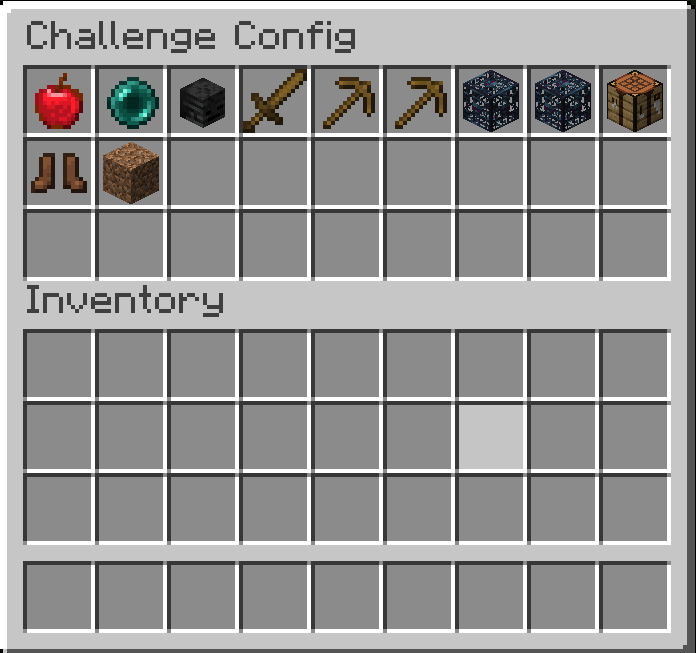 |
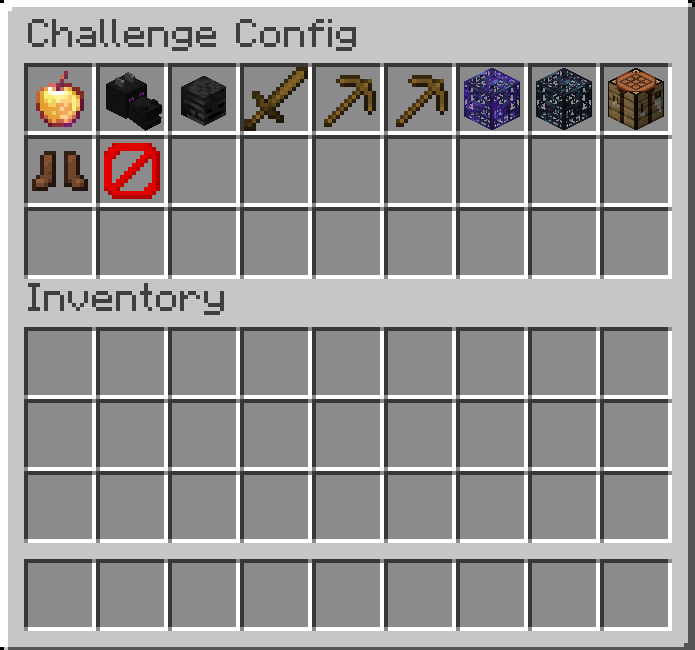 |
Challenges
| Challenge | Description | End Condition |
|---|---|---|
| Hardcore | Similar to vanilla hardcore, only that if one player dies, all other players also die and the challenge is lost. | Loose: Death of at least one player |
| Slay Enderdragon | Challenge goal to finish minecraft (i.e. slay the Enderdragon). | Win: A player kills the ender dragon in the end |
| Slay Wither | Challenge goal to kill the Wither. | Win: A player kills the wither |
| Slay Warden | Challenge goal to kill the Warden. | Win: A player kills the warden |
| Scrambled Mob Drops | If a mob is killed by a player, the mob drops a random item. If the same player kills the same mob, they will always drop the same item (e.g. a cow killed by player x will always drop dirt, while a cow killed by player y will always drop cobblestone). | / |
| Random Mob Drops | If a mob is killed by a player, the mob drops a random item. | / |
| Scrambled Block Drops | If a player mines a block, the drops are scrambled on a per player and block basis. | / |
| Random Block Drops | If a player mines a block, the drops are randomized. | / |
| Random Mobs on Damage | If a player damages a mob, the mob will be replaced by a random other mob. | / |
| Scrambled Mobs on Damage | If a player damages a mob, the mob will be replaced by a scrambled other mob. | / |
| No Crafting Tables | Players cannot use crafting tables. | / |
| Random Mob Speed | Newly spawned mobs will spawn with a random speed modifier, which can make them slower or faster then they normally would be. | / |
| Delete Block on Break | If a player breaks a block, a 3x3x3 matrix around that block will also be broken, but no items are dropped. | / |
A Note on Randomizers and Scramblers
- Randomizer: A randomizer always selects a random item/block/mob for every player. E.g. if player x first hits a cow, it is replaced by a chicken. If player x hits a second cow it is replaced by a zombie.
- Scrambler: A scrambler will pre-randomize all items/blocks/mobs for each player and then deterministically select the same item/block/mob for each input element. E.g. if player x hits a cow, the cow will always be replaced by a chicken, while if player y hits a cow, the cow will always be replaced by a wither.