Logo
MINECRAFTBIBLE
Items
Items

All game items

Blocks
Blocks

Building blocks

Mobs
Mobs

Creatures & monsters

Biomes
Biomes

World biomes

Structures
Structures

Generated structures

Recipes
Recipes

Crafting guides

Advancements
Advancements

Achievements

Loot Tables
Loot Tables

Drop rates

Tags
Tags

Item groupings

All Versions
View all data →
Capes
Cape ArchiveNEW

Browse rare Minecon capes, OptiFine capes, and custom capes from players worldwide

Browse

Player Database
Player DatabasePopular

Search any player

Skin Browser
Skin Browser

Browse & download skins

Cape Gallery
Cape GalleryNEW

Minecon & OptiFine capes

Seed Vault
Seed Vault

Curated seeds

Learn

Guides
GuidesNew

Tutorials & tips

Blog
Blog

News & updates

Community

Community Hub
Community HubHub

Posts, discussions & more

All Versions
View community →
Seed Analyzer
Seed Analyzer

World seed analysis

Loot Explorer
Loot Explorer

Drop rates

Crafting Calculator
Crafting Calculator

Material planning

Enchant Calculator
Enchant Calculator

Probability math

Redstone Lab
Redstone Lab

Signal timing

Trading Profit
Trading Profit

Villager ROI

All Versions
View all tools →
Mods
Mods

Browse all mods

Plugins
Plugins

Server plugins

Resource Packs
Resource Packs

Textures & sounds

Shaders
Shaders

Visual enhancements

Datapacks
Datapacks

World logic

Scanner
Mod Intelligence

Scan & analyze any mod

All Versions
View all mods →
Loading...
IntroductionIntroductionVersion HistoryVersion HistoryGuidesGuidesBlog & NewsBlog & News
ItemsItemsBlocksBlocksMobsMobsRecipesRecipesBiomesBiomesStructuresStructuresAdvancementsAdvancementsLoot TablesLoot TablesTagsTags
ModsModsPluginsPluginsResource PacksResource PacksShadersShadersDatapacksDatapacks

MinecraftBible

The Ultimate Wiki

Logo
MINECRAFTBIBLE

The ultimate Minecraft reference. Every item, block, mob, and recipe documented with precision.

Community

  • Skin Browser
  • Cape Gallery
  • Seed Vault
  • Blog
  • Guides

Database

  • Items
  • Blocks
  • Mobs
  • Recipes
  • Biomes
  • Structures

Tools

  • Seed Analyzer
  • Mod Intelligence
  • Crafting Calculator
  • Enchant Calculator

Mods & Packs

  • Mods
  • Plugins
  • Resource Packs
  • Shaders
  • Datapacks

Site & Legal

  • About
  • Authors
  • Editorial Policy
  • Corrections
  • Contact
  • Privacy Policy
  • Terms of Service
  • DMCA
  • Sitemap

© 2026 MinecraftBible. Not affiliated with Mojang or Microsoft.

PrivacyTermsContact
Liteminer
ModMIT

Liteminer

Mine an entire vein of ore, chop an entire tree or break any group of blocks by holding a hotkey.

351.9K
Downloads
246
Followers
4 months ago
Updated
📦
30
Versions
utilityfabricforgeneoforgequilt
Download Latestv2.0.0+1.21.11View on Modrinth

📖About Liteminer

Liteminer

Amber
Issues
Discord
KoFi

Mine an entire vein of ore, chop an entire tree or break any group of blocks by holding a hotkey. A veinmining mod for Fabric, NeoForge, Forge and Quilt.

Requires Forge Config API Port.

Versions before Minecraft 1.21.9 (1.21.8 and below) require Architectury API.

A gif preview of Liteminer, the playing vein mining some diamonds and iron ore.

How To Use It

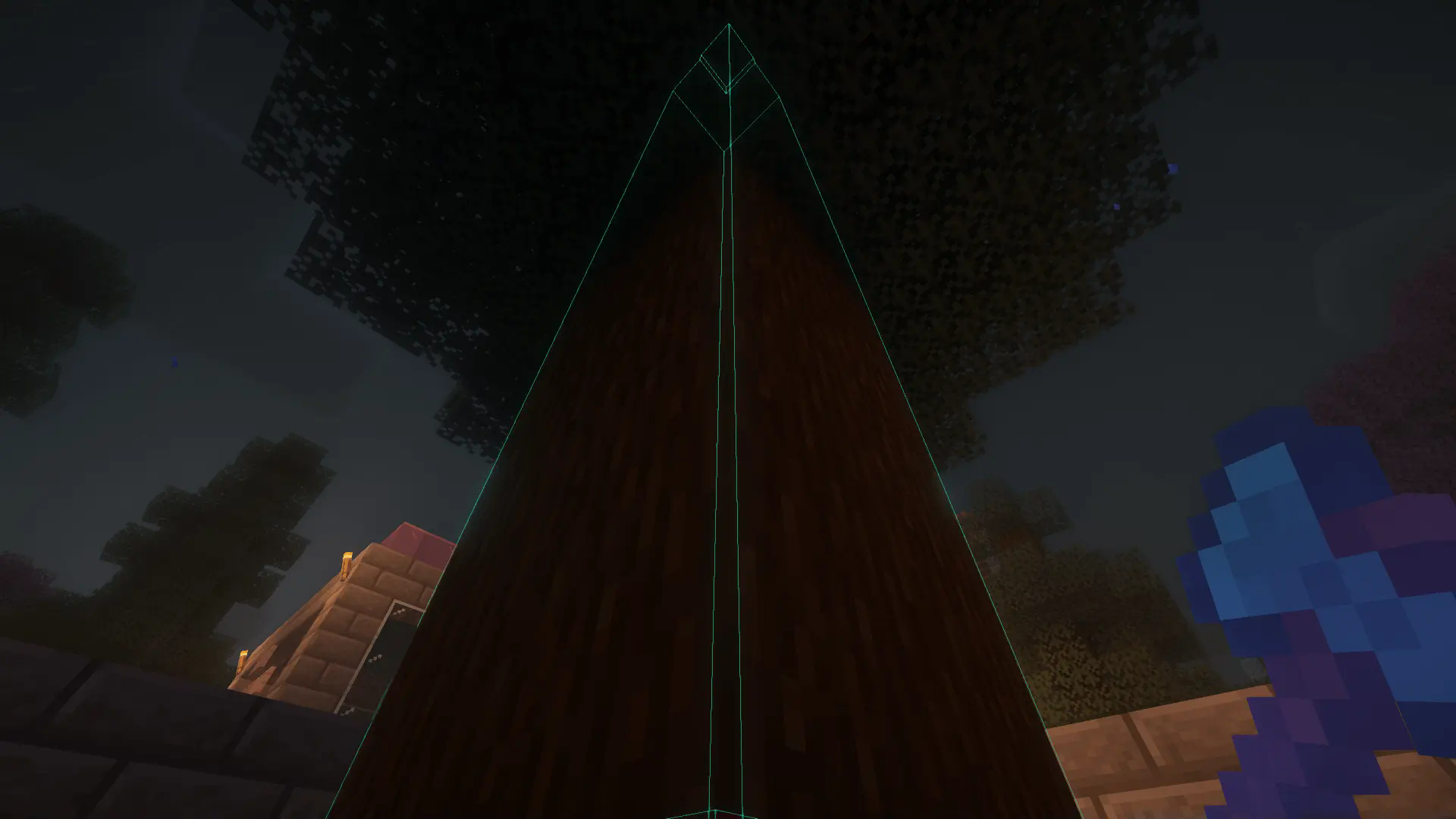
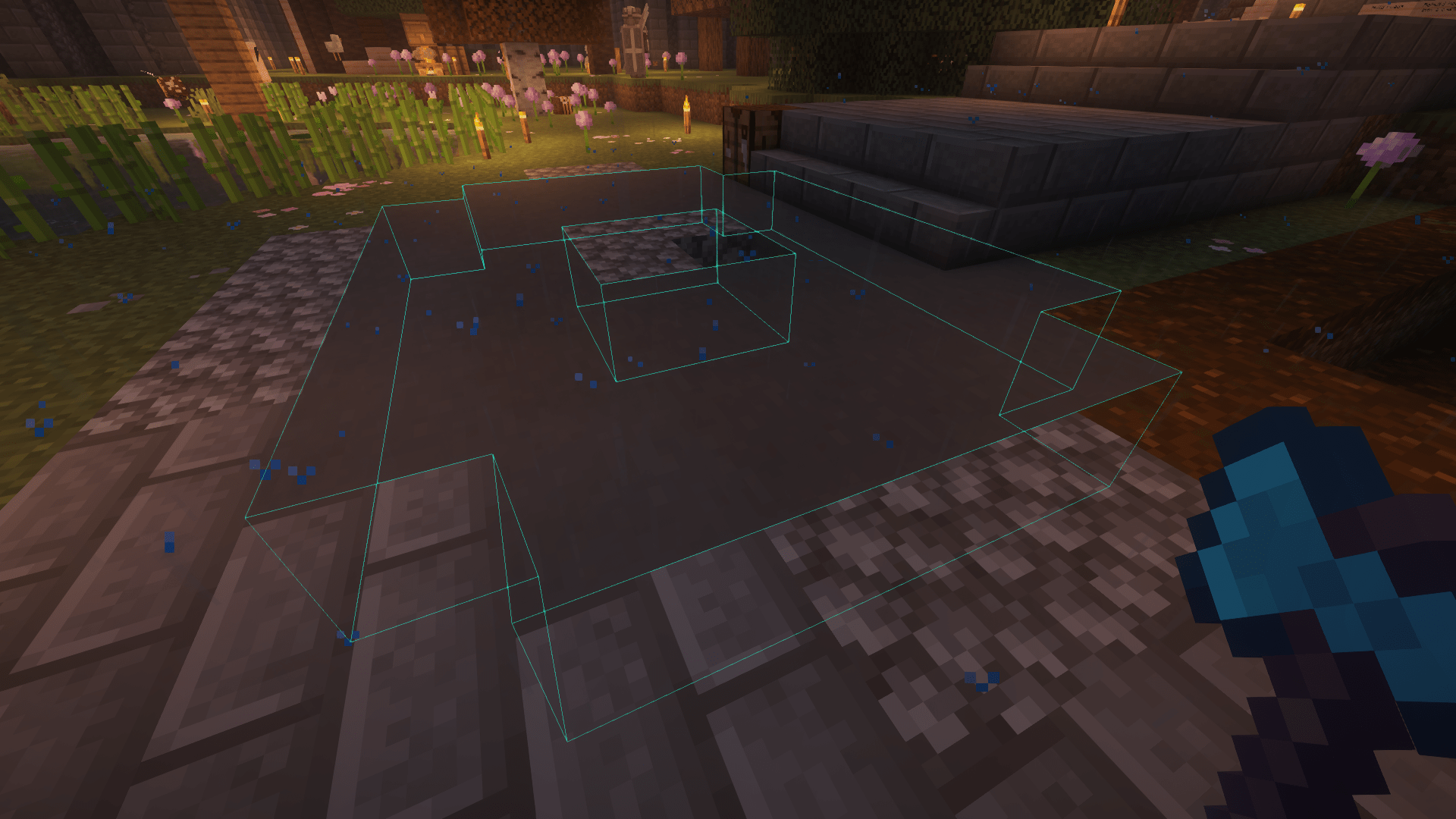
Hold the Tilde/Grave key, look at a block, and mine it. The outlines should show what you're about to mine.
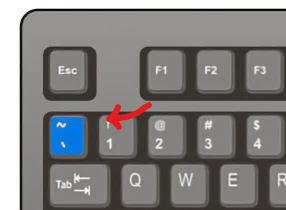
Keybord Hotkey

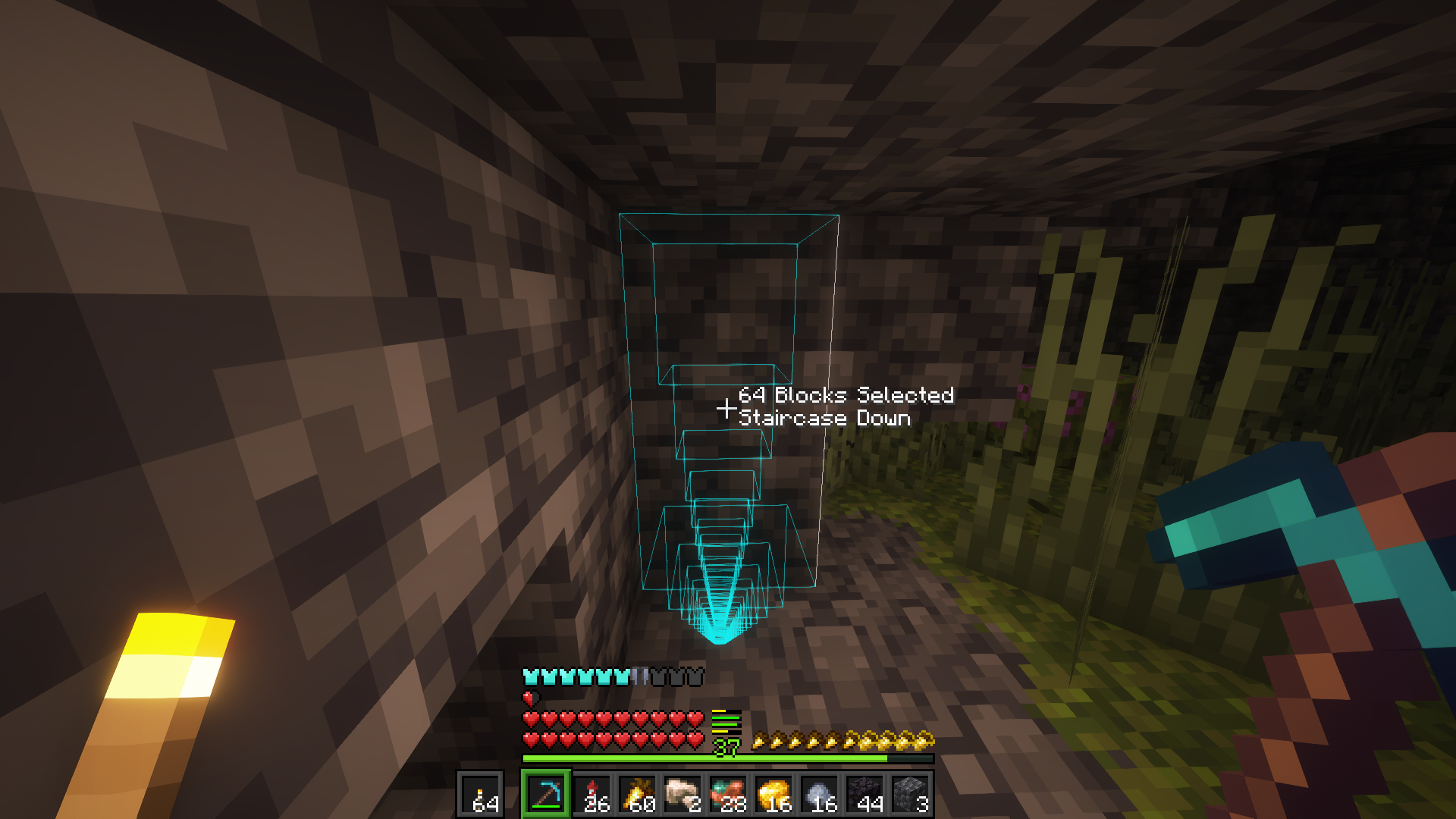
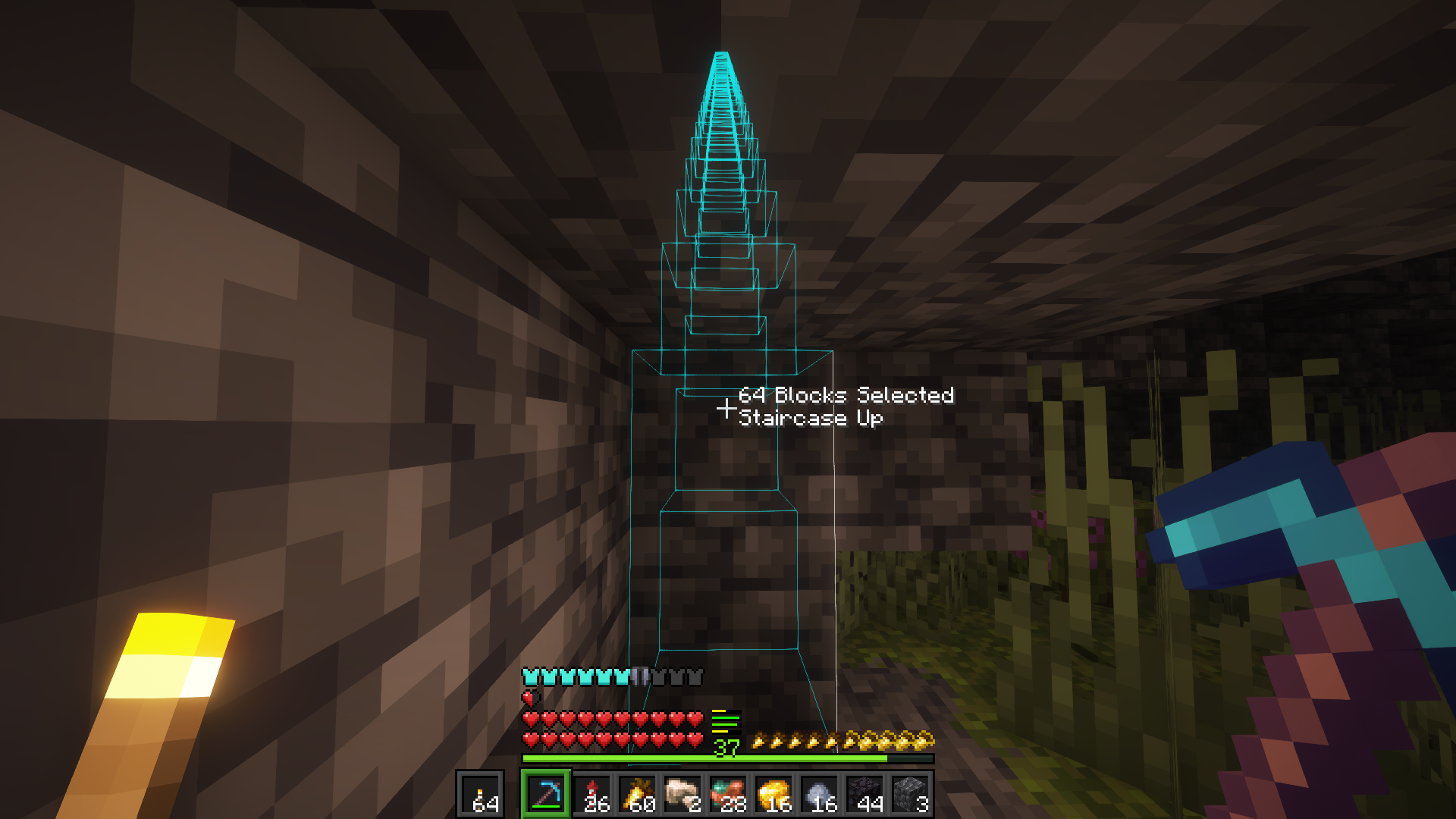
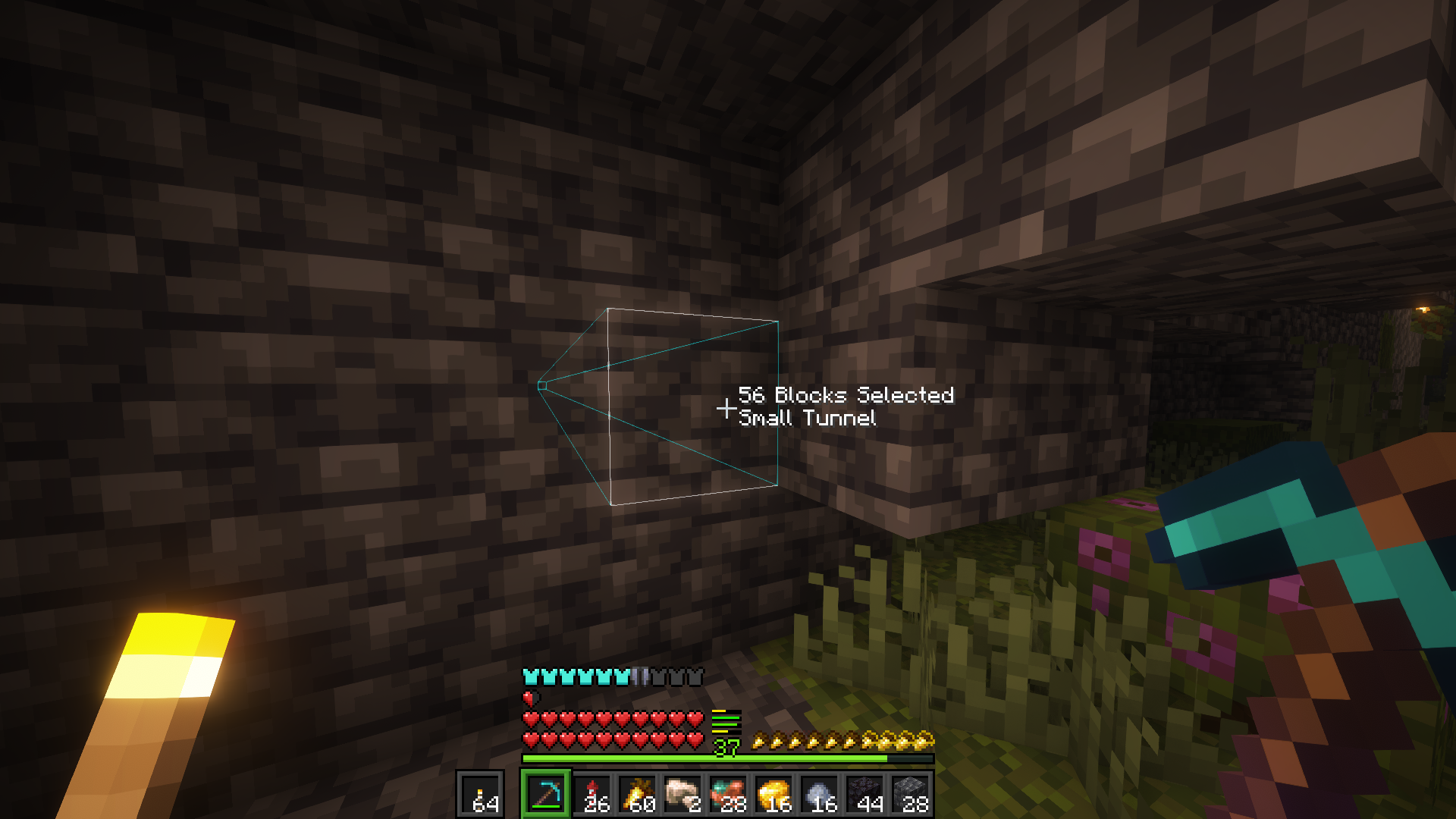
There are a few shapes you can mine with and to switch between them hold the Liteminer key and scroll your mouse wheel.

The available shapes are: Shapeless (mines connected blocks), 3x3, Small Tunnel, Staircase Up and Staircase Down.

Current Plan

I've completed all the features I wanted to add to the mod when I started the project, and I'm happy with how it turned out. The next steps are fixing bugs that might come up and adding new features that I think of or that are requested by the community starting with the Forge port.

Roadmap

  • Configuration File - 0.2.0.beta.1
  • Food Exhaustion - 0.2.0.beta.1
  • Toggle Mode - 0.2.0.beta.1
  • Increased Harvest Time - 0.2.0.beta.1
  • Mining Shapes (3x3, staircase, etc) - 0.3.0-beta.2
  • Axe Stripping - 0.3.0-beta.2
  • Shovel Pathing - 0.3.0-beta.2
  • Hoe Hoeing - 0.3.0-beta.2
  • Port to 1.20.1 - 0.4.0-beta.6
  • Port to 1.20.4 - 0.5.0-beta.7
  • Tool Blacklist / Whitelist - 1.0
  • Block Blacklist / Whitelist - 1.0
  • Release v1.0 - ✅

Thank you for the support!

Tags

Item Tags

  • liteminer:excluded_tools - items in this tag can't be used for litemining (applies to main hand slot)
  • liteminer:included_tools - if require_tool is true in server config, by default only "tool" items can be used (tiered items with durability); this can be used to allow extra items

Block Tags

  • liteminer:excluded_blocks - blocks in this tag may never be litemined
  • liteminer:block_whitelist - if this tag is non-empty, then only blocks in this tag may be litemined

Note: these tags are compatible with the FTB Ultimine tags, so you can use the same tags for both mods if you already have a setup you like.
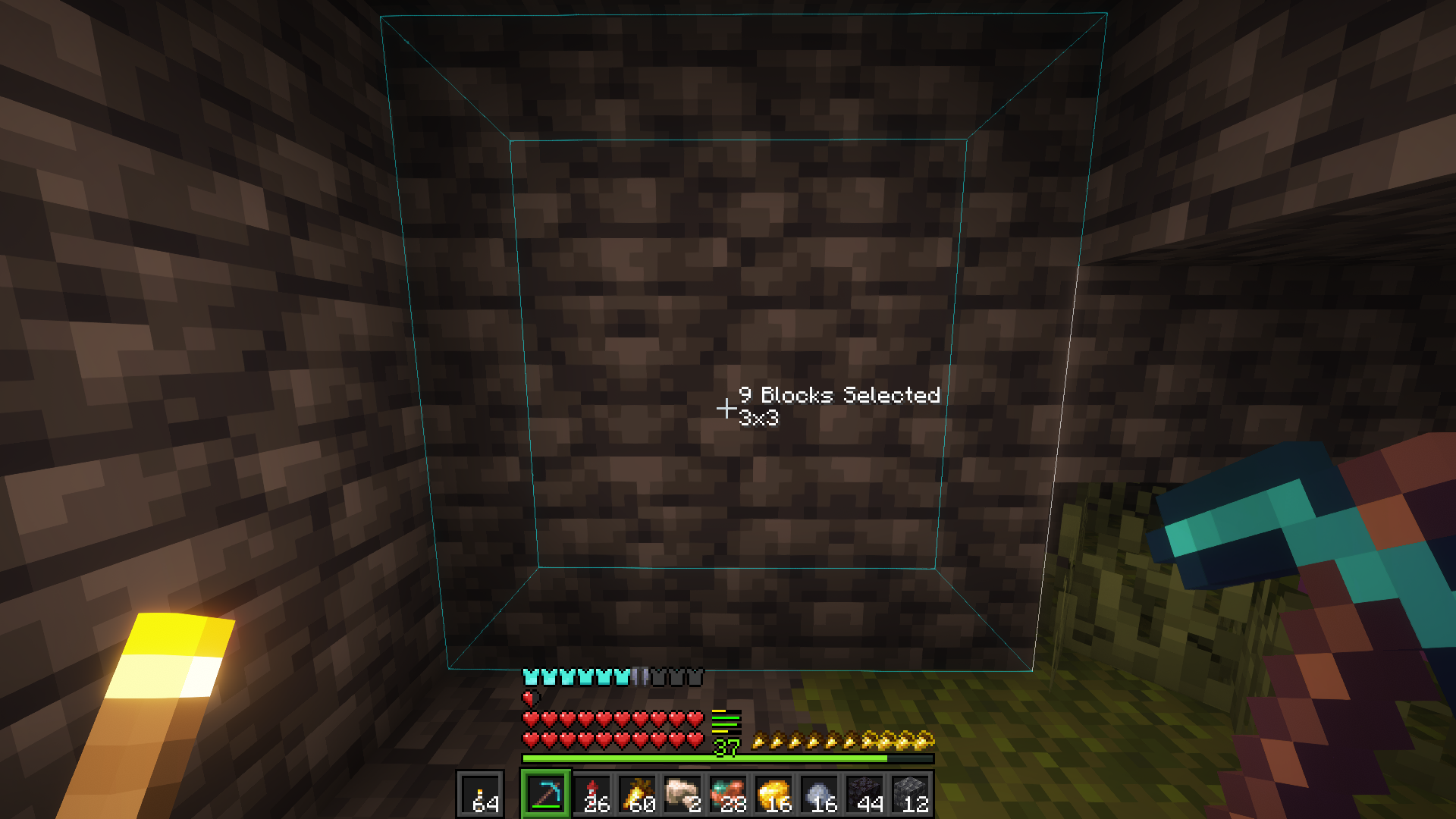
Pics

Mining Shapes

Mining Shapes

Mining Shapes

Mining Shapes

Liteminer outlines on a tree.

Liteminer outlines on the ground.

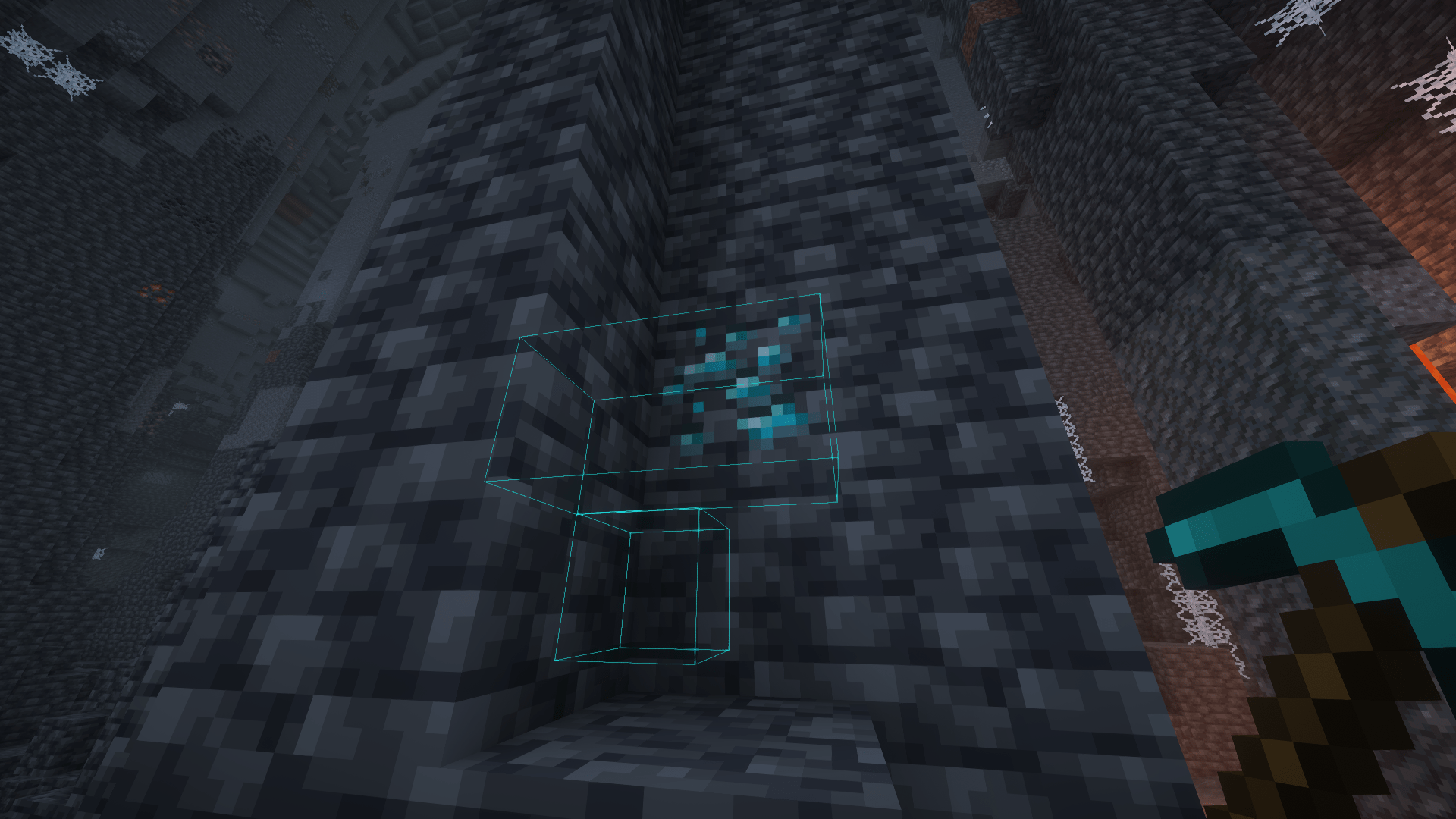
Liteminer outlines on diamond ore.

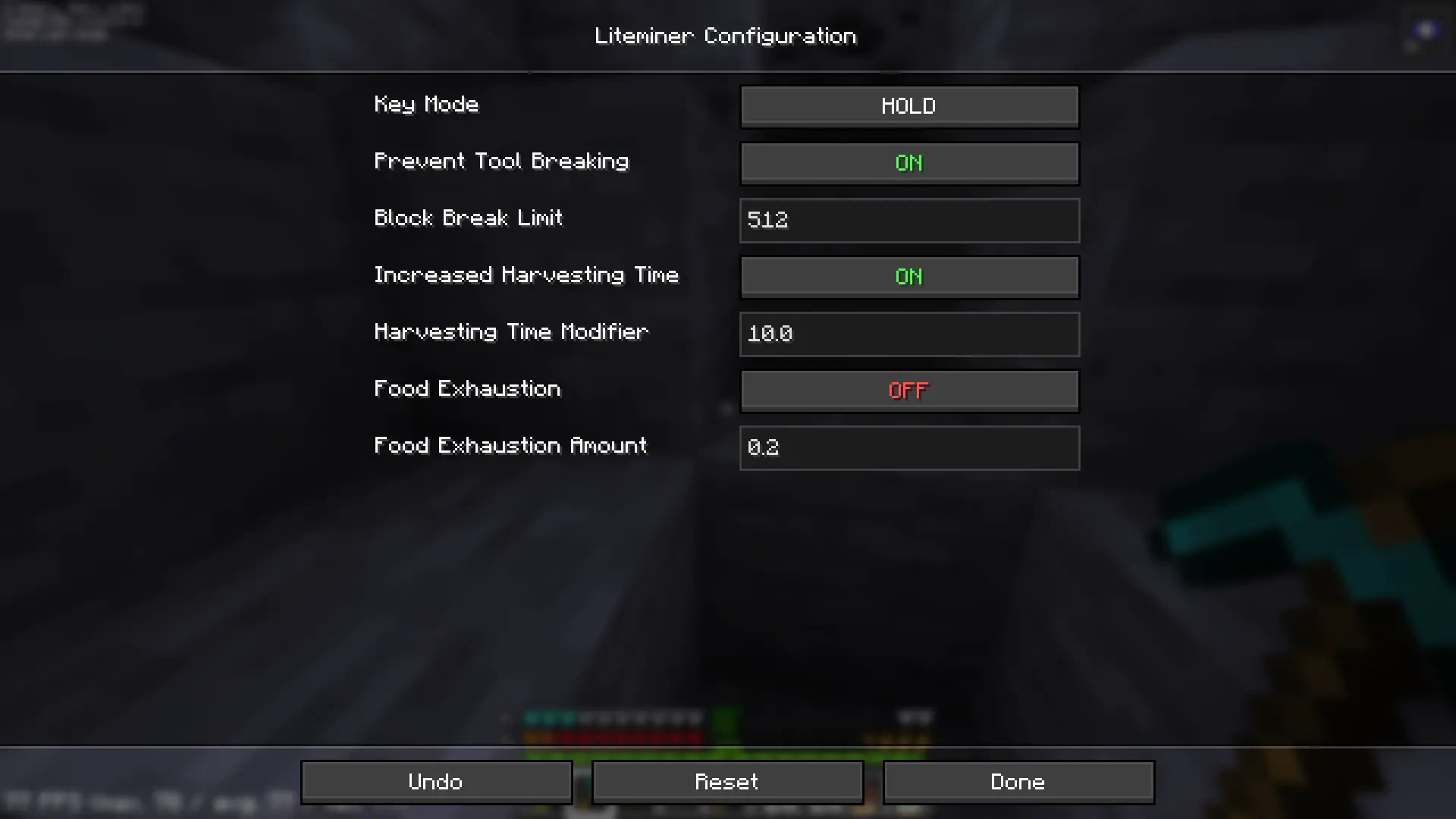
Configuration Screen

Q&A

Q: Where can I ask something that is not listed here?

A: Make an issue here or join the Discord and shoot me a message.

Q: Can you port it to [MC version/Mod loader]?

A: If enough people request it I'll give it some time, but this really is a 1-man team so it might take a while.

Q: Can I include it in my modpack?

A: Yes, no need to give credit or ask.

Join our Discord

Compatibility

Let me know if you find any issues.

Credits

  • FTB Ultimine for the inspiration for the mod.
  • Simply Tools for some client side code.
  • Architectury API for the multiloader setup in which the mod is built upon.
  • KaupenJoe for teaching me how to mod.
  • And most importantly, Aris, for always being there for me.

📃 2025-05-29T02:15:27.800Z

👥 Team & Contributors

iamkaf
iamkafOwner

⚙️ Compatibility

Environment
✅ Client & Server
Loaders
fabricforgeneoforgequilt
Minecraft Versions
1.21.11

🔗 Links

Modrinth Page