


Elytra Trims
Customizable elytra mod with trims, banner patterns and more!
📖About Elytra Trims
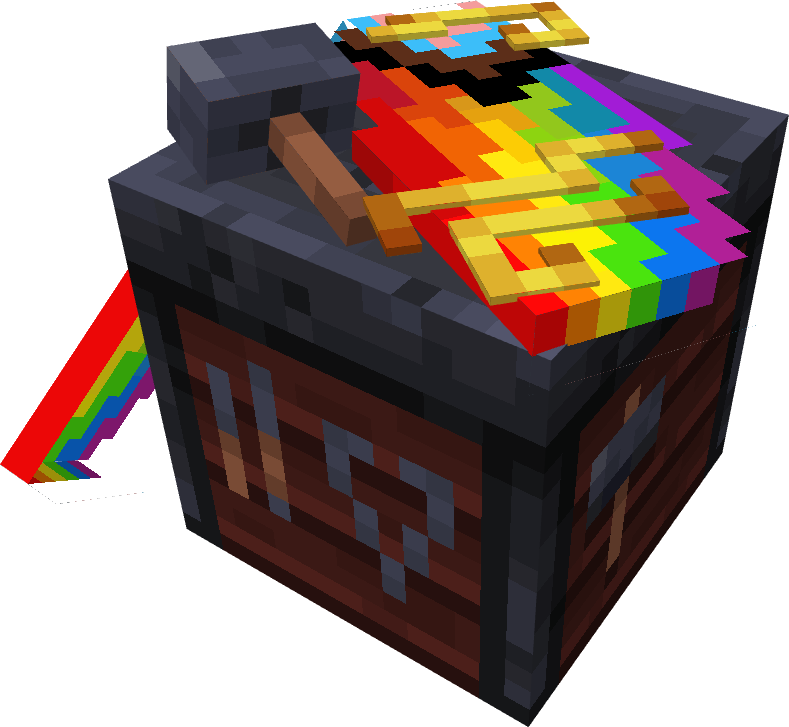
Elytra Trims
With this mod, you can add armor trims, dye your elytra in any color, and put banner patterns on them.







Installation
[!IMPORTANT]
Mod functionality and compatibility may be different across Minecraft updates!
Dependencies
Elytra Trims requires Fabric Language Kotlin
or Kotlin Lang Forge (alternatively Kotlin for Forge)
on the respective mod loader.
On 1.20 and 1.21 you may also need YACL and ModMenu (Fabric only).
Prerequisites
In multiplayer, Elytra Trims must be installed on the server, however this doesn't prevent players without the mod from joining.
| Elytra Trims = ET | Player doesn't have ET | Player has ET |
|---|---|---|
| Server doesn't have ET | Vanilla experience. | Player can join, but can't apply trims, patterns, etc. to elytras. |
| Server has ET | Player can join, but doesn't see trims, patterns, etc. | Player can craft and see decorated elytras. |
Features
Trims
Trims can be applied to elytras similar to the armor. By default, the mod provides textures for a all vanilla trims, and some custom ones!
Note: on 1.20 and 1.21 you may need to install Elytra Trims Extensions for trim compat.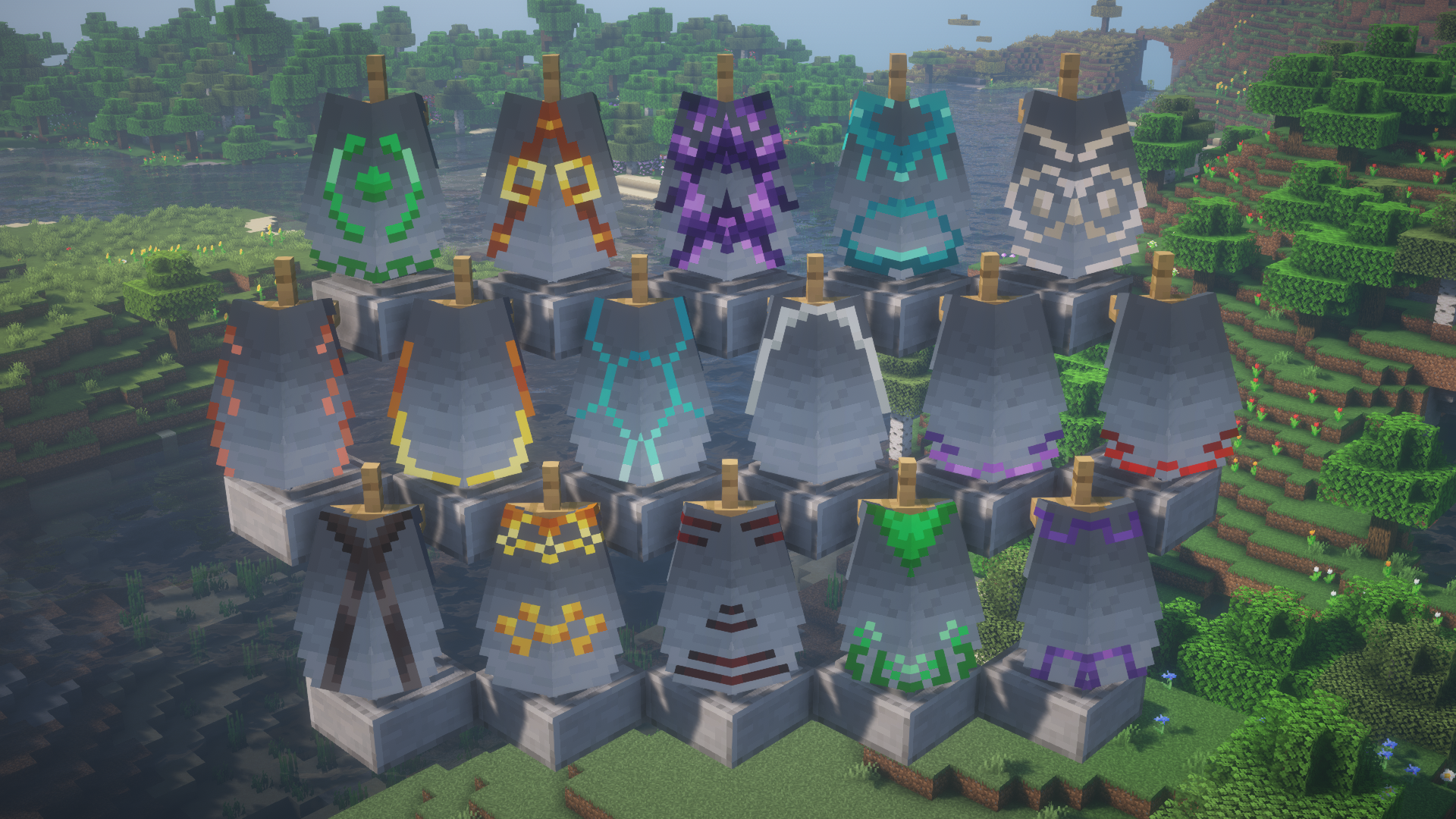
Additionally, you can replace the trim pattern in the recipe with a trial key to get access to even more elytras.
Note: this feature is currently only available on 1.21.10 and newer.
Banner patterns
Banners can be applied to elytras to show the patterns.
In the smithing table, combining elytra with a banner and either paper or leather will transfer
banner or shield patterns respectively.
Note: the patterns are applied without the base - you need to dye the elytra to add it.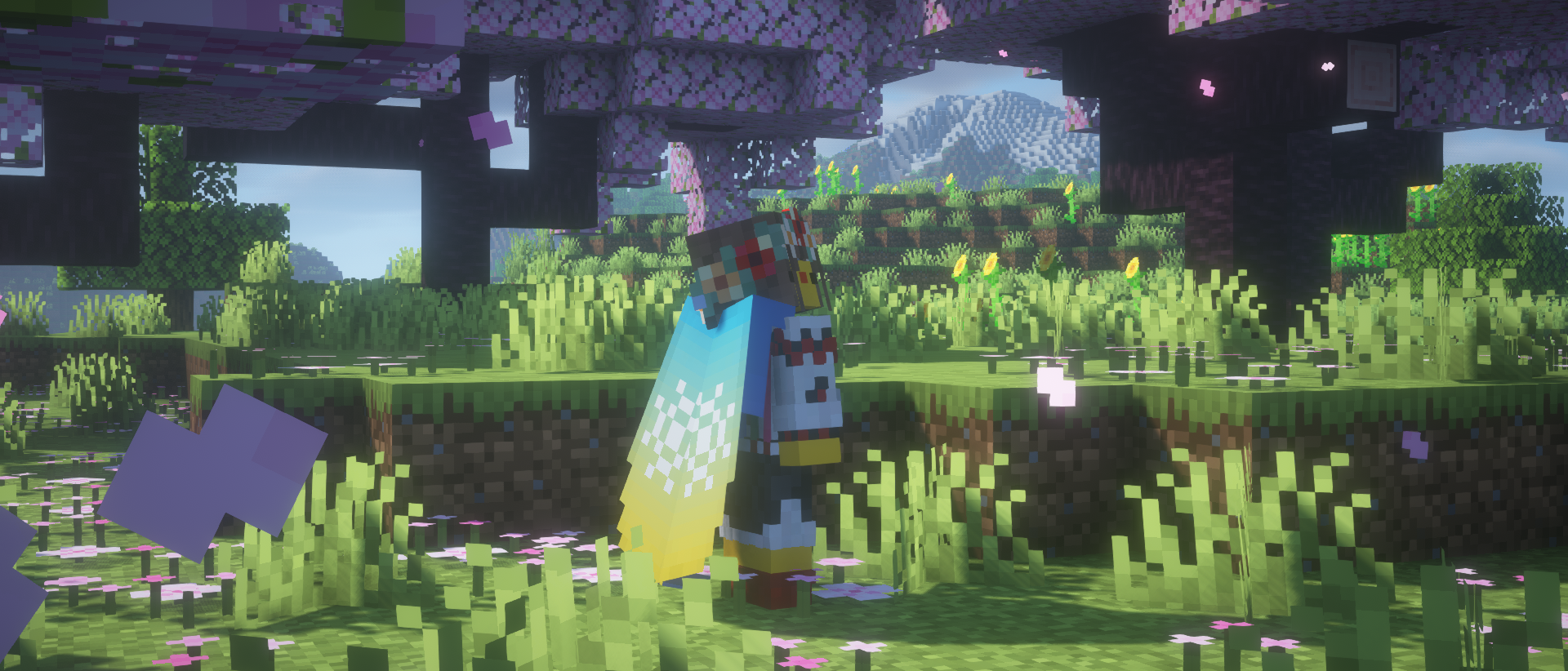
Dyeing
If you fancy something simplistic, dye your elytra however you want in a crafting table.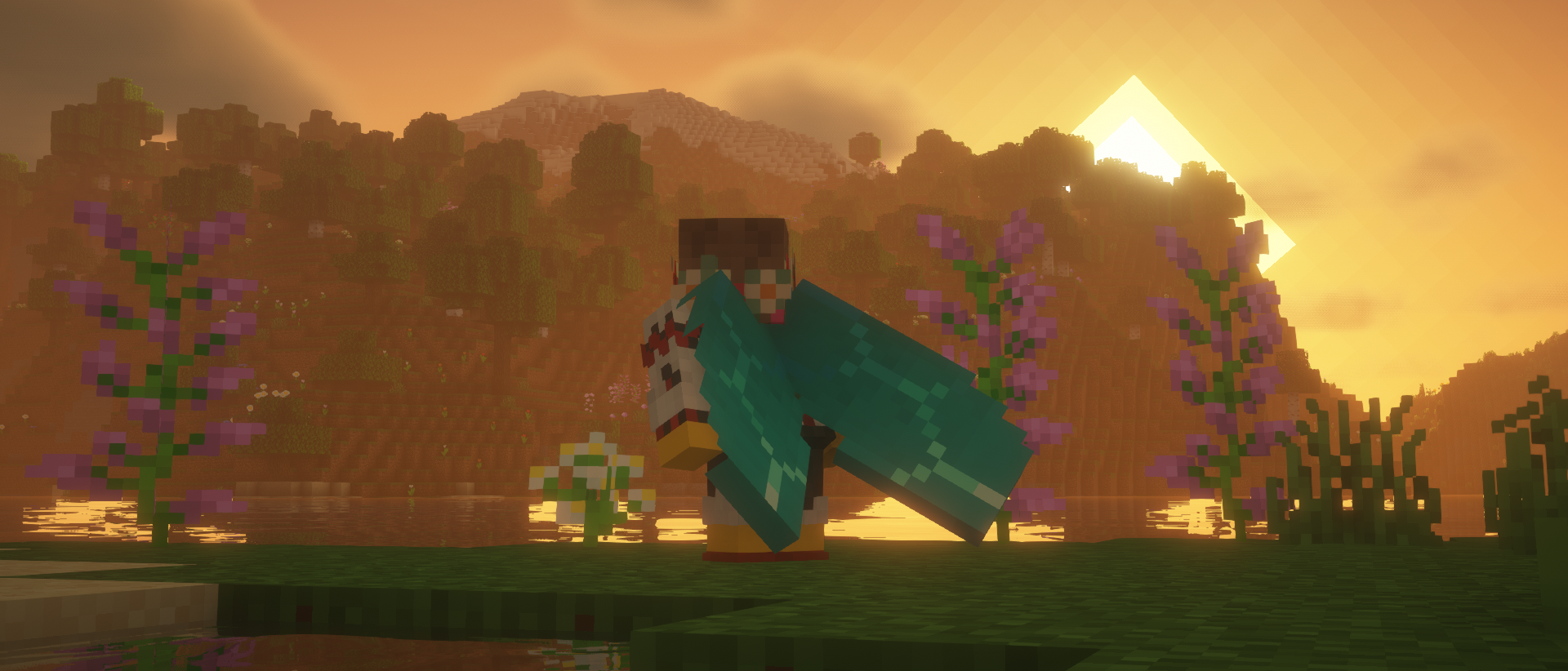
Glowing
Combine an elytra with a glow ink sac in the crafting table to make it glow!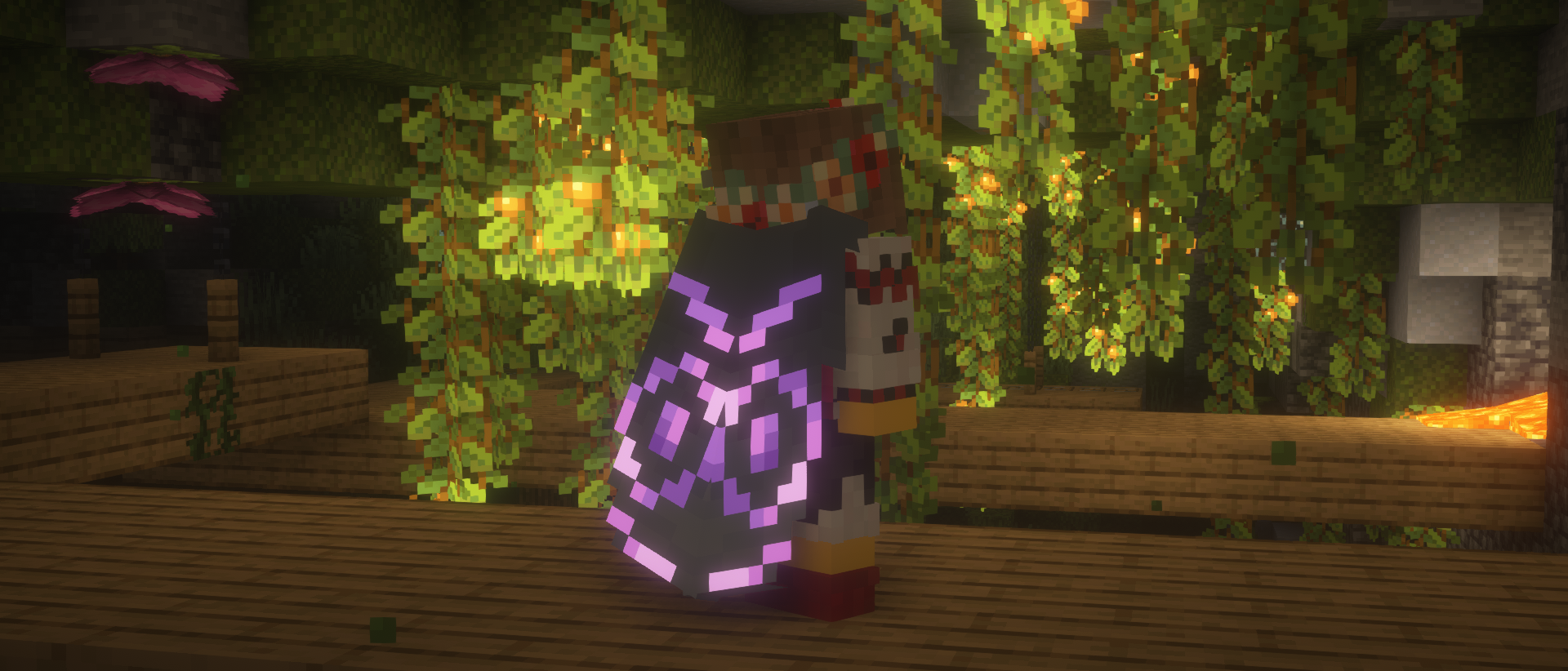
Cosmic effect
An expensive endeavor, but if you're willing to part with a nether star, you can apply a unique effect to your elytra.
Easter eggs
Elytra Trims has a couple secret recipes and interactions, which are best discovered by accident, so keep your eyes out!
Recipes
You can find the full information about Elytra Trims recipes on the wiki.
FAQ
Are there any conflicts with other mods?
- Customizable Elytra: overrides elytra renderer entirely.
- Kube JS: breaks elytra decoration recipes.
- Lunar/Feather Client: breaks elytra rendering.
I can't put trims/banners/dyes on the elytra!
Please check the following criteria:
- Elytra Trims is installed on the server with the correct mod loader.
- There aren't any conflicting mods installed.
- Recipes may differ across the updates, check the mod changelog page.
If nothing helps, please make an issue report.
I can't see the trims!
Please check the following criteria:
- You have Elytra Trims installed on the client with the correct mod loader.
- There aren't any conflicting mods installed.
If it's a trim provided by a mod or a datapack, it will need custom textures for the elytra.
Please make a trim request,
but be patient, as it takes creative work to make good trim designs.
If it's a non-vanilla elytra, it may need explicit support from Elytra Trims.
In this or other cases, please make an issue report.