Logo
MINECRAFTBIBLE
Items
Items

All game items

Blocks
Blocks

Building blocks

Mobs
Mobs

Creatures & monsters

Biomes
Biomes

World biomes

Structures
Structures

Generated structures

Recipes
Recipes

Crafting guides

Advancements
Advancements

Achievements

Loot Tables
Loot Tables

Drop rates

Tags
Tags

Item groupings

All Versions
View all data →
Capes
Cape ArchiveNEW

Browse rare Minecon capes, OptiFine capes, and custom capes from players worldwide

Browse

Player Database
Player DatabasePopular

Search any player

Skin Browser
Skin Browser

Browse & download skins

Cape Gallery
Cape GalleryNEW

Minecon & OptiFine capes

Seed Vault
Seed Vault

Curated seeds

Learn

Guides
GuidesNew

Tutorials & tips

Blog
Blog

News & updates

Community

Community Hub
Community HubHub

Posts, discussions & more

All Versions
View community →
Seed Analyzer
Seed Analyzer

World seed analysis

Loot Explorer
Loot Explorer

Drop rates

Crafting Calculator
Crafting Calculator

Material planning

Enchant Calculator
Enchant Calculator

Probability math

Redstone Lab
Redstone Lab

Signal timing

Trading Profit
Trading Profit

Villager ROI

All Versions
View all tools →
Mods
Mods

Browse all mods

Plugins
Plugins

Server plugins

Resource Packs
Resource Packs

Textures & sounds

Shaders
Shaders

Visual enhancements

Datapacks
Datapacks

World logic

Scanner
Mod Intelligence

Scan & analyze any mod

All Versions
View all mods →
Loading...
IntroductionIntroductionVersion HistoryVersion HistoryGuidesGuidesBlog & NewsBlog & News
ItemsItemsBlocksBlocksMobsMobsRecipesRecipesBiomesBiomesStructuresStructuresAdvancementsAdvancementsLoot TablesLoot TablesTagsTags
ModsModsPluginsPluginsResource PacksResource PacksShadersShadersDatapacksDatapacks

MinecraftBible

The Ultimate Wiki

Logo
MINECRAFTBIBLE

The ultimate Minecraft reference. Every item, block, mob, and recipe documented with precision.

Community

  • Skin Browser
  • Cape Gallery
  • Seed Vault
  • Blog
  • Guides

Database

  • Items
  • Blocks
  • Mobs
  • Recipes
  • Biomes
  • Structures

Tools

  • Seed Analyzer
  • Mod Intelligence
  • Crafting Calculator
  • Enchant Calculator

Mods & Packs

  • Mods
  • Plugins
  • Resource Packs
  • Shaders
  • Datapacks

Site & Legal

  • About
  • Authors
  • Editorial Policy
  • Corrections
  • Contact
  • Privacy Policy
  • Terms of Service
  • DMCA
  • Sitemap

© 2026 MinecraftBible. Not affiliated with Mojang or Microsoft.

PrivacyTermsContact
Designer Pack
ModCC-BY-NC-SA-4.0

Designer Pack

Design your builds directly inside your survival world without interference

676
Downloads
15
Followers
5 months ago
Updated
📦
25
Versions
managementutilityworldgendatapackfabricforgeneoforgequilt
Download Latestv2.3.0d+modView on Modrinth

📖About Designer Pack

💵 Help out the project:

Any small donation really helps me out maintaining these projects. It means a lot to me.
https://buymeacoffee.com/theblackswitch

👍 My other projects:

Also Check Out my other projects at theblackswitch.com!

The Logo

📝Pack Explanation:

Have you ever wanted to design something in your survival world but are you to lazy to save your world and switch to a creative world?
Or are you playing with friends on a server and want to design something together?
Well than I have the perfect solution for you: desginer pack!

Designer pack is a datapack which allows you to design a build directly in your survival playthrough!
This pack has 5 different types of super flat creative worlds where you can freely design your builds alone and together! Just type /trigger designer set <1-5> to go to the desired plot!
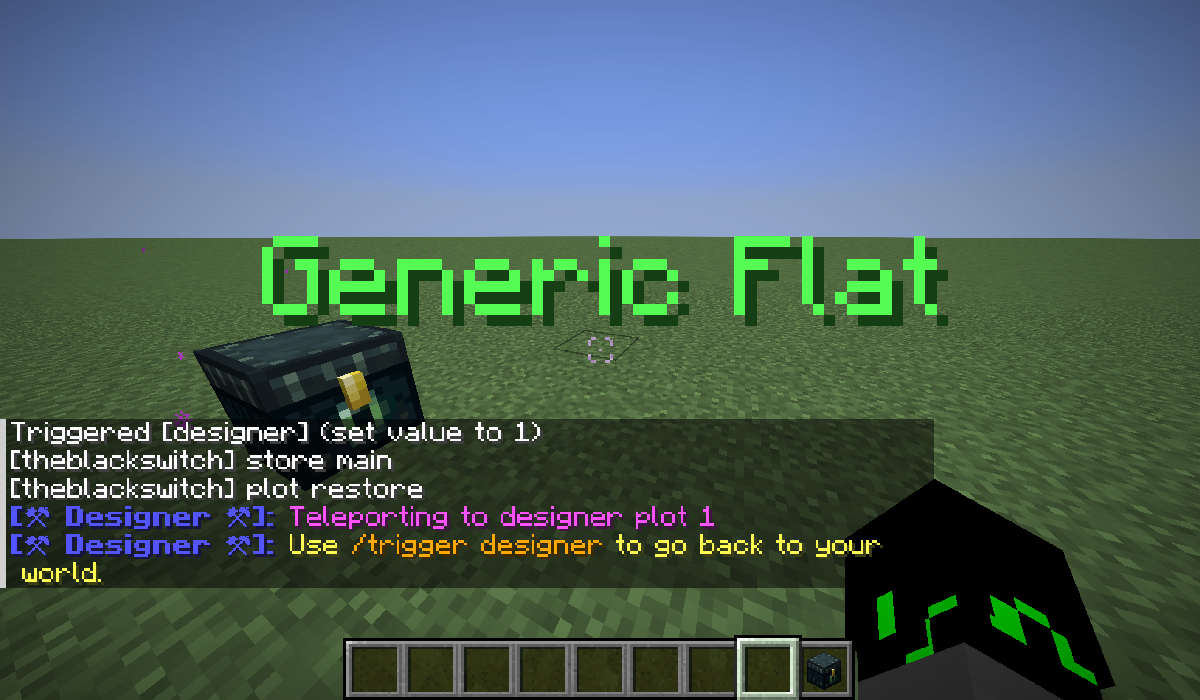
An image of the teleportation
Here is an overview of every world type and their plot number:

Plot World Type
Plot 1 Default Super Flat
Plot 2 Quartz World
Plot 3 Redstone Ready
Plot 4 Empty Void
Plot 5 Generic Overworld

And that without interfering with your survival world! When you trigger designer, your inventory will be stored aswell as your xp points! Then when you've decided to hop back into survival, your inventory and xp will be given back to you, even in the right slots!
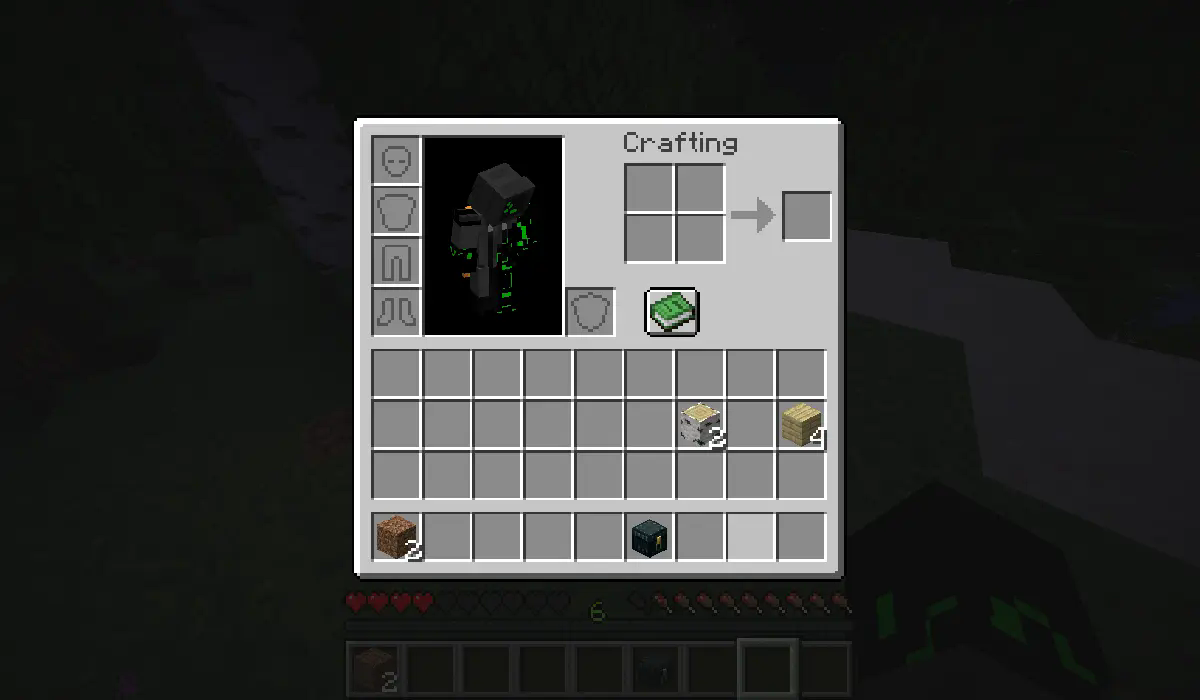
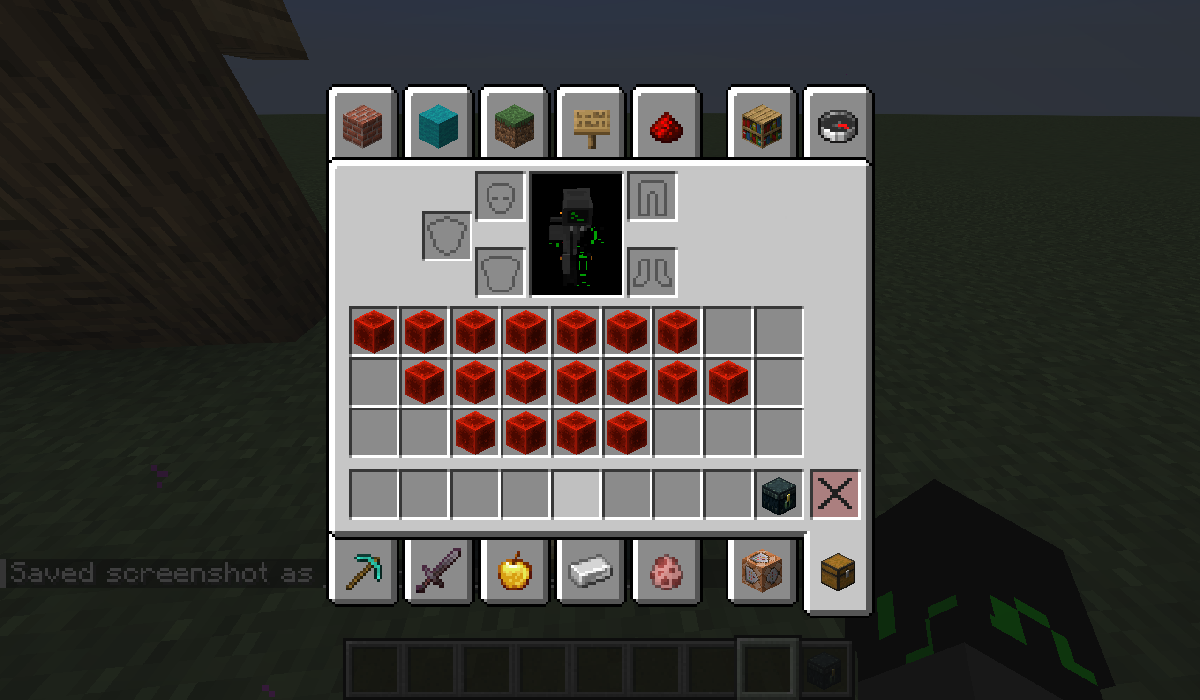
Inventory before teleportation (in my survival world):

Image

Inventory after teleportation (on my plot 1):

Image

⚙️Configs:

Designer pack also has a settings menu where you can change your gamemode on the plot and other settings like the visibility of the plot title by typing /trigger designer_config!

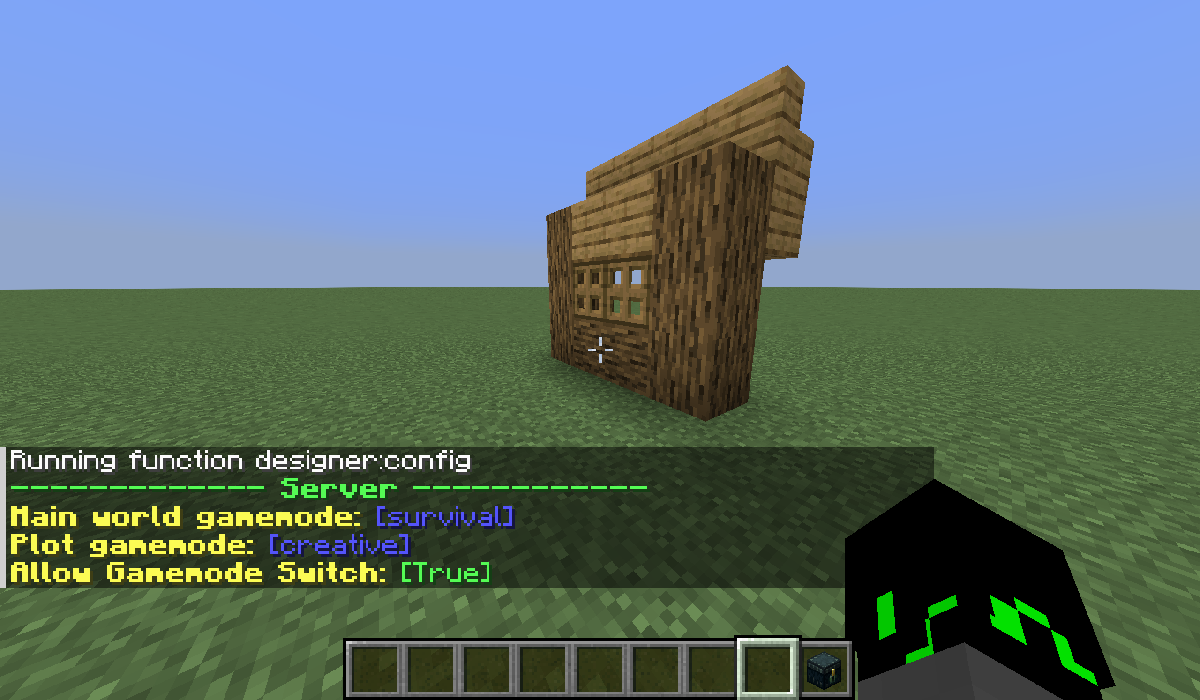
The operator can easily change the default gamemode on the main world or on plots! And disable players from changing their gamemodes on plots by typing /function designer:config!

In v2.3.0a the operator settings are integrated in the config menu accessed using trigger designer_config
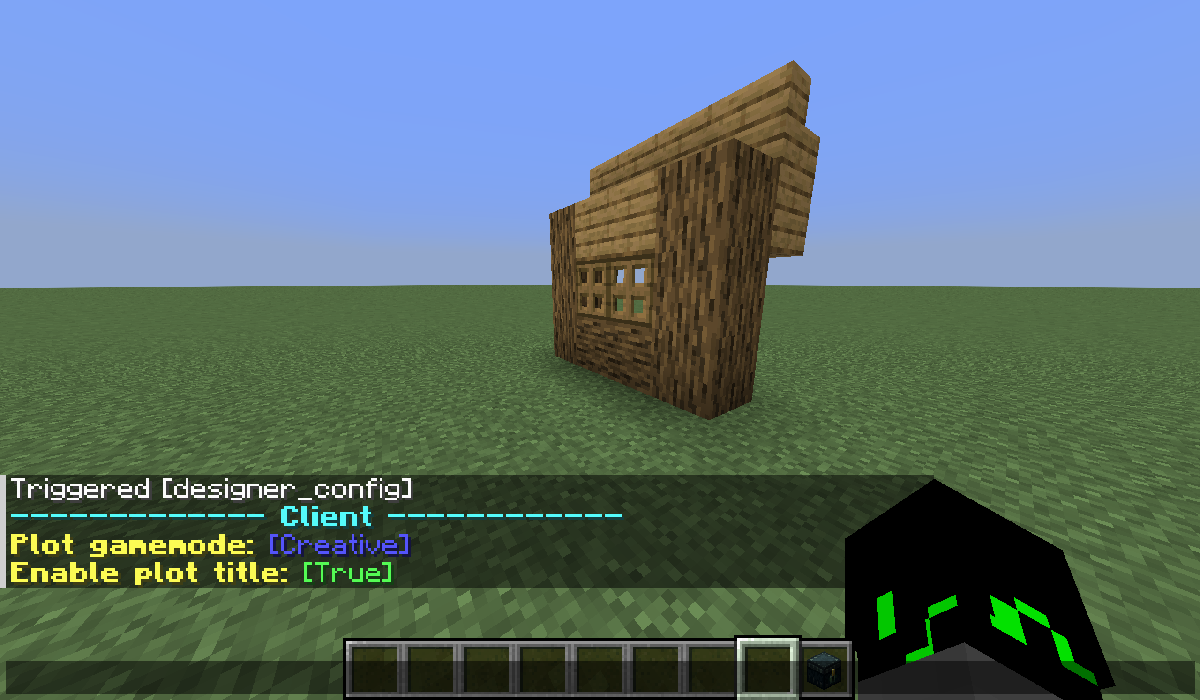
Client setting menu (individual per players):

Image

Server setting menu (common for every player) (can only be changed by the OP):

Image

❓Frequently Asked Questions:

Q: Can I use this pack in my modpack?

A: Yes ofcorse! Can you please credit me and link this page, it's really difficult to share datapacks :)

Q: Is this pack compatible with mod X?

A: Idk, try if any features don't work or you can bring items to the survival world, and comment to ask for any compat!

Q: Can you update this pack for version X?

A: I'm trying my best to update the pack to the newest versions, backports earlier than 1.18.2 are not possible. And as of V1.2 backports to earlier than minecraft 1.21 are also impossible.

✨Upcomming Features:

I've decided to put these features into a seporate datapack:

  • Something Like world edit: 
    • Fill command but for players without OP 
    • Easy Teleport command 
    • generic shape filler (like ball) 
    • Noise tool to easily create some variations in flat walls
  • Something like a schematic to easily bring your builds into your survival world
  • AND MUCH MORE! (but I don't have the ideas worked out decently yet :P)

🖥️Installation:

You basically have 2 options:

Download the mod version:
You need any of the supported mod loaders for this:

  1. dowload the file
  2. put it in your mods folder
  3. If you're on a server, you have to put it in the server's mods folder too!

Download the datapack version:
There is no need of any software, it runs on just vanilla and if you're on a server, your players don't need to install it.

  1. download the datapack version
  2. put it in you datapacks folder of your world: saves/<your_world>/datapacks/<put_the_file_here>

📜License:

Designer Pack © 2025 by theblackswitch is licensed under CC-BY-NC-SA

An exception is made for video content, which can be monetized. However, video creators must give appropriate credit by leaving a link to this page in the video

Additional condition: The content of this work, as a whole or in parts, may not be used for training, fine-tuning, or enhancement of artificial intelligence systems, machine learning models or similar technologies. This includes for commercial, non-commercial, educational, research, or personal projects.


👥 Team & Contributors

theblackswitch
theblackswitchOwner

⚙️ Compatibility

Environment
🖥️ Server-side
Loaders
datapackfabricforgeneoforgequilt
Minecraft Versions
1.21.61.21.71.21.81.21.91.21.101.21.11

🔗 Links

Modrinth Page