Logo
MINECRAFTBIBLE
Items
Items

All game items

Blocks
Blocks

Building blocks

Mobs
Mobs

Creatures & monsters

Biomes
Biomes

World biomes

Structures
Structures

Generated structures

Recipes
Recipes

Crafting guides

Advancements
Advancements

Achievements

Loot Tables
Loot Tables

Drop rates

Tags
Tags

Item groupings

All Versions
View all data →
Capes
Cape ArchiveNEW

Browse rare Minecon capes, OptiFine capes, and custom capes from players worldwide

Browse

Player Database
Player DatabasePopular

Search any player

Skin Browser
Skin Browser

Browse & download skins

Cape Gallery
Cape GalleryNEW

Minecon & OptiFine capes

Seed Vault
Seed Vault

Curated seeds

Learn

Guides
GuidesNew

Tutorials & tips

Blog
Blog

News & updates

Community

Community Hub
Community HubHub

Posts, discussions & more

All Versions
View community →
Seed Analyzer
Seed Analyzer

World seed analysis

Loot Explorer
Loot Explorer

Drop rates

Crafting Calculator
Crafting Calculator

Material planning

Enchant Calculator
Enchant Calculator

Probability math

Redstone Lab
Redstone Lab

Signal timing

Trading Profit
Trading Profit

Villager ROI

All Versions
View all tools →
Mods
Mods

Browse all mods

Plugins
Plugins

Server plugins

Resource Packs
Resource Packs

Textures & sounds

Shaders
Shaders

Visual enhancements

Datapacks
Datapacks

World logic

Scanner
Mod Intelligence

Scan & analyze any mod

All Versions
View all mods →
Loading...
IntroductionIntroductionVersion HistoryVersion HistoryGuidesGuidesBlog & NewsBlog & News
ItemsItemsBlocksBlocksMobsMobsRecipesRecipesBiomesBiomesStructuresStructuresAdvancementsAdvancementsLoot TablesLoot TablesTagsTags
ModsModsPluginsPluginsResource PacksResource PacksShadersShadersDatapacksDatapacks

MinecraftBible

The Ultimate Wiki

Logo
MINECRAFTBIBLE

The ultimate Minecraft reference. Every item, block, mob, and recipe documented with precision.

Community

  • Skin Browser
  • Cape Gallery
  • Seed Vault
  • Blog
  • Guides

Database

  • Items
  • Blocks
  • Mobs
  • Recipes
  • Biomes
  • Structures

Tools

  • Seed Analyzer
  • Mod Intelligence
  • Crafting Calculator
  • Enchant Calculator

Mods & Packs

  • Mods
  • Plugins
  • Resource Packs
  • Shaders
  • Datapacks

Site & Legal

  • About
  • Authors
  • Editorial Policy
  • Corrections
  • Contact
  • Privacy Policy
  • Terms of Service
  • DMCA
  • Sitemap

© 2026 MinecraftBible. Not affiliated with Mojang or Microsoft.

PrivacyTermsContact
Create: Garnished
ModMIT

Create: Garnished

A Create Mod Addon that adds different food items, mainly nuts.

509.4K
Downloads
218
Followers
5 months ago
Updated
📦
30
Versions
foodtechnologyfabricforgeneoforgequilt
Download Latestv2.1.7.b+1.20.1-forgeView on Modrinth

📖About Create: Garnished


mmc-reviews
curseforge
github
discord
kinetic_hosting

Available for Fabric & NeoForge!


If you're looking for the rework version, which completely removes previous content with smaller updates. - go here instead.

THIS MOD AND THE DEVELOPER BE GAY AND TRANS AF

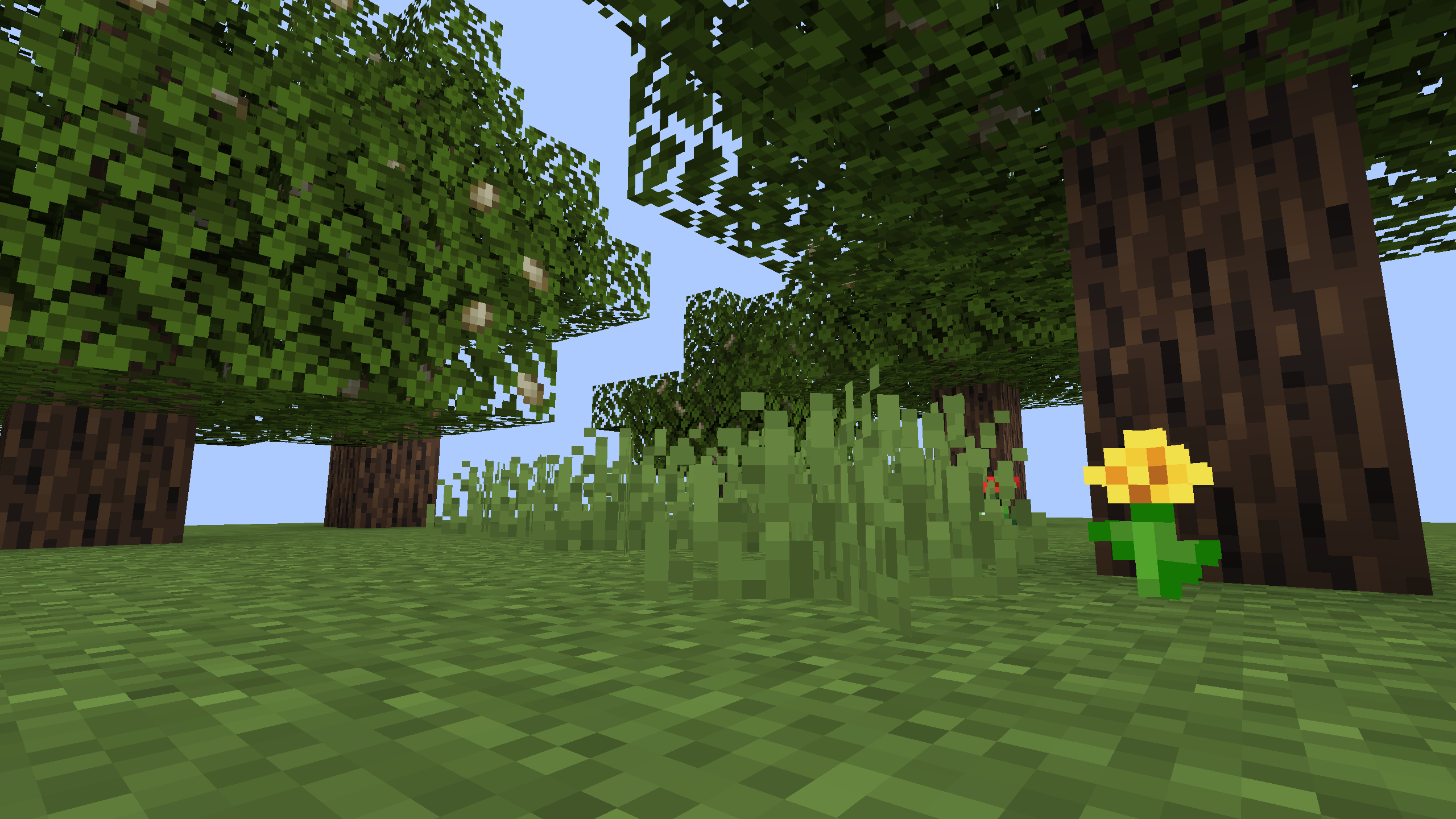
Scatterred across the Plains biome, you can find trees with unique leaves and logs that can provide you with nuts or a light green (it's lime, Minecraft) wood palette to build with. The leaves found on these trees in particular can provide a random nut out of the 9 different nut types: Almonds, Cashews, Pistachios, Macadamias, Pecans, Walnuts, Hazelnuts, Chestnuts, and Peanuts. Each of these nuts have their own unique uses which will be talked about later, but it's highly recommended to install a recipe viewer. Create: Garnished has built-in integration with JEI (Just Enough Items), but I'd personally recommend installing both JEI and EMI alongside each other. All of this to say that if you're playing the Create mod with addons, you've most likely already installed one of these, if not, both.
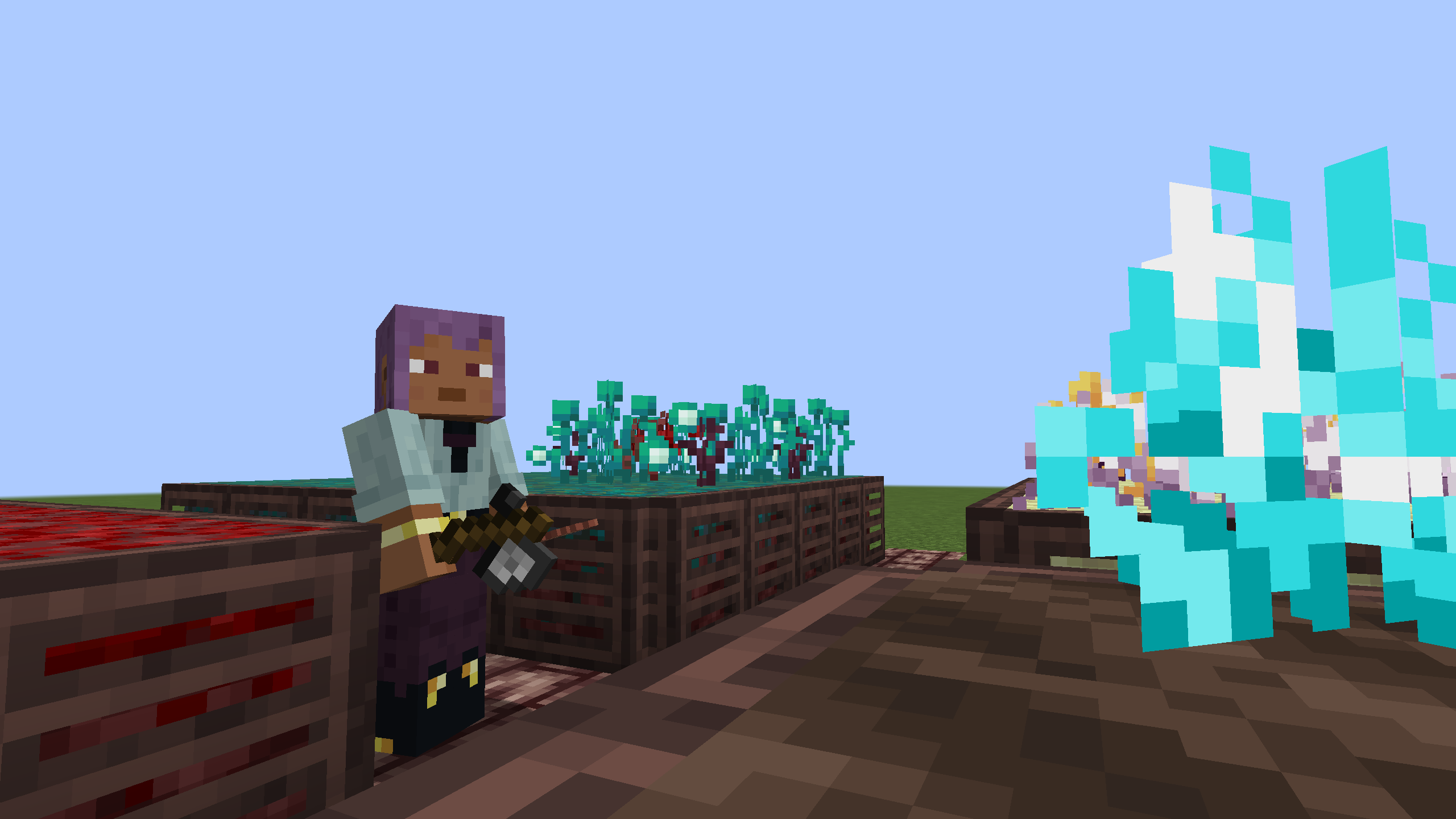
Found throughout the different nether biomes, the end dimension, and even some other overworld biomes, you can also find some unique vegetation that can be used as, again, either ingredients for your feasts or as decorative building blocks!
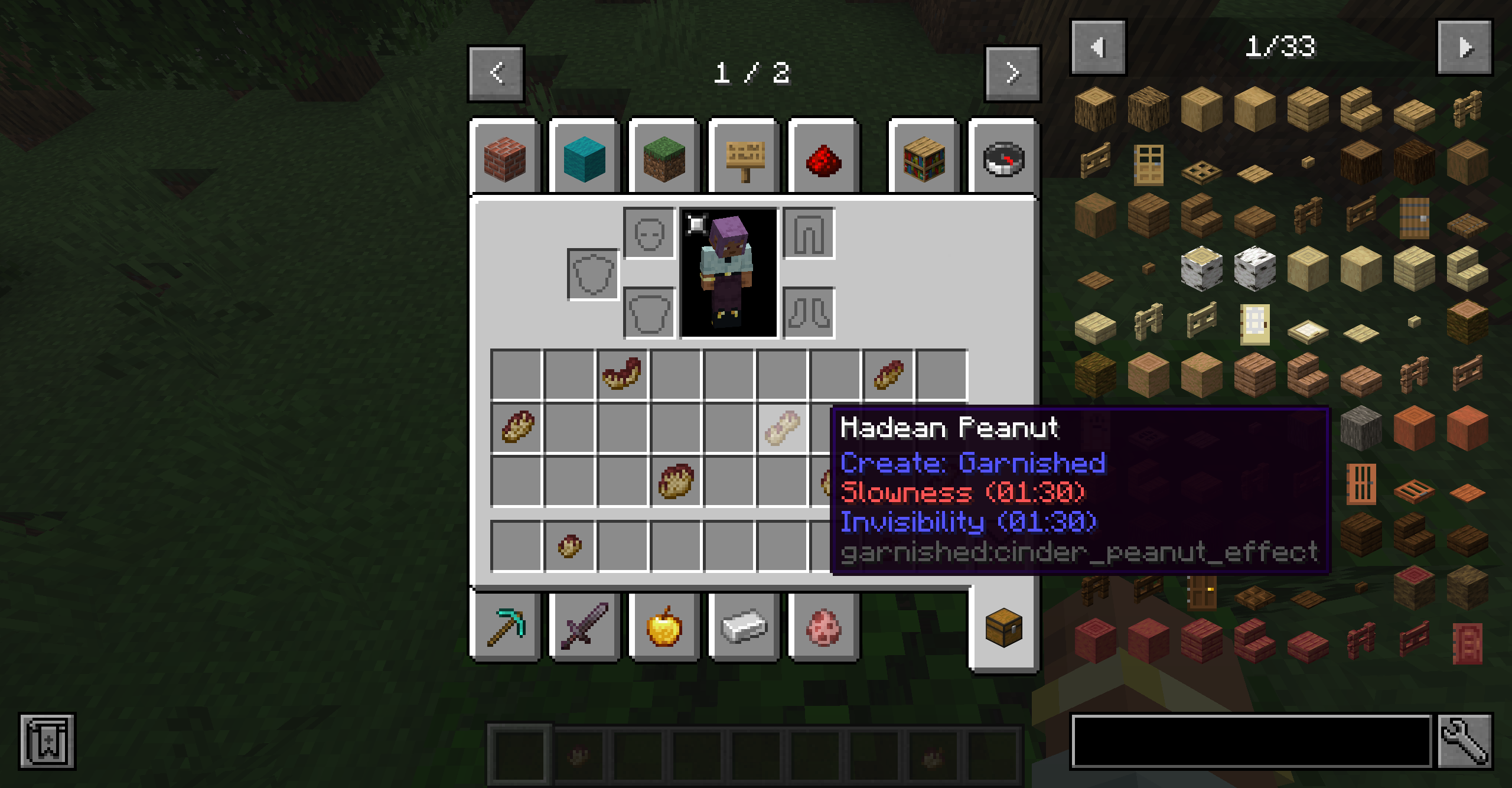
Eventually, with enough automation, you can create Hadean variants of the 9 nuts that provide different status effects, as shown in their tooltip. While, again, these nuts have other unique uses, I'm sure that you will use this feature more so than others.
Create: Garnished Wiki

Small Note about the Create: Garnished Wiki linked above: It's not received an update in a good while and will likely be fully discontinued. At some point, I do hope to make a proper wiki that has any information needed for the pre-rework version of Create: Garnished.

Contributors/Credits

Create: Garnished in DejojoTheAwsome's "15 Create 6.0 Addons You Need To Play!"

DejojoTheAwsome - Overview [v0.5, v0.8]

Create Dev Team - Original Mod Developers & Artists

Create Fabric Dev Team - Fabric Mod Developers & Artists

Available Versions

Minecraft 1.21/1.21.1 - Fabric/Neoforge - Supported (Fabric will be ported when Create Fabric updates)

Minecraft 1.20/1.20.1 - Fabric/Forge - up to v2.1.2 (Fabric will be ported when Create Fabric updates)

Minecraft 1.19/1.19.1/1.19.2 - Fabric/Forge - up to v2.0.2

Minecraft 1.18/1.18.1/1.18.2 - Fabric/Forge - up to v1.7.4

Dependencies in 1.21+

Requires Fabric API on Fabric (Currently not supported on Fabric just yet)

Requires Create Fabric on Fabric (Currently not supported on Fabric just yet)

Requires Create on Neoforge (Currently not supported on Fabric just yet)

👥 Team & Contributors

DakotaPrideModding
DakotaPrideModdingOwner

⚙️ Compatibility

Environment
✅ Client & Server
Loaders
fabricforgeneoforgequilt
Minecraft Versions
1.201.20.1

🔗 Links

Modrinth Page