MINECRAFTBIBLE
Loading...


A library mod that allows users utilize datapacks to modify biomes easily and compatibly.

This is a library mod that allows users utilize datapacks to modify biomes easily and compatibly.
We all know that for Forge modpacks, developers can utilize the following example to modify biomes:
{
  "type": "forge:add_features",
  "biomes": "#forge:is_plains",
  "features": [
    "emeraldcraft:wild_cabbage",
    "emeraldcraft:wild_chili"
  ],
  "step": "vegetal_decoration"
}
Let's make this work for Fabric!
Datapack developers should put all biome modifiers (with format *.json) on data/<modid>/biome_modifiers/ directory. With this mod, all biome modifiers will be applied on each biome.
All biome modifiers should follow this format:
{
  "type": "<modifier type>",
  "biomes": "<registry name of a single biome/list of registry names of biomes/a tag of biomes>",
  "priority": priority,
  "<other keys...>": "<other values...>"
}
Where type stands for the type of biome modifiers, and biome stands for all biomes to be modified.
Notice that priority field is optional. The smaller it is, the earlier it will be applied to the biomes (for example, modifiers with priority 99 will be applied earlier than modifiers with priority 100). The default value is 1000.
We provide 9 different types of biome modifiers currently:
This type allows developers to replace other biome modifiers in other datapacks.
{
  "type": "biome_modifier:none"
}
This biome modifier adds all placed features mentioned in features field to target biomes.
If any placed feature is missing from the registry, an error will be logged (won't crash the game with safe mode).
{
  "type": "biome_modifier:add_features",
  "biomes": "<registry name(s) of biomes>",
  "features": "<registry name of a single feature/list of registry names of features>",
  "step": "<step of decoration generation>"
}
This biome modifier removes all placed features mentioned in features field from target biomes.
If any placed feature is missing from the target biomes, a warning will be logged and won't crash the game.
If any placed feature is missing from the registry, an error will be logged (won't crash the game with safe mode).
{
  "type": "biome_modifier:remove_features",
  "biomes": "<registry name(s) of biomes>",
  "features": "<registry name of a single feature/list of registry names of features>",
  "step": "<step of decoration generation>"
}
This biome modifier adds all entity spawns mentioned in spawns field to target biomes.
If any entity type is missing from the registry, an error will be logged (won't crash the game with safe mode).
{
  "type": "biome_modifier:add_spawns",
  "biomes": "<registry name(s) of biomes>",
  "spawners": [
    {
      "type": "<registry name of a single entity type>",
      "weight": weight,
      "minCount": minCount,
      "maxCount": maxCount
    }
    //If you only add one spawner, you can also replace the list with the only object.
  ]
}
This biome modifier removes all entity spawns mentioned in entity_types field from target biomes.
If any entity type is missing from the target biomes, a warning will be logged and won't crash the game.
If any entity type is missing from the registry, an error will be logged (won't crash the game with safe mode).
{
  "type": "biome_modifier:remove_spawns",
  "biomes": "<registry name(s) of biomes>",
  "entity_types": [
    "<registry name of a single entity type>"
    //If you only remove one spawner, you can also replace the list with the only string.
  ]
}
This biome modifier adds all entity spawns mentioned in spawn_costs field to target biomes.
Unlikely to biome_modifier:add_spawns, this modifier adds spawns to spawn costs (aka. spawn potential, spawn density).
If any entity type is missing from the registry, an error will be logged (won't crash the game with safe mode).
{
  "type": "biome_modifier:add_spawn_costs",
  "biomes": "<registry name(s) of biomes>",
  "spawn_costs": {
    "<registry name of a single entity type>": {
      "charge": charge,
      "energy_budget": energy_budget
    }
  }
}
This biome modifier removes all entity spawns mentioned in entity_types field from target biomes.
Unlikely to biome_modifier:remove_spawns, this modifier removes spawns to spawn costs (aka. spawn potential, spawn density).
If any entity type is missing from the target biomes, a warning will be logged and won't crash the game.
If any entity type is missing from the registry, an error will be logged (won't crash the game with safe mode).
{
  "type": "biome_modifier:remove_spawn_costs",
  "biomes": "<registry name(s) of biomes>",
  "entity_types": [
    "<registry name of a single entity type>"
    //If you only remove one spawner, you can also replace the list with the only string.
  ]
}
This biome modifier adds all carvers mentioned in carvers field to target biomes.
If any carver is missing from the registry, an error will be logged (won't crash the game with safe mode).
{
  "type": "biome_modifier:add_carvers",
  "biomes": "<registry name(s) of biomes>",
  "carvers": "<registry name of a single carver/list of registry names of carvers>",
  "step": "<step of carver generation>"
}
This biome modifier removes all carvers mentioned in carvers field from target biomes.
If any carver is missing from the target biomes, a warning will be logged and won't crash the game.
If any carver is missing from the registry, an error will be logged (won't crash the game with safe mode).
{
  "type": "biome_modifier:remove_carvers",
  "biomes": "<registry name(s) of biomes>",
  "carvers": "<registry name of a single carver/list of registry names of carvers>",
  "step": "<step of carver generation>"
}
We provide 3 example datapacks for our mods:
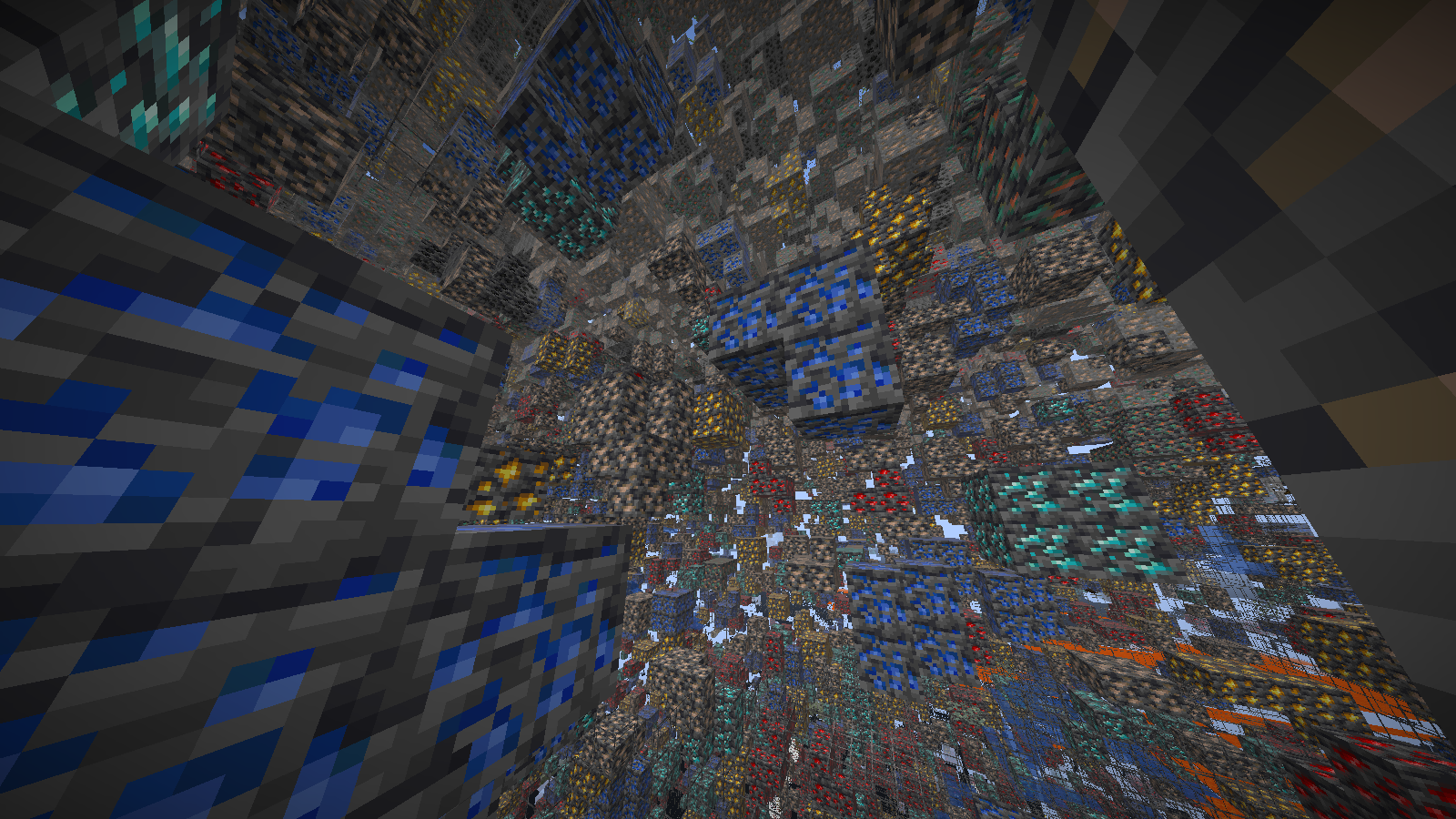
This datapack adds extra ore blocks to the overworld.
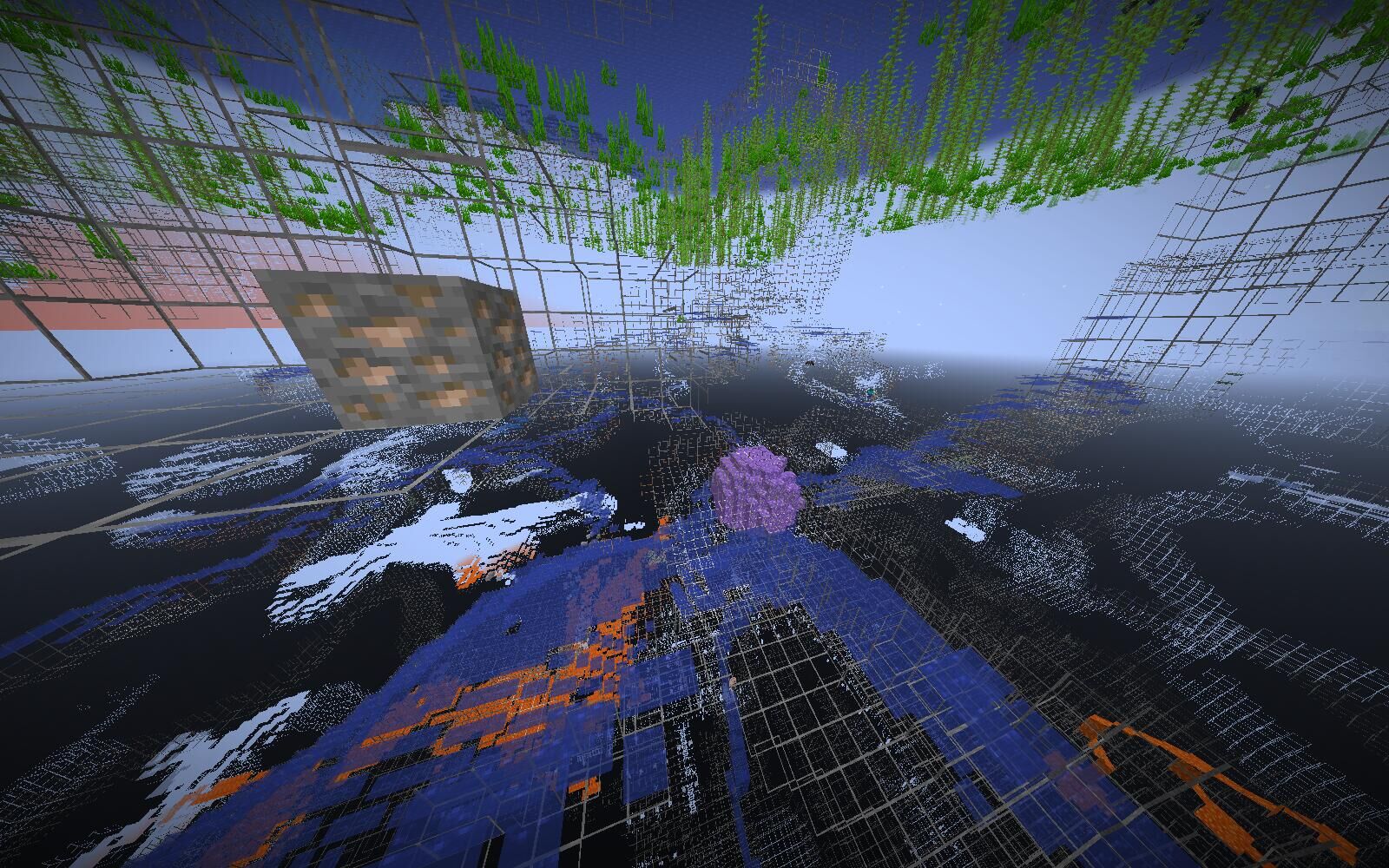
This datapack removes all ore blocks to the overworld, and only keeps ore veins for players to obtain ores.
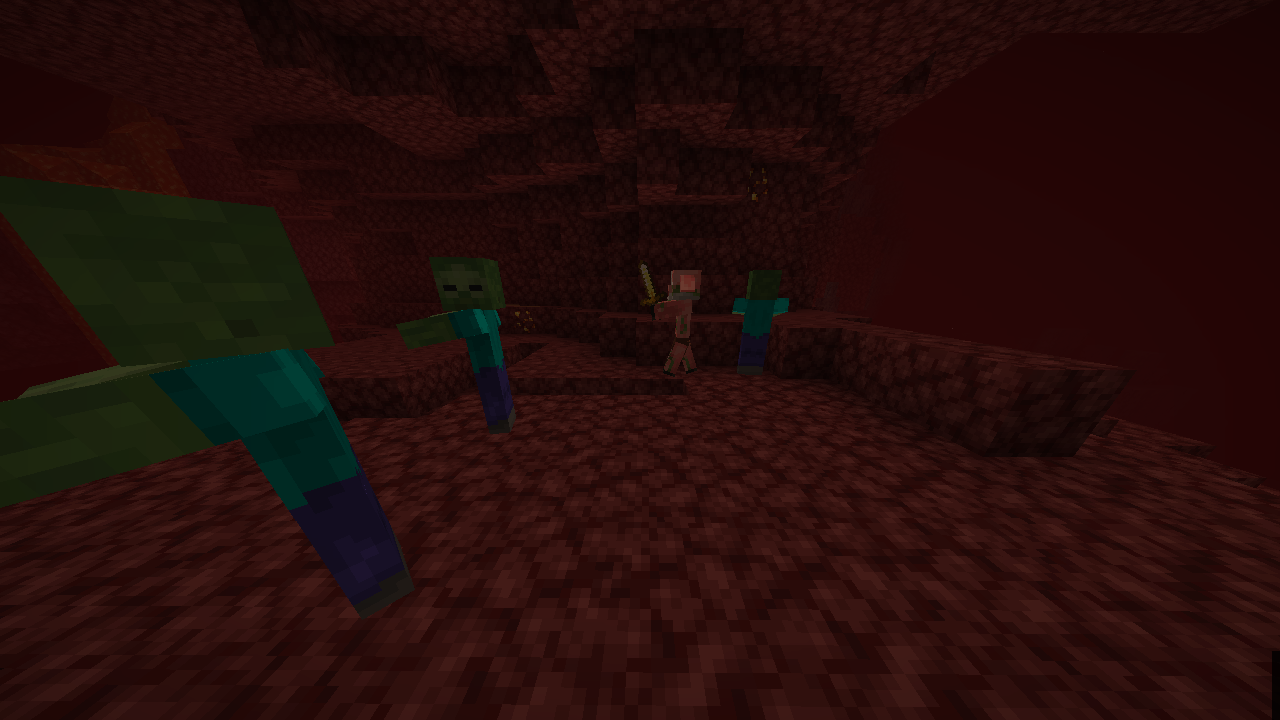
This datapack makes zombie able to spawn in the nether.