
MINECRAFTBIBLE
Loading...

A mod that adds a variety of customizable clothing and accessories

Atelier adds all kinds of clothing, armor, and accessories to the game. Some of them are purely aesthetic and can be used for role-playing, while others have useful purpose. What distinguishes it from other similar mods is its wide range of customization options. Almost all items from the mod can be dyed, and some of them can be further enhanced with additional attachments. The mod is in the early development so expect bugs.
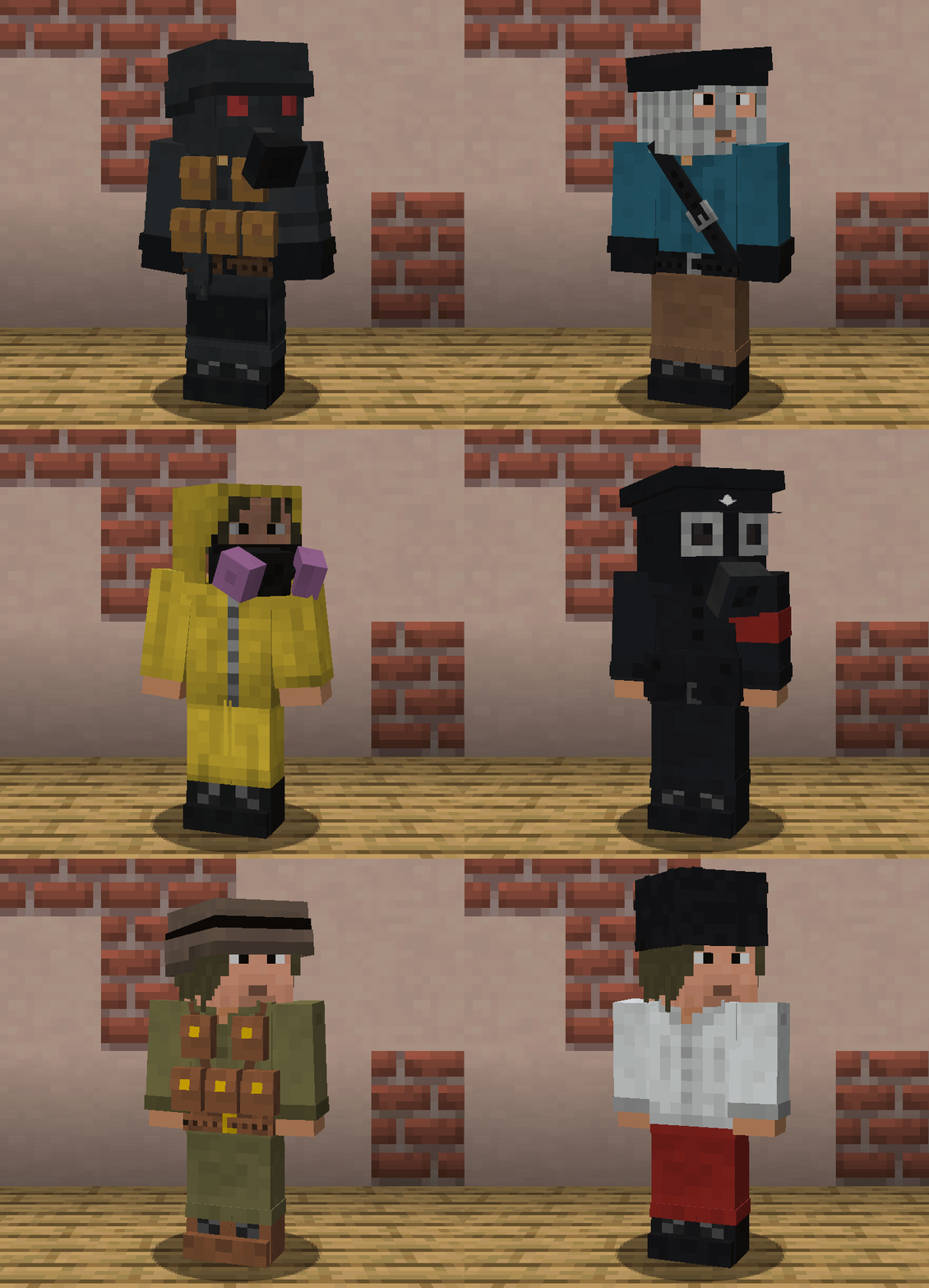
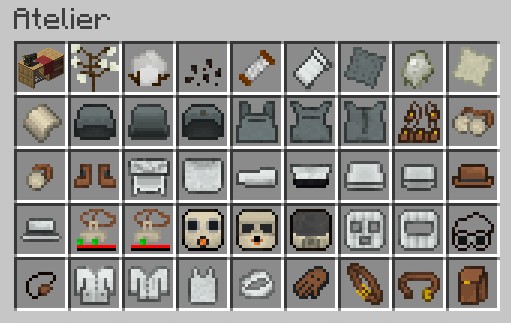
To obtain most items from this mod in survival mode you will need to make a Sewing Table

To craft an item, you must select a recipe from the recipe list and place the required items in the appropriate ingredient slots

Some items will require fabric, which is made out of cotton. To obtain cotton, you must either find Wild Cotton or, if you have Cotton Seeds, grow it like any other crop. Wild Cotton can be found in Savanna. If TerraBlender is installed, you have a chance of finding Cotton Field biome

Some items have slots for modules (gasmasks, belt, vests etc) while other have storage slots (pouch, webbing, sling, holster). To insert or remove item from such slot just select the right slot with Mouse Scroll Wheel and Right Click it. Note that some slots are designated only for certain items
Many items have multiple color layers. To change each layer individually, put an item in the Sewing Table result slot, choose correct color layer in the selector menu and put dye in the ingredients slots. To apply color, just pick the item from the slot
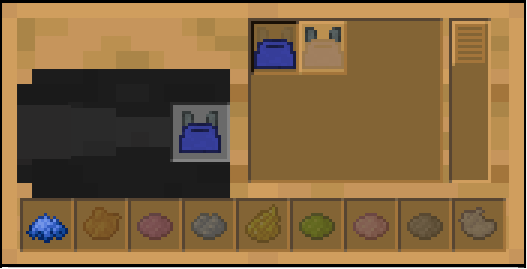
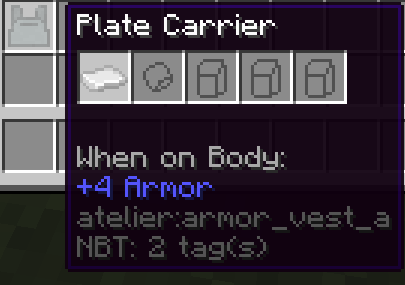
Armor plates can be eqquiped in corresponding slot that appears if armor vest is worn. If Warium is installed, they protect from Warium's firearms, and if not, then against arrows. Support for other mods that add firearms is coming in future updates. Any item can become armor plate via a datapack. You can refer to how existing plates are added by checking data\atelier\atelier\armor_plates inside the mod. Chestplates from other mods or vanilla can become capable of storing armor plates by adding them to atelier:plate_carriers tag
Gasmasks by themself don't affect player in any way. However, gasmasks have a filter slot. Gas filters can protect player from obtaining certain effect. There are 2 types of filters: basic and advanced. The only difference between them is how long they can be used before they become depleted.
In order for the filter to protect against some effect, it must first be prepared using the Milk Bucket

After that, you need to treat the filter with the potion it is supposed to protect against

Some items of clothing unlock slots for patches when worn. These slots can be used to store banners, which are displayed as patches in specific locations on the clothing

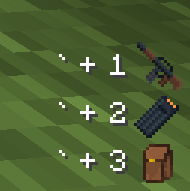
When wearing certain items, you will notice a GUI in the right bottom corner of the screen (position can be changed in the config). This GUI shows what items can be quickly swapped with item in your main hand. To do that, you should press Quick Access keybind (` by default) and the number representing this Quick Access slot
Equipped pouches can become deadly weapon, but this comes at a price. If items included in atelier:can_detonate or atelier:can_detonate_fire tags (e.g. TNT) are inside the pouches that are currently equipped on you, Detonator can be used to blow yourself up. Block destruction as a result of such an explosion can be disabled, and the power of the explosion can be limited in the server config.
You can get support, report bugs or make sugestions on Github Issues or The Main Union Discord server, where I will also share information about upcoming updates